
Motex E101 Label Tape Spool Replacement

Sebastian and one other contributor
Last updated on May 23, 2023
Views: 518
View statistics:
- Past 24 Hours:
- 2
- Past 7 Days:
- 11
- Past 30 Days:
- 63
- All Time:
- 518
Comments: 0
No one has left comments on this guide. Will you be first?
Go to guide commentsCompleted: 1 2
1 person has marked this guide "completed." Will you be next?
2 people have marked this guide "completed." Including you — great job!
Favorites: 0 1
No one has favorited (and subscribed to) this guide. Will you be the first?
1 person has favorited (and subscribed to) this guide — and that's you!
Bullets!
Better coordination with markups and the color/type of bullets will help make this guide more clear!
Community-Contributed Guide
An awesome member of our community made this guide. It was not created by iFixit staff.
Introduction
Go to step 1 ↓As you may already know, the Motex E101 is a popular label maker that is commonly used for home and office labeling needs. While the device is durable and reliable, replacing the label tape spool can be a tricky task, if the current spool is not yet empty. However, with the right tricks, you can easily replace the label tape spool of your Motex E101 label maker and continue creating labels without any interruption.
What you need


 Ask FixBot


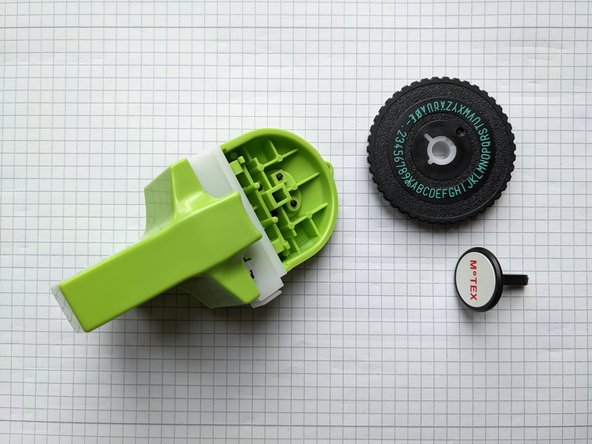

To reassemble your device, follow these instructions in reverse order.
Cancel: I did not complete this guide.
One other person completed this guide.

