
Moosoo XL-618A Motor Replacement

Ashtyn Hansen and 4 other contributors
Last updated on Dec 29, 2023
Views: 1.7K
View statistics:
- Past 24 Hours:
- 8
- Past 7 Days:
- 22
- Past 30 Days:
- 71
- All Time:
- 1,661
Comments: 3
3 guide comments.
Go to guide commentsCompleted: 2 3
2 people have marked this guide "completed." Will you be next?
3 people have marked this guide "completed." Including you — great job!
Favorites: 0 1
No one has favorited (and subscribed to) this guide. Will you be the first?
1 person has favorited (and subscribed to) this guide — and that's you!
Introduction
Go to step 1 ↓If you are hearing any high-pitched noises or having any suction issues while using the floor brush attachment, you may have a loose motor connection to the floor brush. The motor in the floor brush attachment of the vacuum powers the floor brush and the suction. Here is a guide on how to replace the motor in the Moosoo XL-618A vacuum.
What you need
Tools

-
-
-
Remove the eight 11 mm screws on the bottom of the vacuum with the Phillips #1 screwdriver.
 Ask FixBot
-
-
-
-
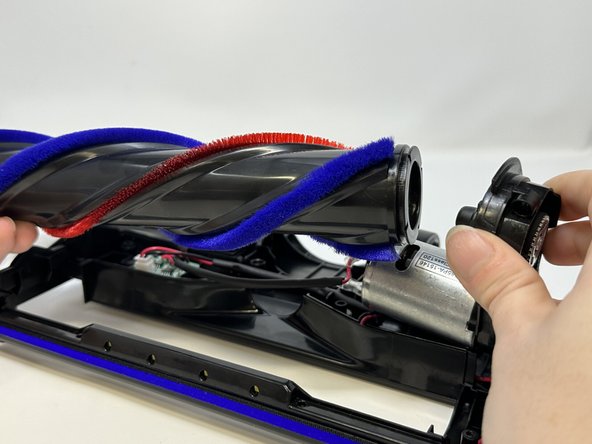
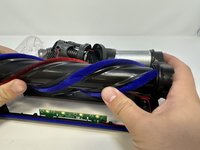
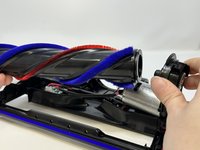
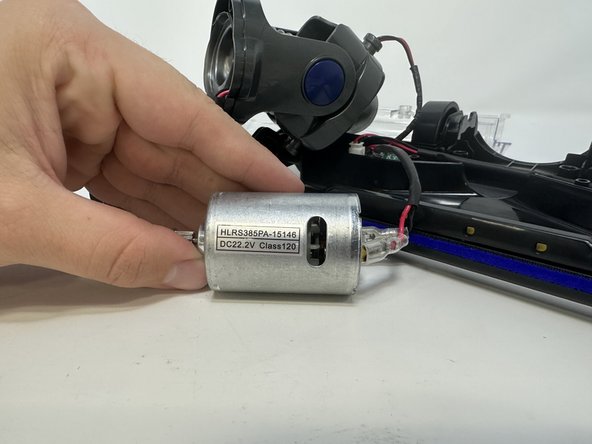
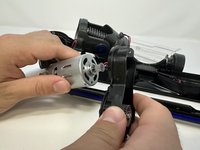
Take the motor and floor brush out of their slot and pull the floor brush off of the motor.
-
-
-
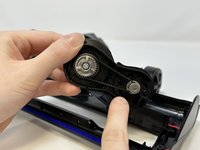
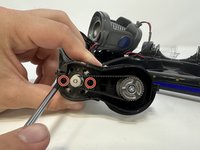
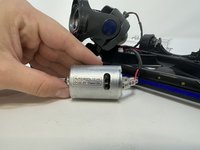
Remove the two 9 mm screws with the Phillips #1 screwdriver and pull the plastic piece off of the motor.
-
-





To reassemble your device, follow these instructions in reverse order.
Cancel: I did not complete this guide.
2 other people completed this guide.

Team

Utah Tech University, Team 1-1, McMurrin Fall 2023 Member of Utah Tech University, Team 1-1, McMurrin Fall 2023
UTAHTECH-MCMURRIN-F23S1G1
3 Members
72 Guides authored
3 Guide Comments
Where do I get the motor? HLRS355PA-15146 class 120? Moosoo model 618Pro
Model XL 618pro
