Introduction
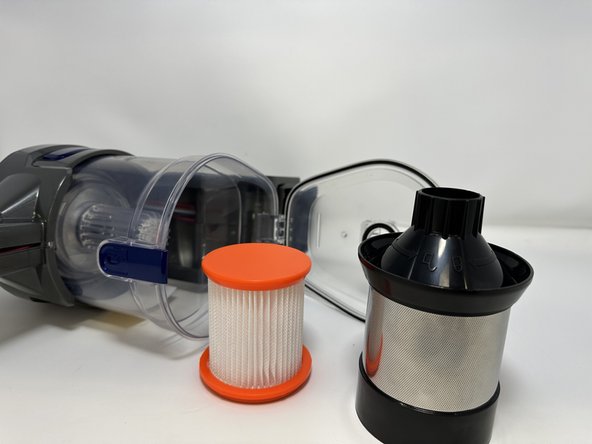
The HEPA (High-Efficiency Particulate Air) filter is a filter inside the microscreen filter in the dust seal of the vacuum that separates the dust particles from the dirt and grime. This filter needs to be replaced when it gets too dirty or damaged. Moosoo XL-618A troubleshooting recommends a replacement every two months. The first HEPA filter replacement comes with your initial purchase of the vacuum. After using this replacement, any subsequent filter replacements will need to be bought separately as needed. Here is a guide to replace the filter.
-
-
-
Press the blue button on the exterior of the device to open the hatch.
 Ask FixBot
-
-
-
-


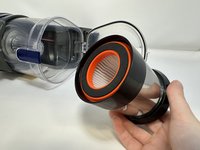
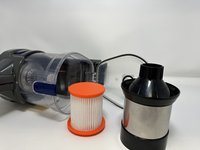
To reassemble your device, follow these instructions in reverse order.

Team

Utah Tech University, Team 1-1, McMurrin Fall 2023 Member of Utah Tech University, Team 1-1, McMurrin Fall 2023
UTAHTECH-MCMURRIN-F23S1G1
3 Members
66 Guides authored
