Free Shipping on Domestic Orders $75+

Monster Soundstage S2 Front Speakers Replacement

What you need

    1. Monster Soundstage S2 Front Speakers Replacement, Speaker Grille: step 1, image 1 of 2 Monster Soundstage S2 Front Speakers Replacement, Speaker Grille: step 1, image 2 of 2
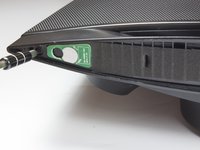
      • Use a spudger or your fingers to pry off and remove the rubber pad on the bottom of the speaker.

      Ask FixBot

      Add Comment

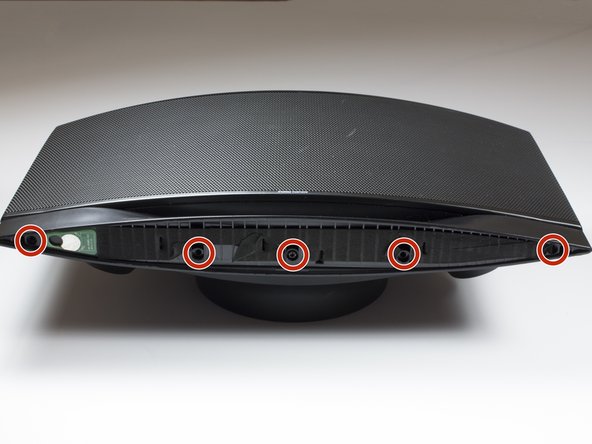
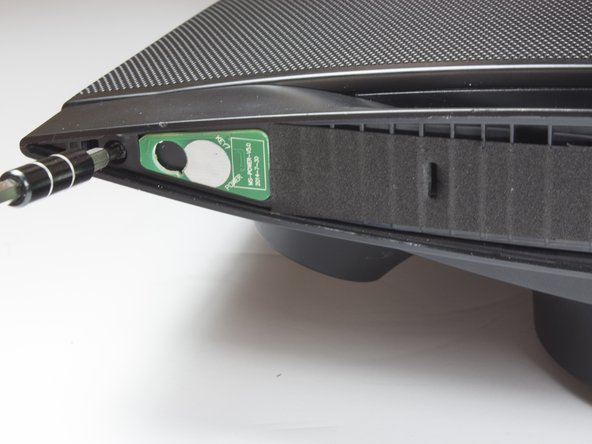
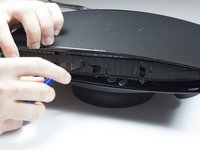
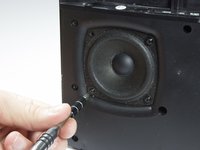
    2. Monster Soundstage S2 Front Speakers Replacement: step 2, image 1 of 3 Monster Soundstage S2 Front Speakers Replacement: step 2, image 2 of 3 Monster Soundstage S2 Front Speakers Replacement: step 2, image 3 of 3
      • Remove the five 10mm screws with a TR 10 screwdriver.

      • Use a spudger to break the remaining adhesive holding the grille to the speaker body.

      • Be sure you don't bend the grille; it is not free from the speaker yet.

      Ask FixBot

      Add Comment

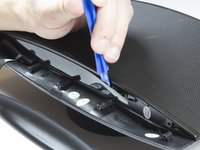
    3. Monster Soundstage S2 Front Speakers Replacement: step 3, image 1 of 1
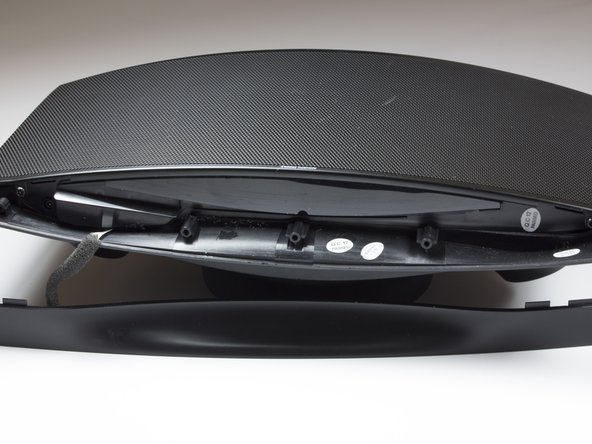
      • Flip speaker around and use a plastic opening tool to remove the top panel from the speaker.

      Ask FixBot

      Add Comment

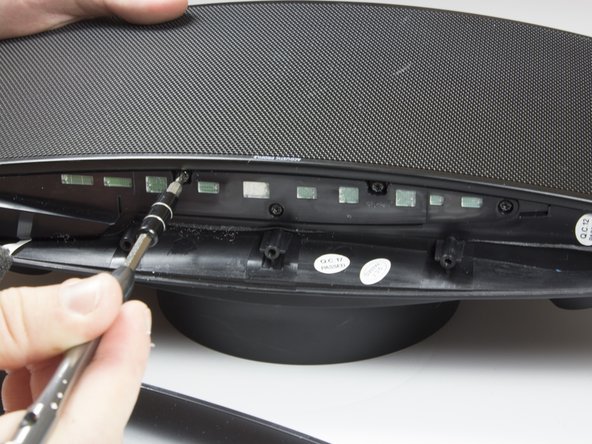
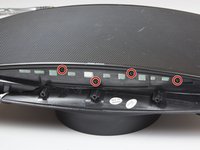
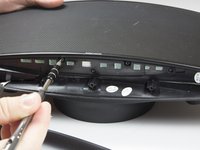
    4. Monster Soundstage S2 Front Speakers Replacement: step 4, image 1 of 3 Monster Soundstage S2 Front Speakers Replacement: step 4, image 2 of 3 Monster Soundstage S2 Front Speakers Replacement: step 4, image 3 of 3
      • Use a plastic opening tool to remove the foam and uncover four more screws.

      • Use a TR 10 screwdriver to remove the five 10mm screws on the top of the speaker.

      Ask FixBot

      Add Comment

    5. Monster Soundstage S2 Front Speakers Replacement: step 5, image 1 of 2 Monster Soundstage S2 Front Speakers Replacement: step 5, image 2 of 2
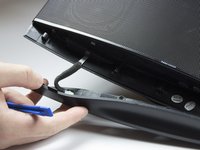
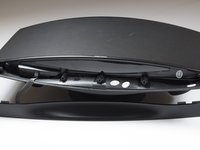
      • Carefully remove the top cover.

      • Be careful not to tear or stress the cable that provides power to the power LED.

      Ask FixBot

      Add Comment

    6. Monster Soundstage S2 Front Speakers Replacement: step 6, image 1 of 2 Monster Soundstage S2 Front Speakers Replacement: step 6, image 2 of 2
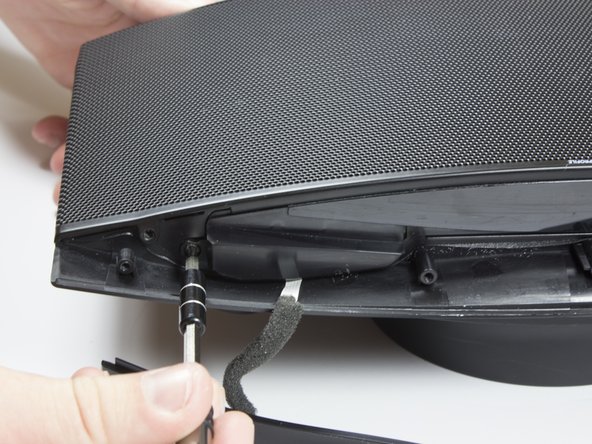
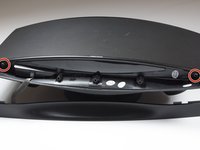
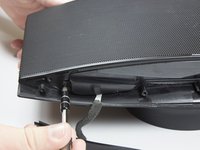
      • Use a TR 10 screwdriver to remove two of the 10mm screws that secure the speaker grille.

      • Do not attempt to remove the grille just yet.

      Ask FixBot

      Add Comment

    7. Monster Soundstage S2 Front Speakers Replacement: step 7, image 1 of 3 Monster Soundstage S2 Front Speakers Replacement: step 7, image 2 of 3 Monster Soundstage S2 Front Speakers Replacement: step 7, image 3 of 3
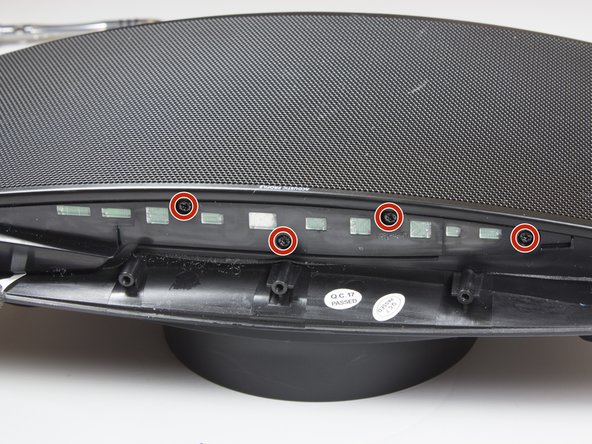
      • With the top panel removed, use a spudger to remove the display panel.

      • The clips on the display panel are quite fragile. Pry up both edges of the display before attempting removal.

      • Use a TR 10 screwdriver to remove the four final 10mm screws securing the speaker grille.

      Ask FixBot

      Add Comment

    8. Monster Soundstage S2 Front Speakers Replacement: step 8, image 1 of 1
      • Remove the front speaker grille.

      Ask FixBot

      Add Comment

    1. Monster Soundstage S2 Front Speakers Replacement, Front Speakers: step 9, image 1 of 3 Monster Soundstage S2 Front Speakers Replacement, Front Speakers: step 9, image 2 of 3 Monster Soundstage S2 Front Speakers Replacement, Front Speakers: step 9, image 3 of 3
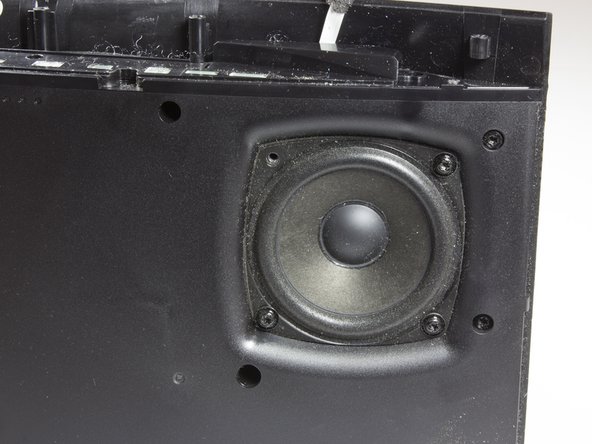
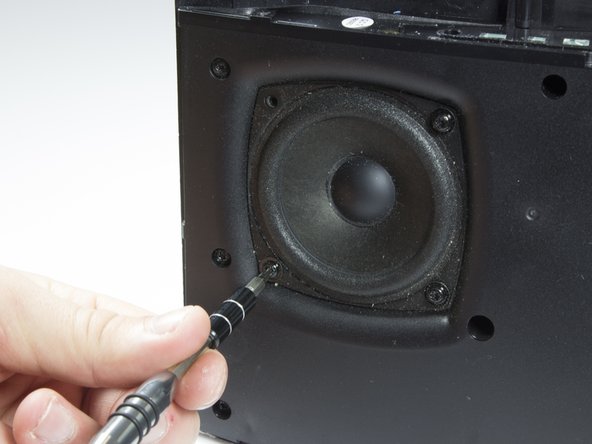
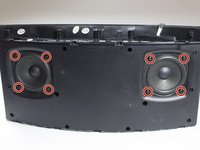
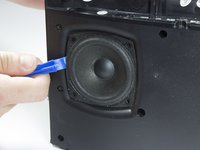
      • After removing grille, you will see the speakers.

      • Remove the eight 10mm screws that surround the speakers. There will be four around each speaker.

      Ask FixBot

      Add Comment

    2. Monster Soundstage S2 Front Speakers Replacement: step 10, image 1 of 2 Monster Soundstage S2 Front Speakers Replacement: step 10, image 2 of 2
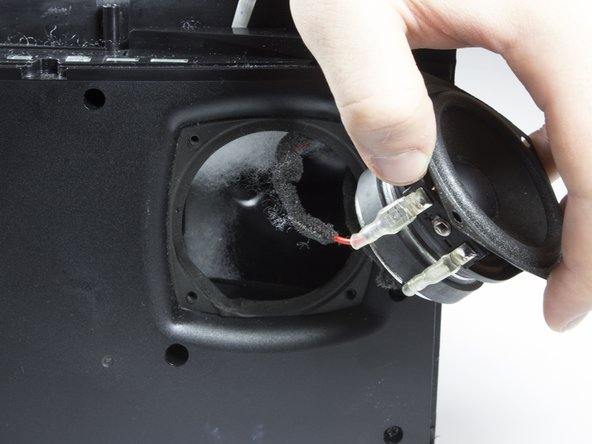
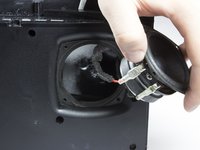
      • Carefully lift each speaker from the housing. It may be necessary to break a light adhesive seal.

      • Be aware of the two wires that are connected to each speaker.

      • Set each speaker beside the main housing.

      Ask FixBot

      Add Comment

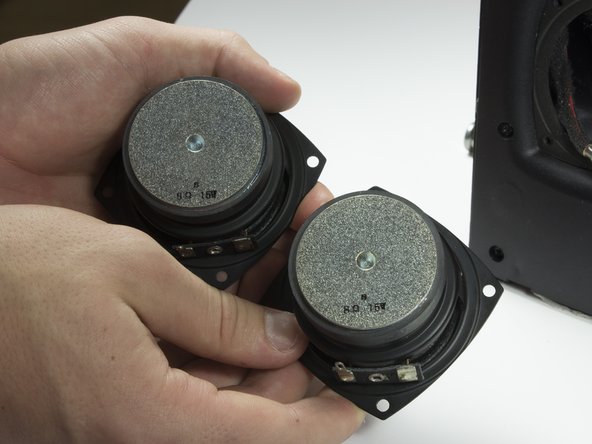
    3. Monster Soundstage S2 Front Speakers Replacement: step 11, image 1 of 3 Monster Soundstage S2 Front Speakers Replacement: step 11, image 2 of 3 Monster Soundstage S2 Front Speakers Replacement: step 11, image 3 of 3
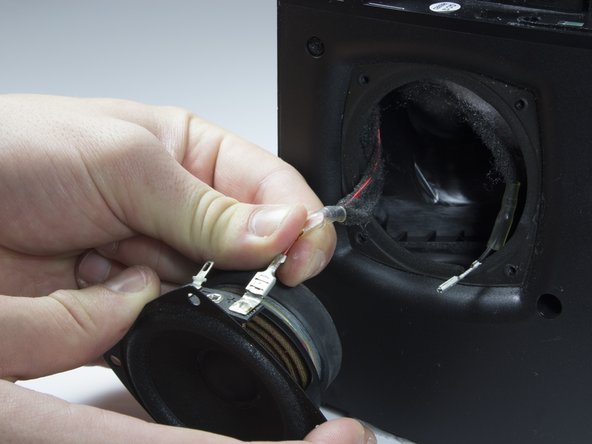
      • Carefully but firmly unplug the two wires from each driver.

      • The front speakers can now be removed.

      Ask FixBot

      Add Comment

Conclusion

To reassemble your device, follow these instructions in reverse order.

Cancel: I did not complete this guide.

One other person completed this guide.

Josue A Melgar

Member since: 01/27/17

116 Reputation

1 Guide authored

Team

Cal Poly, Team 21-5, Maness Winter 2017 Member of Cal Poly, Team 21-5, Maness Winter 2017

CPSU-MANESS-W17S21G5

4 Members

18 Guides authored

1 Guide Comment

Does anybody know what size driver the rear woofer is and resistance, would like to repair an s3 for a friend in cuba who received a used one as a gift

Matt Gould - Reply Share
Add Comment

View Statistics:

Past 24 Hours: 3

Past 7 Days: 8

Past 30 Days: 25

All Time: 702