
Modal MD-WORCSS6 Motor Replacement

Michael Richard Cassell and 2 other contributors
Last updated on Dec 20, 2019
Views: 488
View statistics:
- Past 24 Hours:
- 2
- Past 7 Days:
- 19
- Past 30 Days:
- 72
- All Time:
- 488
Comments: 0
No one has left comments on this guide. Will you be first?
Go to guide commentsCompleted: 1 2
1 person has marked this guide "completed." Will you be next?
2 people have marked this guide "completed." Including you — great job!
Favorites: 0 1
No one has favorited (and subscribed to) this guide. Will you be the first?
1 person has favorited (and subscribed to) this guide — and that's you!
Introduction
Go to step 1 ↓The motor replacement guide for the MODAL WORCSS6 walks through the process for disassembling the device, removing the motor from its wire connections, and correctly replacing the motor. The motor provides the forces that press and rotate the screw into the cork of your wine bottle (or sparkling apple juice!). The motor should be replaced if the device fails to provide this singular function. Soldering will be required to replace the motor, so check out our How to Solder and Desolder Connections guide if you are unfamiliar with the process.
What you need
Tools


-
-
-
Put on Electrostatic Discharge (ESD) bracelet. Hold the device with the transparent plastic casing on the top.
-
Using the jimmy tool, carefully pry off the black plastic ring.
-
Remove the spring assembly from inside the transparent plastic tube.
 Ask FixBot
-
-
-
Using a Phillips #1 screwdriver, unscrew each of the four 12.7 mm screws inside and at the bottom of the plastic tube.
-
Take the plastic tube off of the metal casing.
-
-
-
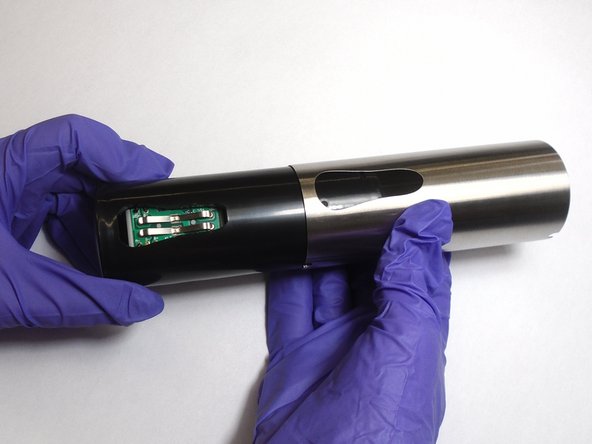
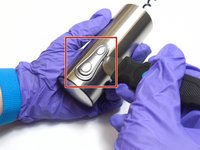
Place the jimmy tool blade between the button assembly and the metal casing. Gently pry off the button assembly; it should pop out.
-
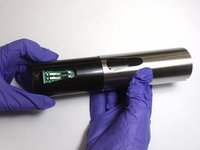
With the button assembly removed, slide off the metal casing.
-
-
-
Unscrew the two 6.4 mm screws in the black plastic body using the Phillips #1 screwdriver.
-
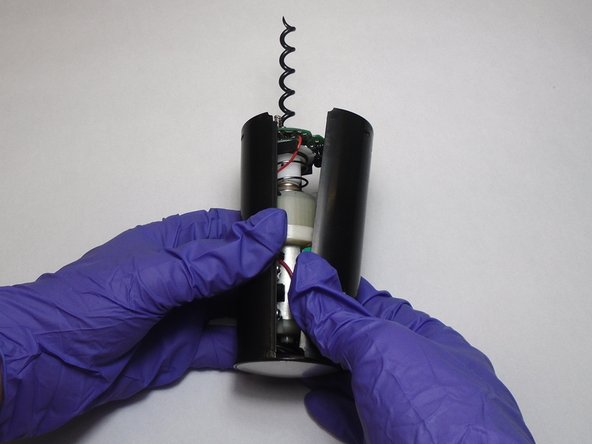
Separate the two halves of the plastic body. Keep the half containing the motor facing up.
-
-
-
-
-
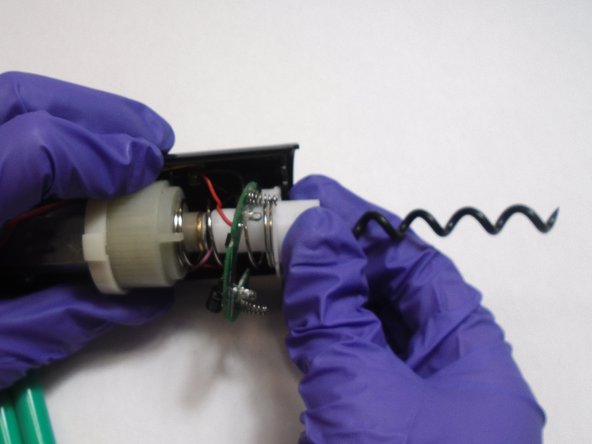
Slide the circuit board out of its slot.
-
Pull the white plastic neck down and out of the slot. Remove the neck and body spring.
-
-
-
-
Use wire cutters to cut the wires connected to the bottom of the motor.
-
Remove the motor from the plastic body.
-
-
-
Strip the insulation from the wire up to about half an inch from the end of the exposed wire.
-
Attach a new motor to the device by re-soldering the connections that were cut earlier.
-
-



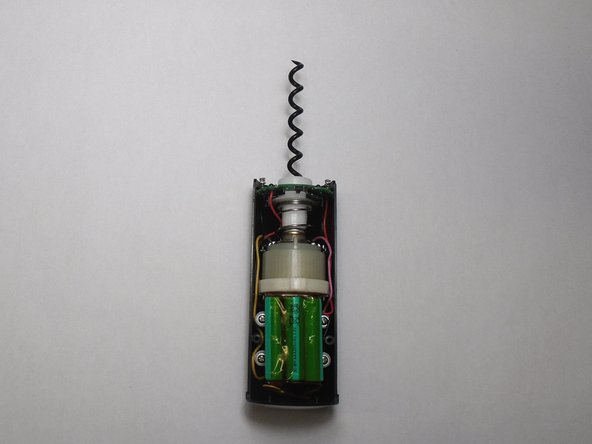
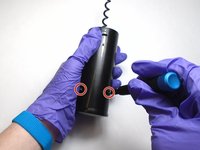
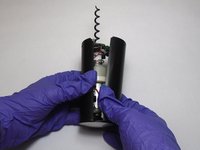


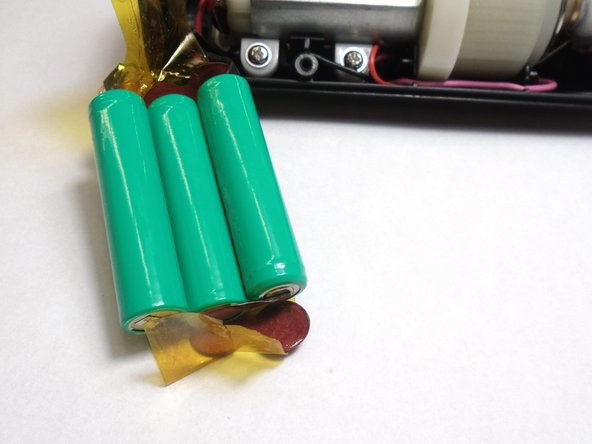



To reassemble your device, follow these instructions in reverse order.
Cancel: I did not complete this guide.
One other person completed this guide.

Team

The Citadel Military College of South Carolina, Team S3-G13, Eggleston Fall 2019 Member of The Citadel Military College of South Carolina, Team S3-G13, Eggleston Fall 2019
CMCSC-EGGLESTON-F19S3G13
3 Members
48 Guides authored
