Free Shipping on Domestic Orders $75+

Microsoft Lumia 650 Battery Replacement

  1. Microsoft Lumia 650 Battery Replacement, Power off the device: step 1, image 1 of 1
    • Press and hold the power button and swipe down to power off the device.

    Ask FixBot

    Add Comment

  2. Microsoft Lumia 650 Battery Replacement, Remove the back cover: step 2, image 1 of 1
    • Remove the back cover by prying up from the bottom.

    • The back plastic is fairly bendable, but take care not to bend it too much while pulling it off the back.

    Ask FixBot

    Add Comment

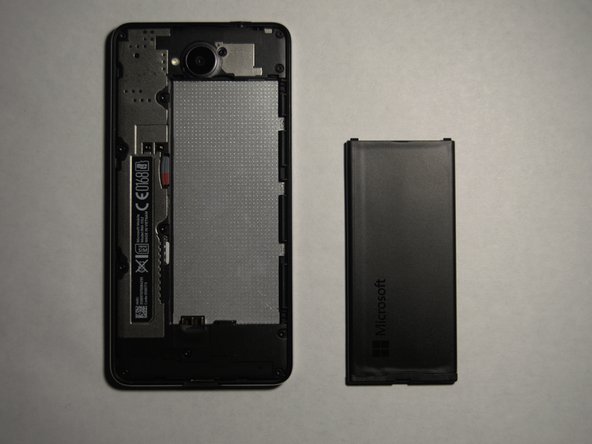
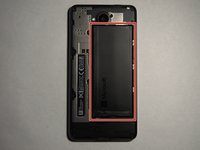
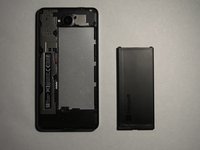
  3. Microsoft Lumia 650 Battery Replacement, Remove the battery: step 3, image 1 of 2 Microsoft Lumia 650 Battery Replacement, Remove the battery: step 3, image 2 of 2
    • With the back of the phone removed, lift the battery from the top and remove it.

    • Always be careful with batteries, even if they seem protected. Store it in a safe place, or dispose of the old one properly.

    • You can now replace the battery.

    Ask FixBot

    Add Comment

Conclusion

To reassemble your device, follow these instructions in reverse order.

Cancel: I did not complete this guide.

One other person completed this guide.

Hayden Brown

Member since: 12/21/20

410 Reputation

2 Guides authored

0 Guide Comments

Add Comment

View Statistics:

Past 24 Hours: 0

Past 7 Days: 9

Past 30 Days: 44

All Time: 1,304