
Microsoft Band 2 Defective Battery Connection/Ribbon Replacement

Kirk McDermid and 2 other contributors
Last updated on Sep 9, 2024
Views: 3.9K
View statistics:
- Past 24 Hours:
- 5
- Past 7 Days:
- 19
- Past 30 Days:
- 105
- All Time:
- 3,882
Comments: 0
No one has left comments on this guide. Will you be first?
Go to guide commentsCompleted: 2 3
2 people have marked this guide "completed." Will you be next?
3 people have marked this guide "completed." Including you — great job!
Favorites: 1 2
1 person has favorited (and subscribed to) this guide. Will you be next?
2 people have favorited (and subscribed to) this guide — including you!
Community-Contributed Guide
An awesome member of our community made this guide. It was not created by iFixit staff.
Introduction
Go to step 1 ↓This is a (pretty involved!) guide to completely removing & replacing your rubber strap and repairing the power ribbon inside, to restore the connection to the battery. I don't think this guide is as good as the one I posted at https://band2repair.wordpress.com/, which has more room for commentary and images.
This repair is RISKY; it could ruin your Band 2. I only did it because my Band was unusable/ruined already, and there are no replacements available so it would be junk anyway.
What you need
Tools


-
-
-
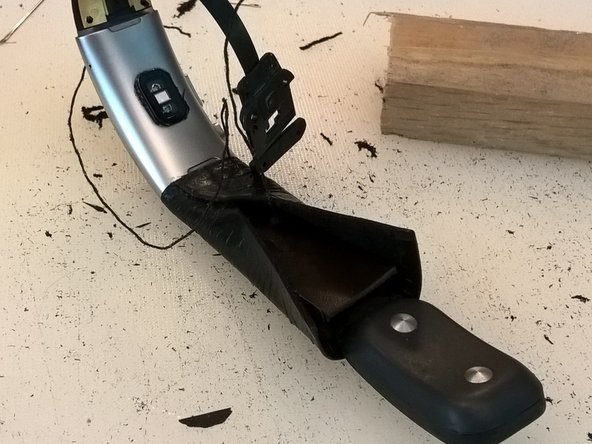
Carve away *almost* all of the rubber of the straps. (Leave the rubber surrounding the battery/heart rate clasp end.)
 Ask FixBot
-
-
-
Partly dissassemble the battery clasp end: pry up the silver clasp face that is taped down, unscrew the four T3 Torx , remove that cover, remove the battery
-
-
-
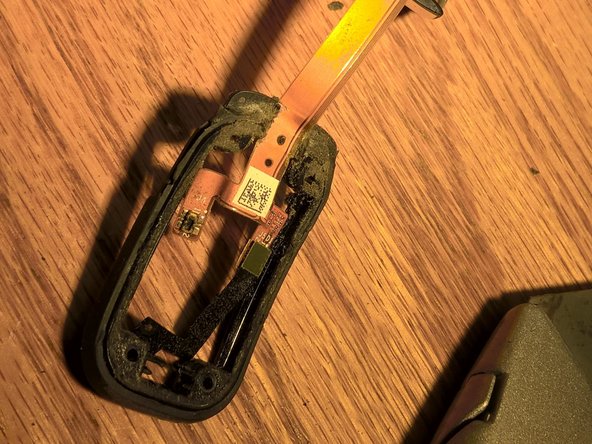
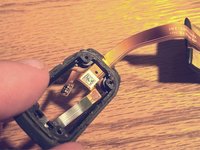
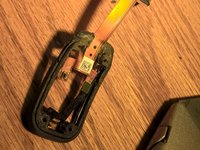
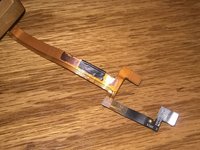
Remove the plastic 'sandwiching' the ribbon as it travels into the clasp end, with a Dremel or knife. (Picture 2 illustrates the removed plastic.)
-
-
-
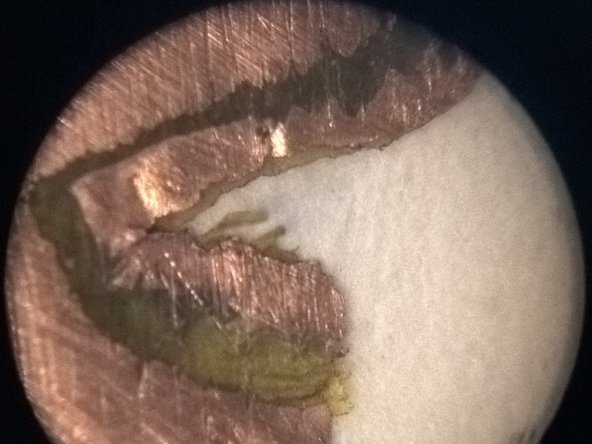
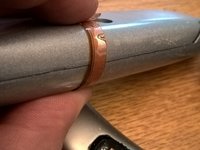
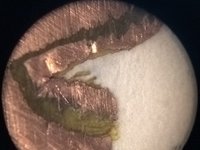
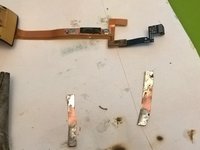
Sand the ribbon to expose the conductors on both sides. Be careful to keep the insulator in between the two conductors intact, so they don't short. The second picture shows a 10x image of the layers of copper and insulator.
-
-
-
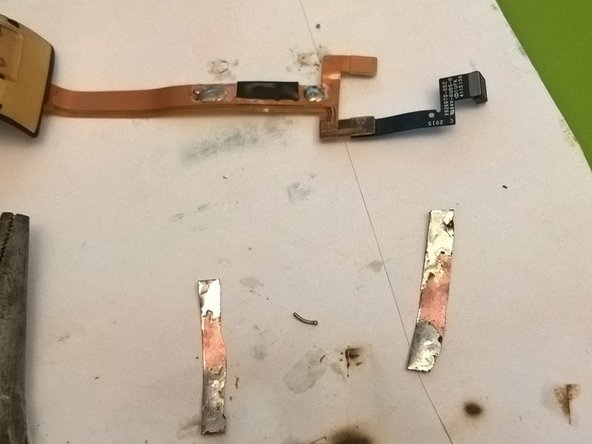
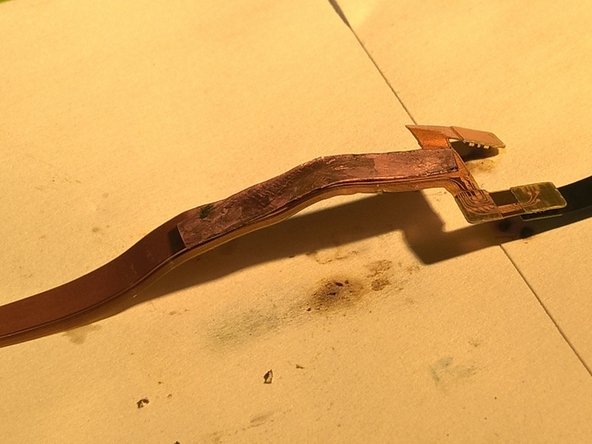
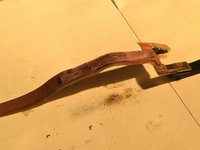
Wrap the repaired break with insulating tape. Sand away outer insulator on both sides to make soldering locations for jumper strips.
-
-
-
Use Sugru to wrap/stabilize the repair and integrate it into the clasp end's rubber.
-
-
-
-
Drill two holes into clasp-end plastic tabs, and two holes on each side of watch face's 'shoulders', as anchor points for thread to fasten strap leather. (Hole locations are the black dots on the gold metal near the silver casing.)
-
-






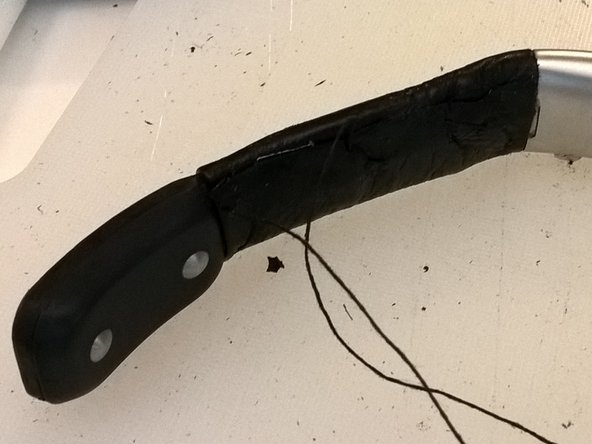
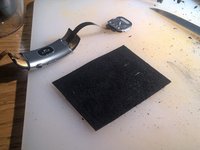
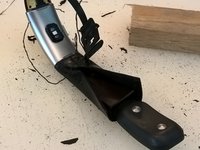
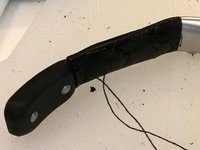
Your Band 2 should (!) hold a charge now. Not sure how durable this repair is.
Cancel: I did not complete this guide.
2 other people completed this guide.

