
Medtronic 670G Battery Replacement

Valerie Velez and 3 other contributors
Last updated on Apr 30, 2025
Views: 5K
View statistics:
- Past 24 Hours:
- 5
- Past 7 Days:
- 24
- Past 30 Days:
- 178
- All Time:
- 4,965
Comments: 3
1 comment on steps, 2 guide comments.
Go to guide commentsCompleted: 3 4
3 people have marked this guide "completed." Will you be next?
4 people have marked this guide "completed." Including you — great job!
Favorites: 0 1
No one has favorited (and subscribed to) this guide. Will you be the first?
1 person has favorited (and subscribed to) this guide — and that's you!
Introduction
Go to step 1 ↓This guide demonstrates how to easily replace the battery in a Medtronic 670G Insulin Pump. Replacing the battery of this device is important so that that the device can regulate your insulin and blood sugar as needed. It is crucial for the user to keep track of their health needs. I hope that with this guide will help you on the maintenance of your device.
What you need

-
-
-
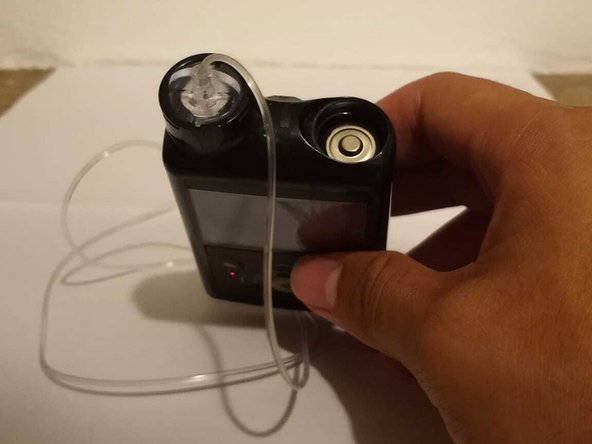
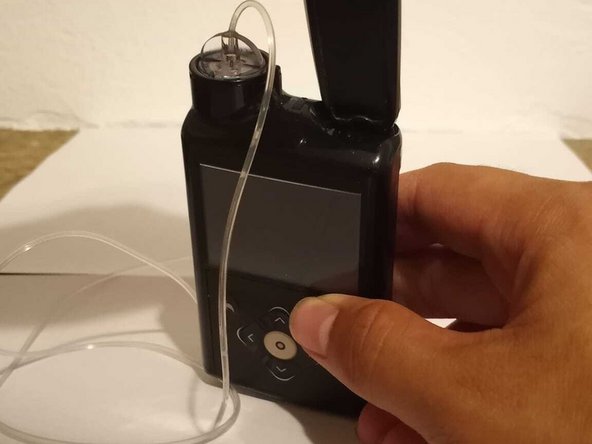
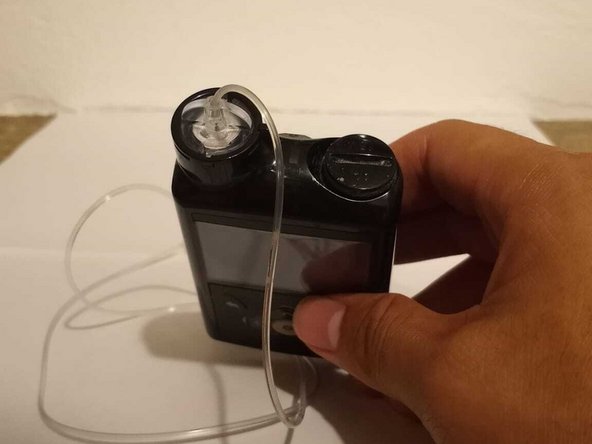
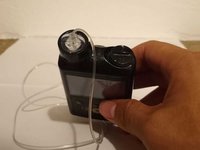
Place the small protrusion on the bottom of the clip into the slot on top of the battery housing, and turn it counter clockwise.
-
-
-
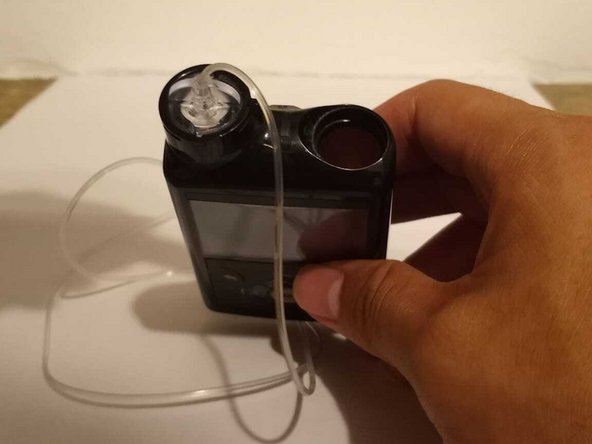
Remove the battery cap.
-
Dispose of the old battery according to your state guidelines.
-
-
-
Insert the new battery, making sure the negative end (the flat part of the battery) is facing down.
-
-
-
Turn on the pump and wait until the HOME screen load to make sure the battery is working.
-


 Ask FixBot



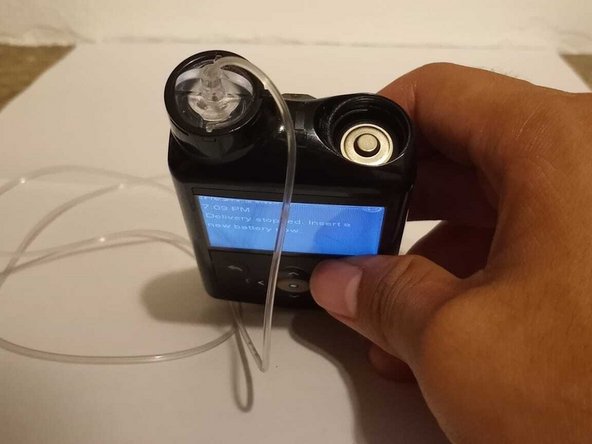


Your Medtronic 670G insulin pump is good-to-go!
Cancel: I did not complete this guide.
3 other people completed this guide.

Team

University of Puerto Rico Mayagüez, Team 3-4, Cools Stephens Spring 2022 Member of University of Puerto Rico Mayagüez, Team 3-4, Cools Stephens Spring 2022
UPRM-COOLS STEPHENS-S22S3G4
1 Member
12 Guides authored
2 Guide Comments
Need one badly
Hello,
It looks like the Medtronic 670G uses standard AA batteries. You should be able to find AA batteries at most grocery and hardware stores, or online here. We hope that helps!
