What you need
-
-
-
Use the plastic opening tool to separate the back cover plate from the front.
-
Insert the plastic opening tool in between the back plate cover and the top cover, then slide along edges to pry open.
 Ask FixBot
-
-
-
Locate the two ribbons attached to the device's motherboard.
-
Flip the small black plastic catches down by using the small end of the spudger.
-
Remove the ribbons by gently pulling them away from the motherboard.
-
-
-
-
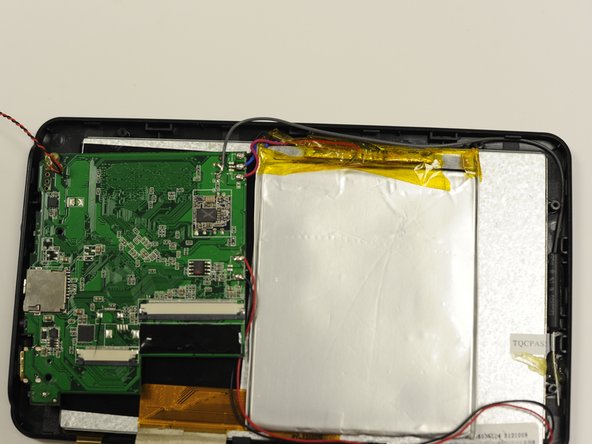
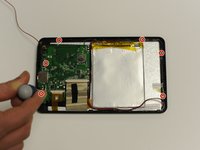
Remove the two screws from the motherboard.
-
Remove the four screws and metal holds from the edge of the device.
-
-
-
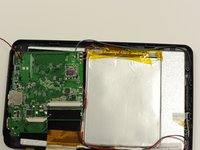
Remove the motherboard by gently pulling it away from the bottom of the device.
-
-



To reassemble your device, follow these instructions in reverse order.
Cancel: I did not complete this guide.
One other person completed this guide.

Team

University of Alabama, Team 1-3, Naidoo Spring 2015 Member of University of Alabama, Team 1-3, Naidoo Spring 2015
UA-NAIDOO-S15S1G3
4 Members
24 Guides authored
