Introduction
If the USB cable on your Mayflash Arcade Stick F300 is frayed, broken, or partially consumed by your cat, use this guide to replace it. The USB cable extends from the back end of the device and connects it to your console. Many connection issues can likely be traced back to this cable.
What you need
-
-
-
Flip the controller upside down so that the metal panel is facing you.
-
Remove the six 11 mm screws securing the metal panel using a Phillips #2 screwdriver.
-
Once all screws are removed, lift off the panel.
 Ask FixBot
-
-
-
-
-
Remove the four 10 mm truss head screws securing the PCB to the plastic outer casing using a Phillips #1 screwdriver.
-
-
-
-
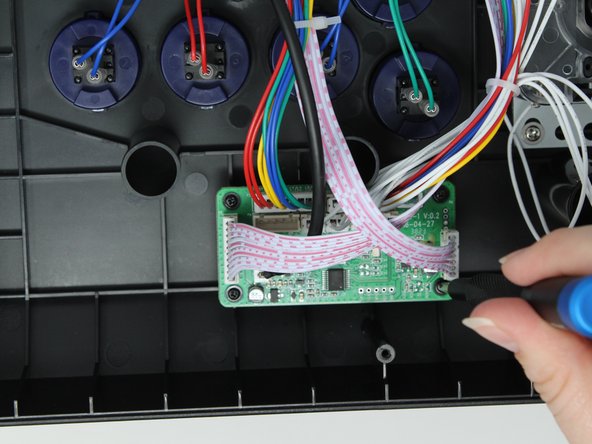
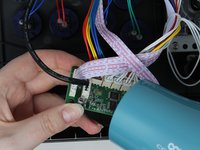
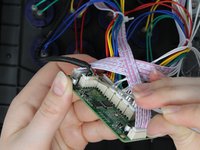
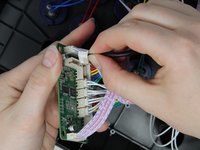
Use a hair dryer or heat gun to soften the glue holding the USB cable into the socket on the PCB.
-
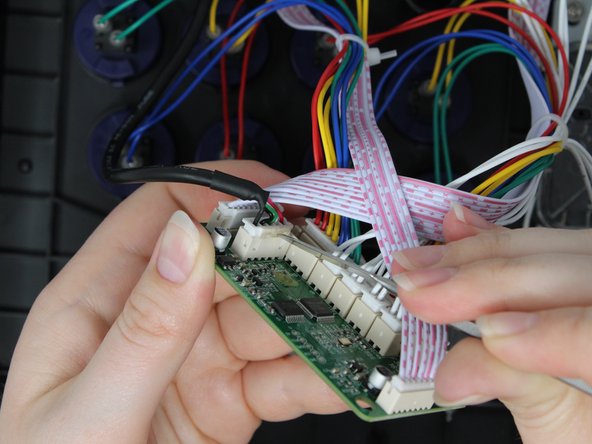
Use a metal spudger to gently remove the softened glue.
-
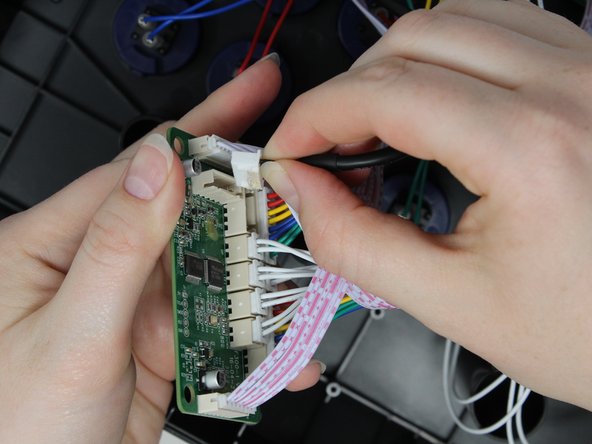
Remove the cable from the socket
-
-
-
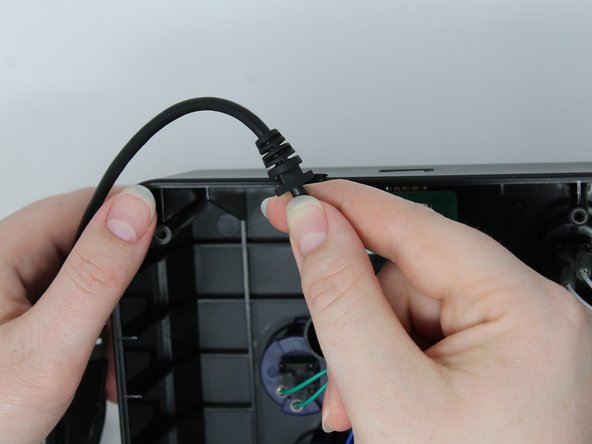
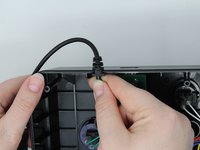
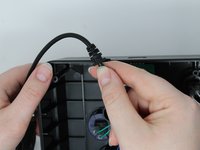
Slide the strain relief segment of the USB cable out of the plastic outer casing.
-
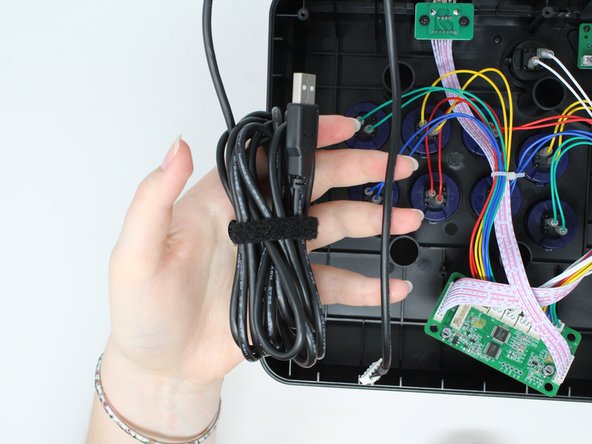
Remove the cable.
-
-





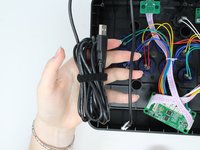
To reassemble your device, follow these instructions in reverse order.
Cancel: I did not complete this guide.
One other person completed this guide.

Team

Utah Tech University, Team 1-4, Crenshaw Fall 2024 Member of Utah Tech University, Team 1-4, Crenshaw Fall 2024
UTAHTECH-CRENSHAW-F24S1G4
3 Members
72 Guides authored
