
Mayflash Arcade Stick F300 Mode Buttons Replacement

Jess Anderson and 3 other contributors
Last updated on Dec 17, 2024
Views: 574
View statistics:
- Past 24 Hours:
- 2
- Past 7 Days:
- 19
- Past 30 Days:
- 66
- All Time:
- 574
Comments: 0
No one has left comments on this guide. Will you be first?
Go to guide commentsCompleted: 0 1
No one has marked this guide "completed." Will you be the first?
1 person has marked this guide "completed." It's you — great job!
Favorites: 0 1
No one has favorited (and subscribed to) this guide. Will you be the first?
1 person has favorited (and subscribed to) this guide — and that's you!
Introduction
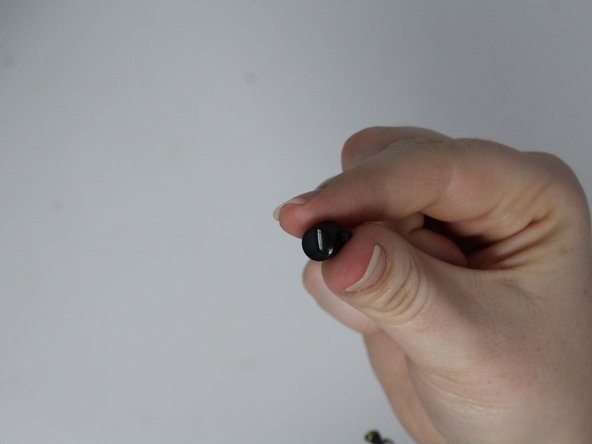
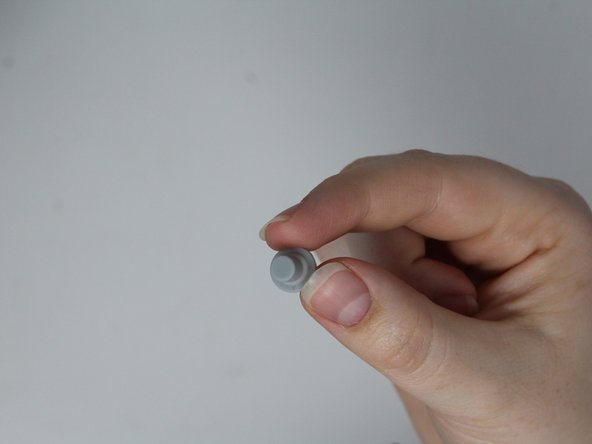
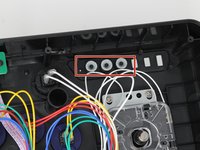
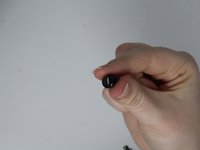
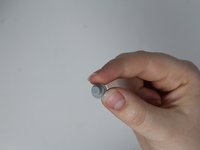
Go to step 1 ↓If your Mayflash Arcade Stick F300 mode buttons are broken or if the rubber needs to be replaced, follow this guide.
The mode buttons configure the arcade stick to transmit signals to whatever console you are using. If a mode button needs to be replaced, it will affect the device's compatibility with different platforms.
This replacement is simple and straightforward, but there are some small pieces involved so keep away from children and pets.
What you need
Tools


-
-
-
Flip the controller upside down so that the metal panel is facing you.
-
Remove the six 11 mm screws securing the metal panel using a Phillips #2 screwdriver.
-
Once all screws are removed, lift off the panel.
 Ask FixBot
-
-
-
-
-
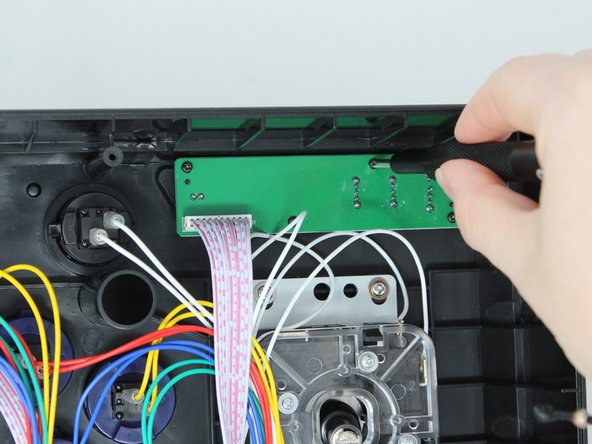
Remove the four screws that secure the button board with a Phillips #1 screwdriver.
-
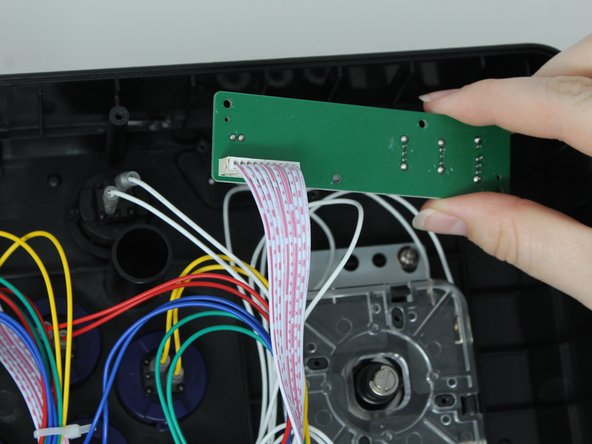
Lift the board out of the outer casing.
-
-
-




To reassemble your device, follow these instructions in reverse order.

Team

Utah Tech University, Team 1-4, Crenshaw Fall 2024 Member of Utah Tech University, Team 1-4, Crenshaw Fall 2024
UTAHTECH-CRENSHAW-F24S1G4
3 Members
72 Guides authored
