Free Shipping on Domestic Orders $75+

Martian Victory Watch Face Replacement

Views: 866

View statistics:

Past 24 Hours:
2
Past 7 Days:
20
Past 30 Days:
92
All Time:
866
Comments: 1

1 comment on steps.

Completed: 0

No one has marked this guide "completed." Will you be the first?

Favorites: 0

No one has favorited (and subscribed to) this guide. Will you be the first?

Time Required: 1 - 2 hours
Difficulty: Moderate
Markup Mishap

This guide needs better markups. Help out by correcting or making some markup annotations.

Needs Better Images

Better photos will improve this guide. Help out by taking, editing, or uploading new ones!

Martian Victory Watch Face Replacement

Introduction

Go to step 1 ↓

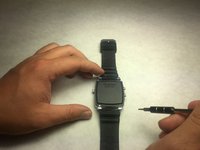
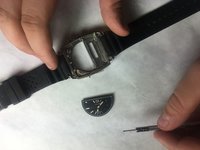
This guide will teach you how to disassemble your Martian Victory Smart Watch, so that you can replace the Analog Watch Face. You might need this guide as your watch face is most likely broken and needing to be replaced. Repairing the watch face will allow the time to be seen easier, along with all the other features on the smart watch. Being able to solder might be useful in fixing your watch, but following the directions will help you with all you need.

What you need

Tools

    1. Martian Victory Watch Face Replacement, Back Plate: step 1, image 1 of 2 Martian Victory Watch Face Replacement, Back Plate: step 1, image 2 of 2
      • Unscrew the four 3.4 mm flat head screws

      Ask FixBot

      Add Comment

    2. Martian Victory Watch Face Replacement: step 2, image 1 of 1
      • Carefully lift the back plate off the watch. You will notice a lithium battery and rubber gasket attached to the back plate.

      Ask FixBot

      Add Comment

    1. Martian Victory Watch Face Replacement, Lithium Battery: step 3, image 1 of 1
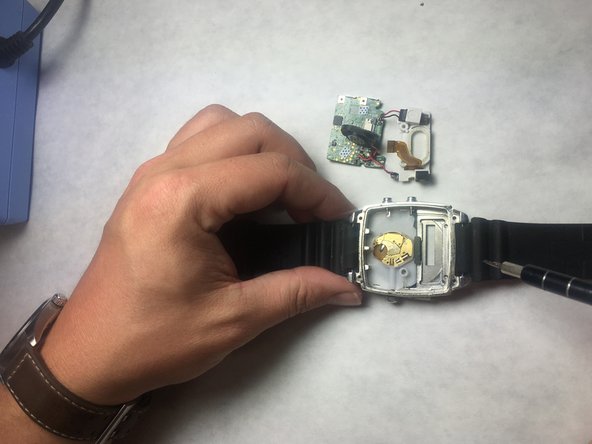
      • If not replacing lithium battery, skip down two steps.

      • Using the plastic removal tool, pry the battery from the backing plate. The battery is simply attached with glue.

      Ask FixBot
      Add Comment

    2. Martian Victory Watch Face Replacement: step 4, image 1 of 1
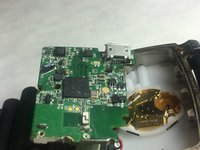
      • Desolder the battery connections from the motherboard. Learn how to solder components here!

      Ask FixBot
      Add Comment

    1. Martian Victory Watch Face Replacement, Motherboard: step 5, image 1 of 1
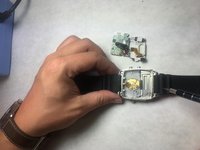
      • Use PH00 screw driver to remove two 2.4mm Phillips head screws.

      Ask FixBot
      Add Comment

    2. Martian Victory Watch Face Replacement: step 6, image 1 of 1
      Tool used on this step:
      Tweezers
      $4.99
      Buy
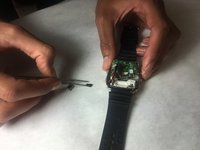
      • Use a spudger or tweezers to remove a white sticker that covers a Phillips head screw.

      Ask FixBot

      Add Comment

    3. Martian Victory Watch Face Replacement: step 7, image 1 of 1
      • Use PH00 screwdriver to remove 5.2mm Phillips head screw

      Ask FixBot
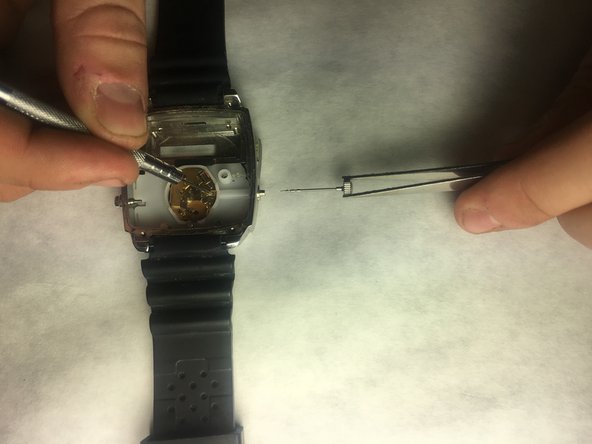
      Add Comment

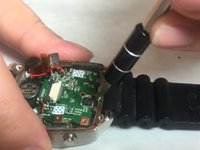
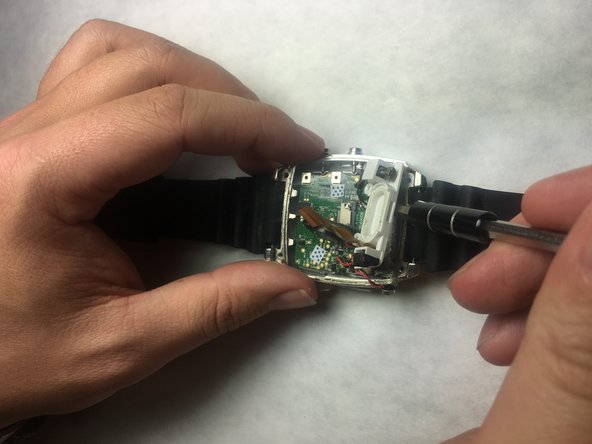
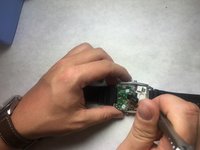
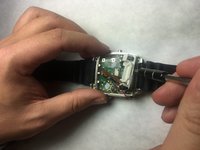
    4. Martian Victory Watch Face Replacement: step 8, image 1 of 3 Martian Victory Watch Face Replacement: step 8, image 2 of 3 Martian Victory Watch Face Replacement: step 8, image 3 of 3
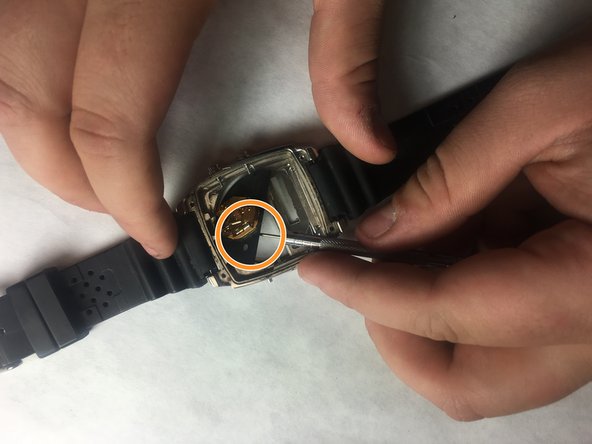
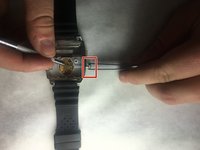
      • Use ESD safe tweezers to remove the gold ribbon cable.

      • This will expose a second 5.2mm Phillips head screw that can be removed with a PH00 screwdriver.

      Ask FixBot
      Add Comment

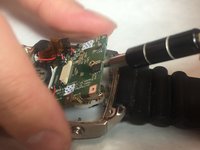
    5. Martian Victory Watch Face Replacement: step 9, image 1 of 2 Martian Victory Watch Face Replacement: step 9, image 2 of 2
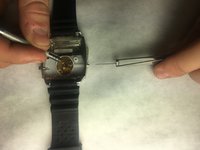
      • Use a spudger to gently pry on the motherboard towards the top of the watch, being towards the 12 o'clock position to loosen the motherboard.

      • You can now access the parts and pieces on the bottom of, and below the motherboard.

      Ask FixBot
      Add Comment

    1. Martian Victory Watch Face Replacement, LED Screen: step 10, image 1 of 1
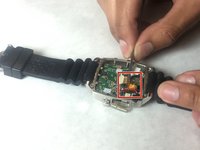
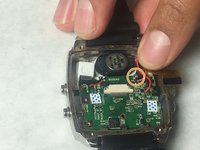
      • Locate the ribbon connection, and use remove the clips holding the strip on each side using needle tool.

      Ask FixBot

      Add Comment

    2. Martian Victory Watch Face Replacement: step 11, image 1 of 1
      Tool used on this step:
      Tweezers
      $4.99
      Buy
      • With a pair of tweezers, carefully remove the ribbon strip connection.

      Ask FixBot

      Add Comment

    3. Martian Victory Watch Face Replacement: step 12, image 1 of 1
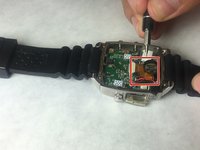
      • Remove the screw driver holding the LED screen and Speaker in place.

      Ask FixBot

      Add Comment

    4. Martian Victory Watch Face Replacement: step 13, image 1 of 1
      • Insert a small flat screw driver under the speaker in order to remove it.

      Ask FixBot

      Add Comment

    5. Martian Victory Watch Face Replacement: step 14, image 1 of 2 Martian Victory Watch Face Replacement: step 14, image 2 of 2
      • Using tweezers, remove the speaker and move off to the side.

      Ask FixBot

      Add Comment

    6. Martian Victory Watch Face Replacement: step 15, image 1 of 2 Martian Victory Watch Face Replacement: step 15, image 2 of 2
      • Place a small flat head screwdriver under the LED screen, and carefully push it out of it's socket.

      Ask FixBot

      Add Comment

    7. Martian Victory Watch Face Replacement: step 16, image 1 of 1
      • Remove final connection to accelerometer. The LED screen is now separated from the device.

      Ask FixBot

      Add Comment

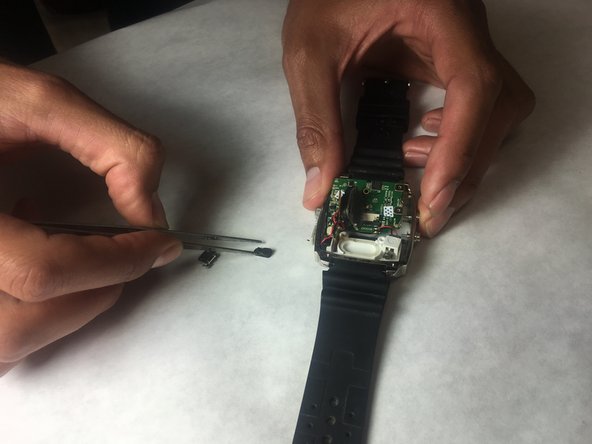
    1. Martian Victory Watch Face Replacement, Watch Face: step 17, image 1 of 2 Martian Victory Watch Face Replacement, Watch Face: step 17, image 2 of 2
      Tool used on this step:
      Tweezers
      $4.99
      Buy
      • Grab the motherboard with tweezers and remove from watch cavity.

      Ask FixBot

      Add Comment

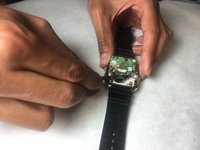
    2. Martian Victory Watch Face Replacement: step 18, image 1 of 2 Martian Victory Watch Face Replacement: step 18, image 2 of 2
      • Stabilize watch with the metal prove. Place tweezers around crown and pull outward, so that the crown can be removed.

      Ask FixBot

      Add Comment

    3. Martian Victory Watch Face Replacement: step 19, image 1 of 1
      • Insert the spudger under plastic panel cover in order to access watch face.

      Ask FixBot

      Add Comment

    4. Martian Victory Watch Face Replacement: step 20, image 1 of 3 Martian Victory Watch Face Replacement: step 20, image 2 of 3 Martian Victory Watch Face Replacement: step 20, image 3 of 3
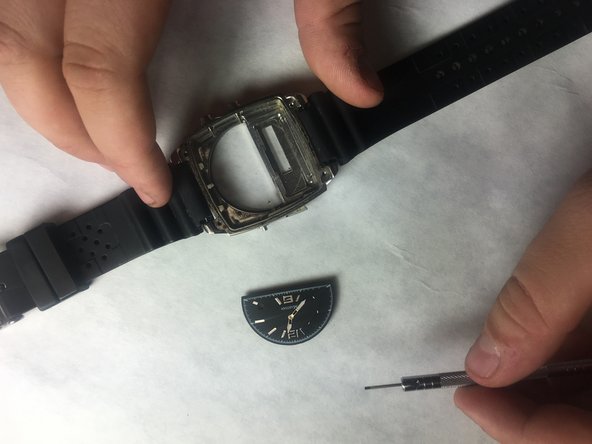
      • Insert a spudger under the black watch face. Gently push up, so that it can be raised out of the watch.

      • Use tweezers or pin tool in order to remove from watch.

      Ask FixBot

      Add Comment

Conclusion

To reassemble your device, follow these instructions in reverse order.

Cancel: I did not complete this guide.

Robert Sanchez

Member since: 10/31/16

201 Reputation

2 Guides authored

Team

IUPUI, Team 3-3, Baechle Fall 2016 Member of IUPUI, Team 3-3, Baechle Fall 2016

IUPUI-BAECHLE-F16S3G3

4 Members

96 Guides authored

0 Guide Comments

Add Comment

View Statistics:

Past 24 Hours: 2

Past 7 Days: 20

Past 30 Days: 92

All Time: 866