
Marshall monitor pads replacement

Fredy Rouge and one other contributor
Last updated on Sep 8, 2024
Views: 1.1K
View statistics:
- Past 24 Hours:
- 4
- Past 7 Days:
- 34
- Past 30 Days:
- 145
- All Time:
- 1,114
Comments: 0
No one has left comments on this guide. Will you be first?
Go to guide commentsCompleted: 1 2
1 person has marked this guide "completed." Will you be next?
2 people have marked this guide "completed." Including you — great job!
Favorites: 1 2
1 person has favorited (and subscribed to) this guide. Will you be next?
2 people have favorited (and subscribed to) this guide — including you!
Community-Contributed Guide
An awesome member of our community made this guide. It was not created by iFixit staff.
Introduction
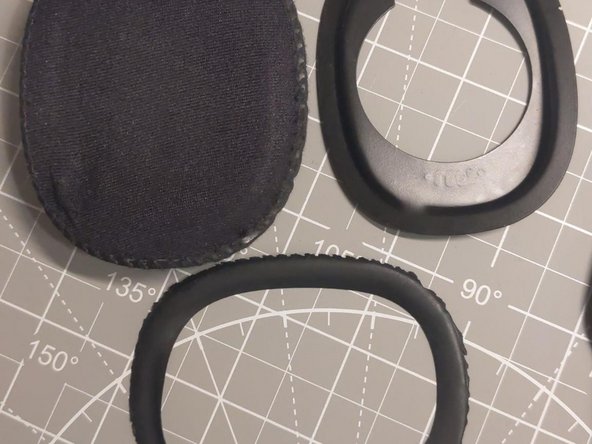
Go to step 1 ↓If the holder for the metallic piece got detached from the cushion, instead of buying a new pair of pads you can simply introduce the metallic piece inside the cushion as explained in the pictures.
-
-
-
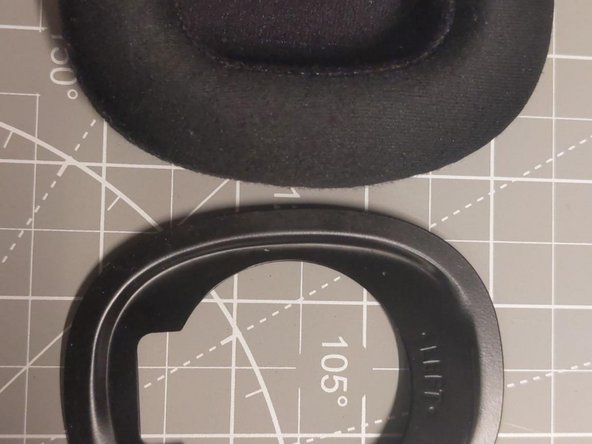
Insert the metallic piece inside the cushion with letters (left or right word) not facing you.
-
Keep in mind that letters (left or right word) will face the letters (left or right word) in the headset.
-
-
-
-
It should attach strongly.
-
If it does not attach strongly check the step 2 (letters facing headset)
-



 Ask FixBot

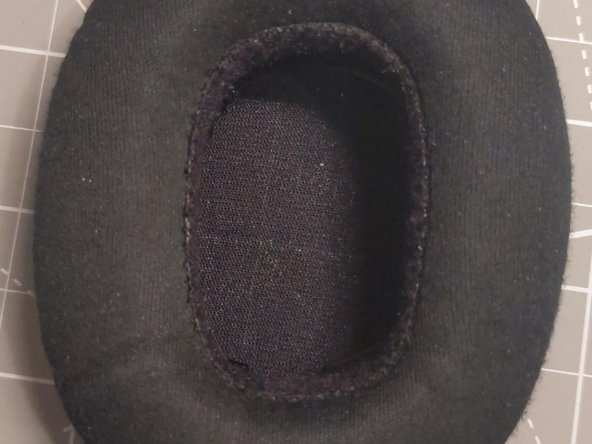


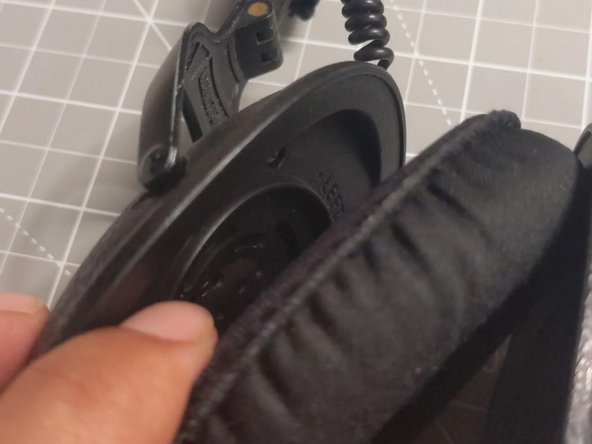
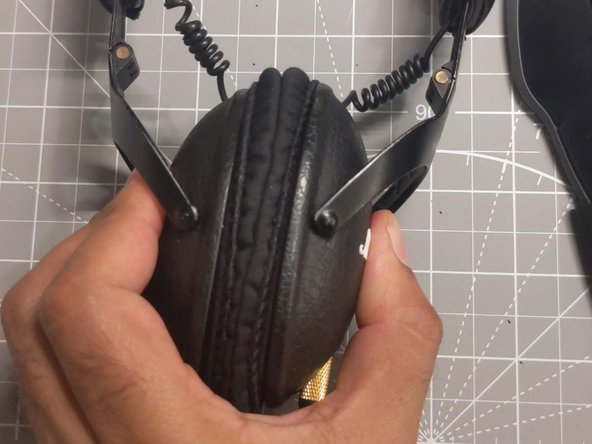
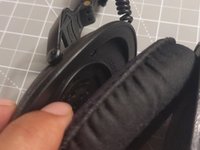
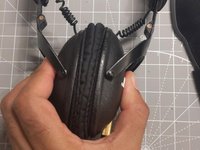
The attachment system using a magnet have a design issue in the pads because the material that hold the metallic piece it is not resistant but we can do this small hack to avoid having to buy new pads each few months.
Cancel: I did not complete this guide.
One other person completed this guide.
