Introduction
If you are hearing popping sounds when high pitch sounds are played then there could be a problem with your tweeters and they need to be replaced. This guide will teach you how to do just that.
What you need
-
-
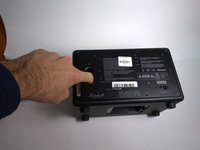
Place the unit face down as shown in the picture, exposing the battery cover.
-
Remove the two 4.0mm long screws holding the cover on using a T10 driver.
 Ask FixBot
-
-
-
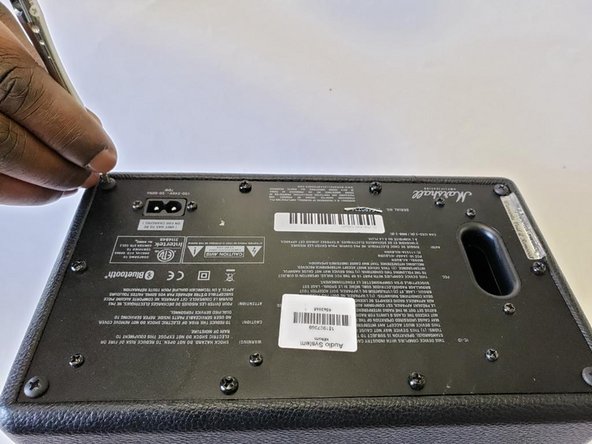
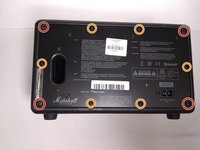
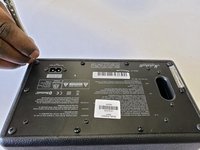
Place speaker as shown in image and remove the four corner 45.5mm back cover screws with a Phillips #2 driver.
-
Using a Phillips #2 driver, remove the six remaining 21.5mm outer back cover screws.
-
-
-
-
Remove the back cover by using the vent hole as a grip.
-
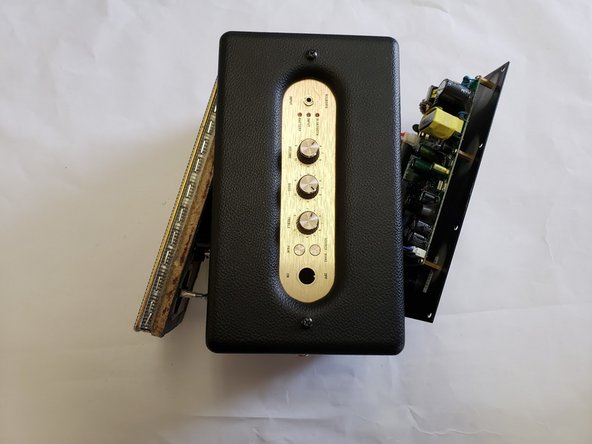
Gently pull out the back cover and let it hang on the side of the speaker that has the knobs and power switch.
-
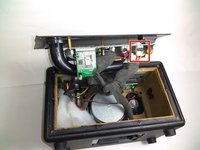
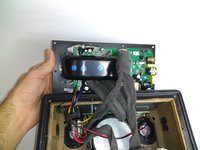
Unplug the main power lead from the control board; this allows the back to be opened more, allowing easy access to the power switch.
-
-
-
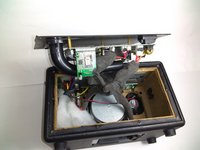
Pull the back cover attached to the motherboard to the side as shown in first image.
-
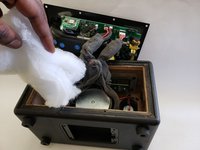
Remove the white insulator from the stereo speaker and place it to the side.
-
-
-
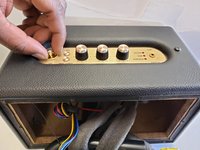
Place the speaker up right, and unscrew the golden bolt around the power switch with your hands, or a wrench.
-
Gently pull out the power switch as shown in the image.
-
-
-
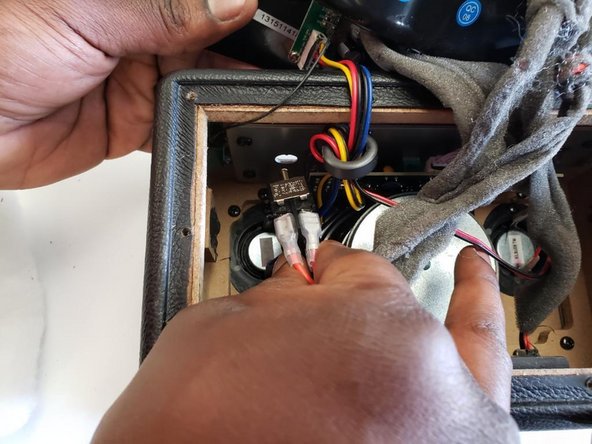
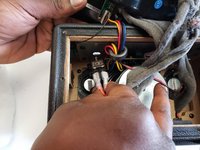
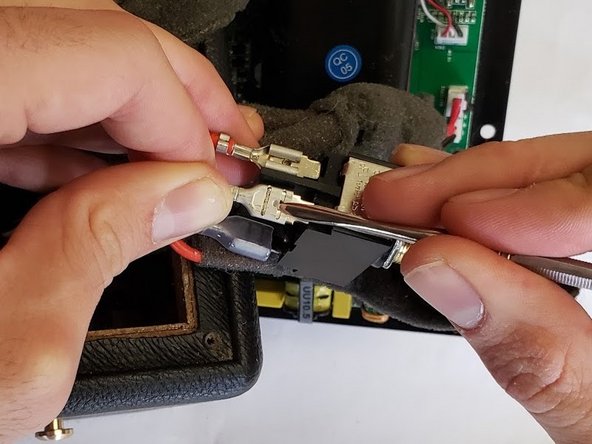
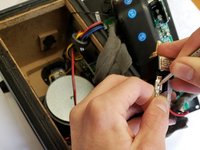
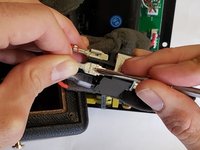
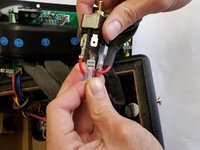
Use a slim spudger to wedge out the four red wires attached to the power switch.
-
-
-
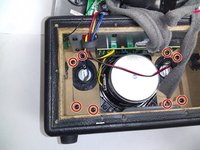
Unscrew the eight 22.5mm screws of the speaker cover and the device using a Phillips #2 screwdriver.
-
Gently push the speaker cover out of the stereo speaker.
-
-
-
Disconnect the blue wires connected to the tweeter.
-
Disconnect the yellow wires connected to the main speaker.
-
Disconnect the red wires connected to the second tweeter.
-
-
-
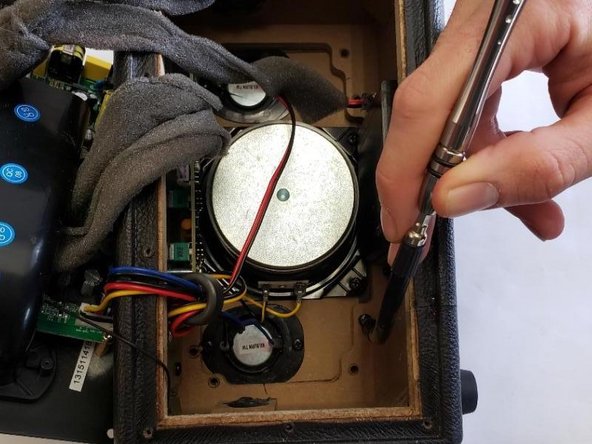
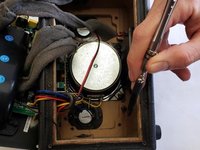
Unscrew the four 13.5mm screws connecting the main speaker to the speaker cover, with a Phillips #2 screwdriver.
-
-
-
Remove the four 13.5mm screws that are placed on the tweeters with a Phillips #2 screwdriver.
-











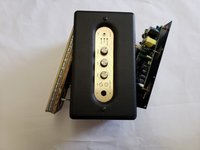

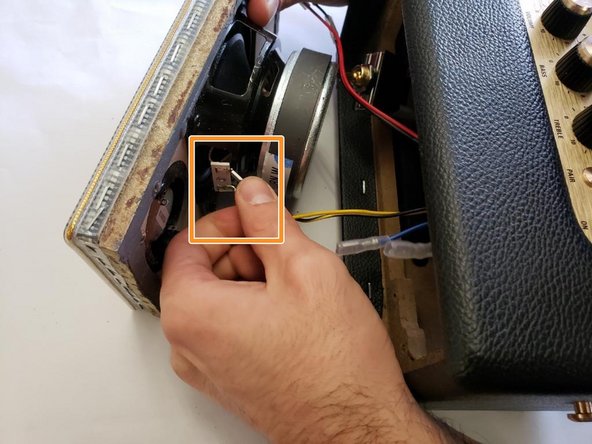
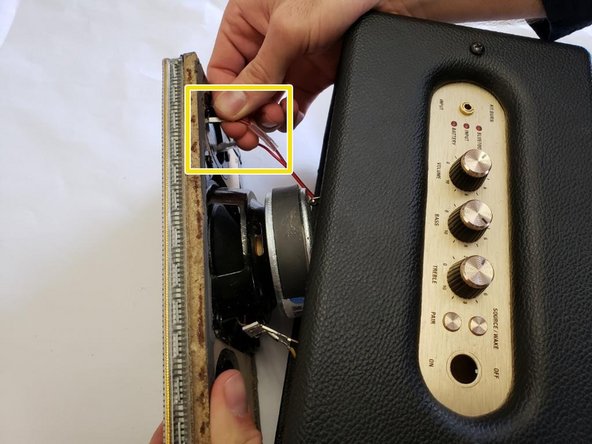
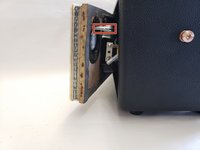
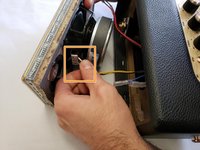
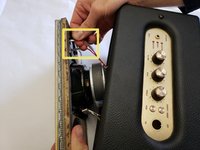

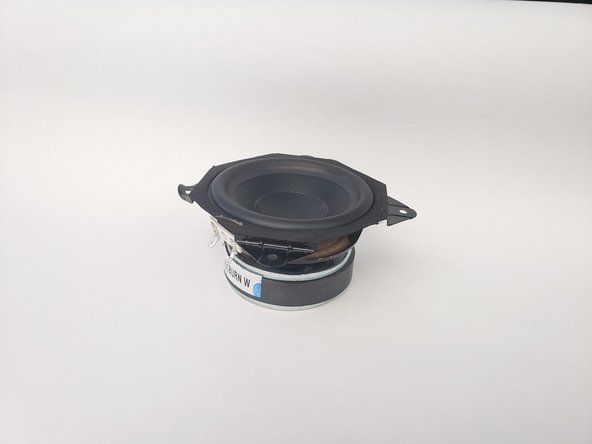
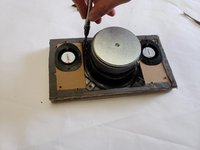
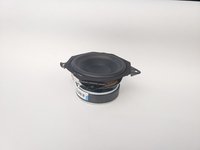

To reassemble your device, follow these instructions in reverse order.
Cancel: I did not complete this guide.
2 other people completed this guide.

Team

Oregon Institute of Technology, Team S1-G3, Lancaster Winter 2019 Member of Oregon Institute of Technology, Team S1-G3, Lancaster Winter 2019
OIT-LANCASTER-W19S1G3
4 Members
10 Guides authored
