Introduction
The rechargeable battery in the Marshall Kilburn II is prone to failure. If you've attempted to charge the Marshall Kilburn II and the Visual battery indicator still shows no status or low battery levels, it might be time to replace the battery.
The battery is one of the most important components of the Marshall Kilburn II in order for the speaker to operate. Without a battery you won't be able to power on the speaker, which prevents you from enjoying the 20+ hours of listening time the Marshall Kilburn II has to offer.
Luckily, replacing the battery is easy and hassle-free. All you would need is a Phillip #1 screwdriver and a quick 10 minute of your time. Use this 5-step guide for a smooth battery replacement process.
Before using this guide make sure to review the Troubleshooting Page. Sometimes the cause of a battery failure could be because the battery is not receiving a charge from the power cable, or the charging port could be damaged.
While working with batteries be careful, batteries can be harmful.
What you need
-
-
-
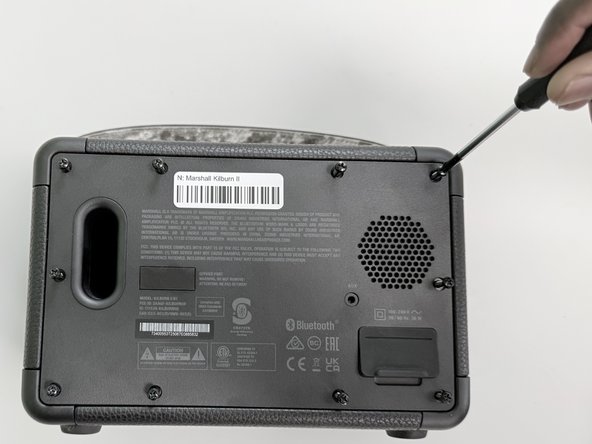
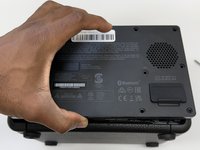
Flip the front of the Marshall Kilburn II on a flat surface so the back is facing you.
-
Use a Phillips #1 screwdriver to remove all ten 4 mm screws.
 Ask FixBot
-
-
-
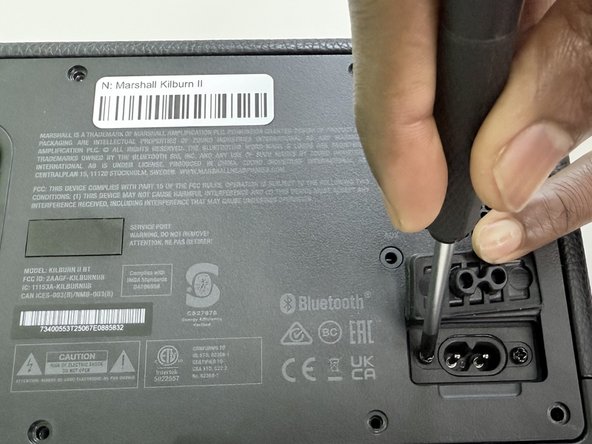
Lift the charging port cover.
-
Use a Phillips #1 screwdriver to remove the two 4 mm screws.
-
-
-
-
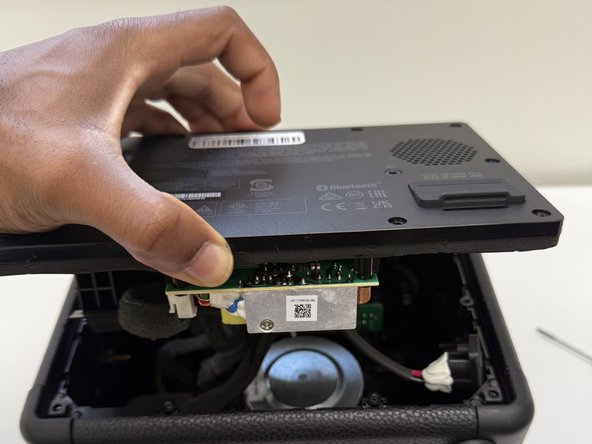
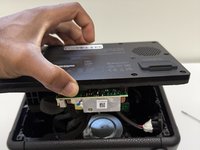
Slightly lift up the back cover of the speaker just enough to be able to see the inside compartment of the speaker.
-
-
-
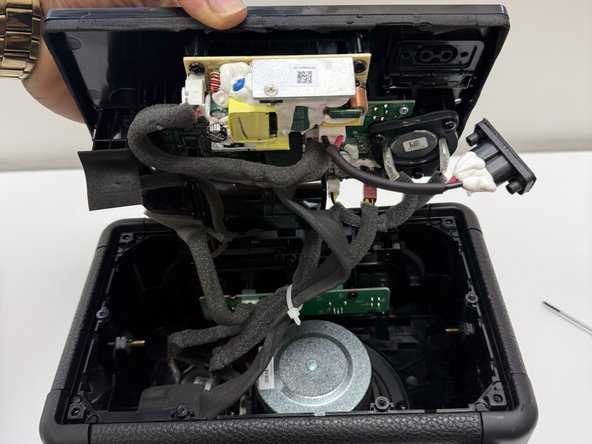
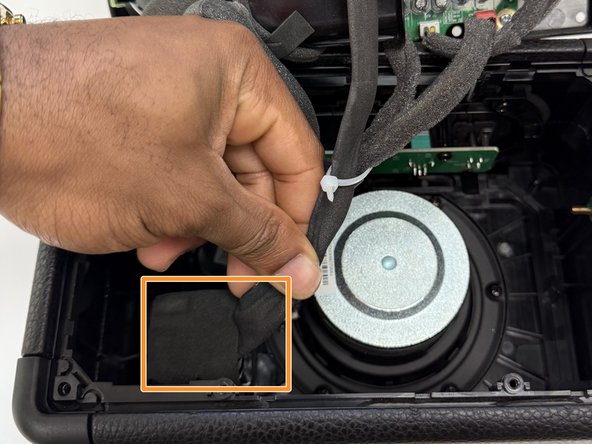
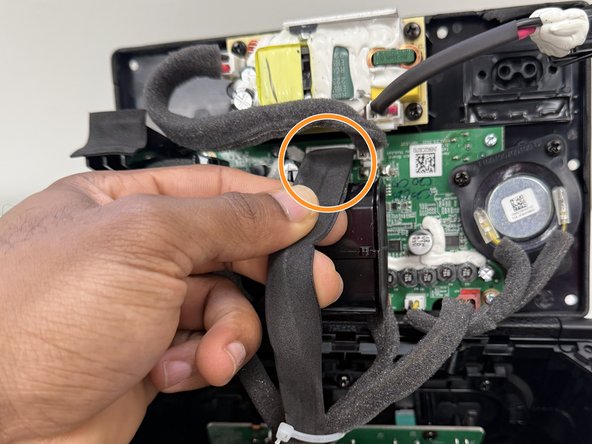
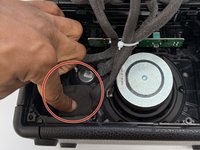
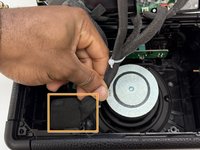
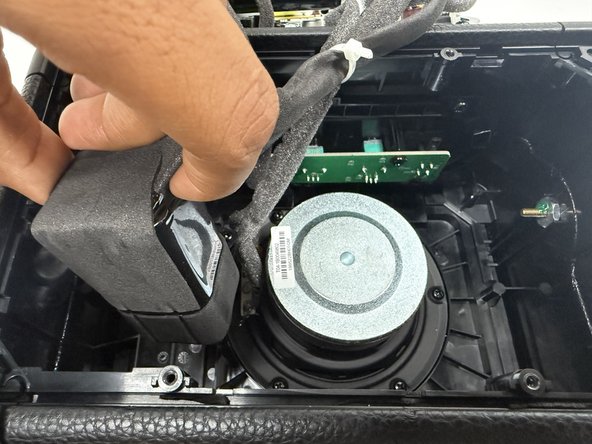
Locate the battery, which is attached on the inside bottom left corner. Refer to image 1.
-
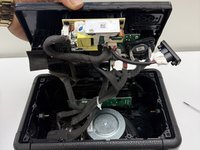
Identify the black cable that connects from the battery to the back cover of the speaker.
-
-
-
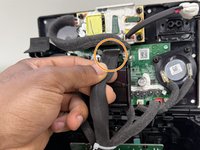
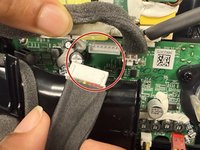
Grip the white battery connector and pull it directly out of its socket.
-
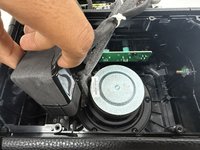
Remove the battery by pulling the battery up out of its housing.
-
-







To reassemble your device, follow the above steps in reverse order.
For optimal performance, after completing this guide, calibrate your newly installed battery.
Take your e-waste to an R2 or e-Stewards certified recycler.
Cancel: I did not complete this guide.
3 other people completed this guide.

Team

University of North Texas, Team 1-2, Kilpatrick Fall 2024 Member of University of North Texas, Team 1-2, Kilpatrick Fall 2024
UNT-KILPATRICK-F24S1G2
4 Members
60 Guides authored
6 Guide Comments
This happened after <6 month service, I was about to replace batt but found:
“Turn on the speaker, then push and hold the Bluetooth pairing button for at least 20 seconds. When you release the button, the speaker should restart.”
Ck this first BUT a replacement batt is always good idea.
Cheers From AZ. -Davison Sends
