Free Shipping on Domestic Orders $75+

Mac mini Model A1176 Top Housing Replacement

What you need

  1. Mac mini Model A1176 Top Housing Replacement, Top Housing: step 1, image 1 of 2 Mac mini Model A1176 Top Housing Replacement, Top Housing: step 1, image 2 of 2
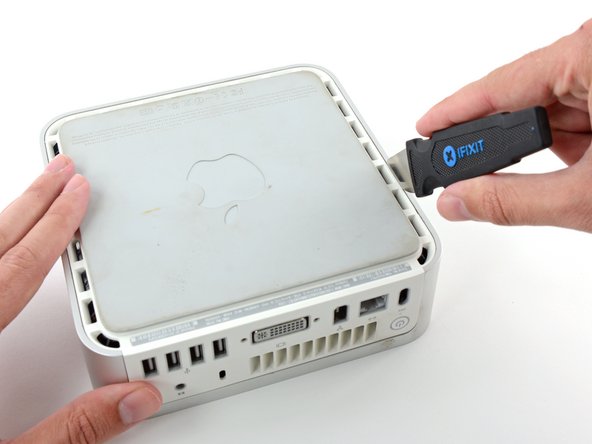
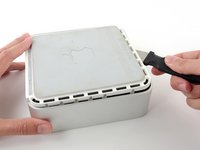
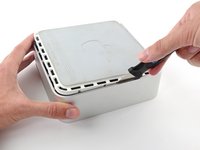
    • Power down your Mac mini, disconnect all of the cables, and flip it over.

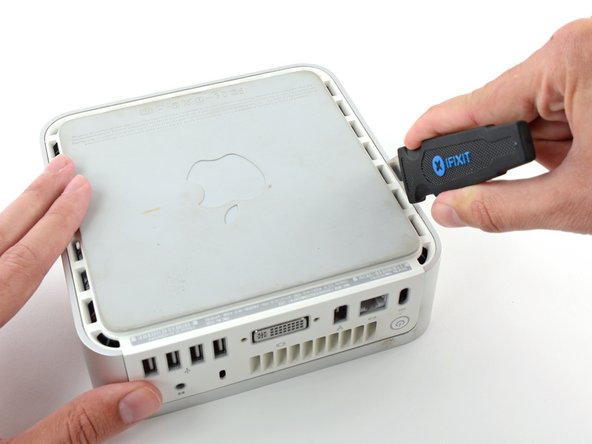
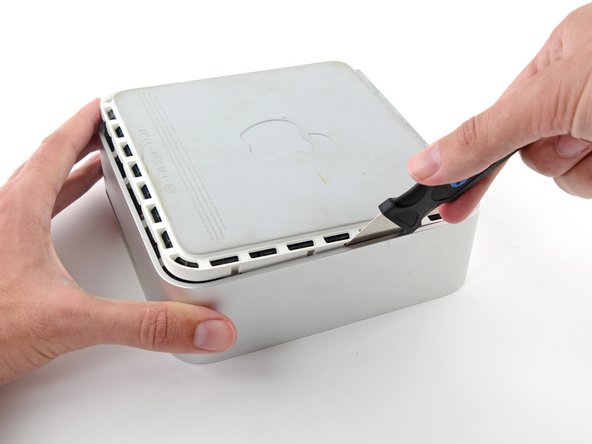
    • Insert the Jimmy into the crack between the aluminum top housing and the plastic lower housing.

    • The Jimmy should reach a stop about 3/8" down.

    Ask FixBot

    Add Comment

  2. Mac mini Model A1176 Top Housing Replacement: step 2, image 1 of 3 Mac mini Model A1176 Top Housing Replacement: step 2, image 2 of 3 Mac mini Model A1176 Top Housing Replacement: step 2, image 3 of 3
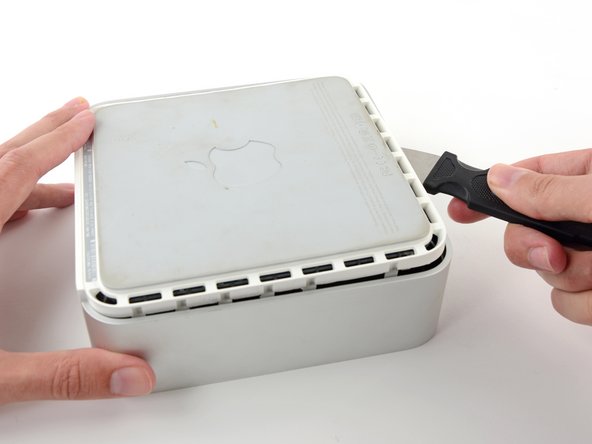
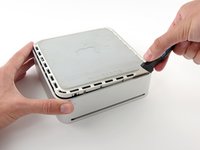
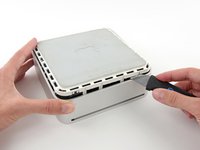
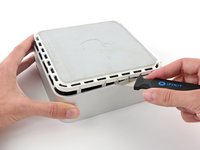
    • Gently bend the Jimmy outwards to pry the crack open a little larger and lift the lower housing up a small amount.

    • There are several plastic clips on the lower housing that fit into a channel in the aluminum top housing. Your goal is to use the Jimmy to push these clips inward enough to free them from the channel, while gently pulling up on the lower housing.

    Ask FixBot

    Add Comment

  3. Mac mini Model A1176 Top Housing Replacement: step 3, image 1 of 2 Mac mini Model A1176 Top Housing Replacement: step 3, image 2 of 2
    • Once you have the first side free, rotate the Mac mini and start prying up on the front edge.

    • Use the same prying motion to both bend the clips inward and lift the lower housing up out of the top housing.

    Ask FixBot

    Add Comment

  4. Mac mini Model A1176 Top Housing Replacement: step 4, image 1 of 2 Mac mini Model A1176 Top Housing Replacement: step 4, image 2 of 2
    • You may need to move the Jimmy along the edge to pry up all of the clips. Be patient and do a little bit at a time.

    Ask FixBot

    Add Comment

  5. Mac mini Model A1176 Top Housing Replacement: step 5, image 1 of 2 Mac mini Model A1176 Top Housing Replacement: step 5, image 2 of 2
    • Keep working around the perimeter, freeing the clips along the final edge.

    Ask FixBot

    Add Comment

  6. Mac mini Model A1176 Top Housing Replacement: step 6, image 1 of 2 Mac mini Model A1176 Top Housing Replacement: step 6, image 2 of 2
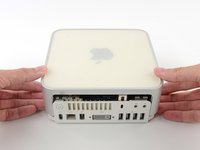
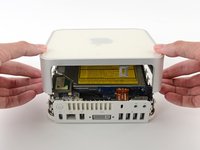
    • Flip the Mac mini back over and lift the top housing off of the lower housing.

    Ask FixBot

    Add Comment

Conclusion

To reassemble your device, follow these instructions in reverse order.

Cancel: I did not complete this guide.

50 other people completed this guide.

2 Guide Comments

Does this work to remove a disc

ajunelady6 - Reply Share

That's part of the process. After that, you will probably need to disassemble the optical drive.

Skylar - Reply Share

Add Comment

View Statistics:

Past 24 Hours: 6

Past 7 Days: 29

Past 30 Days: 105

All Time: 32,613