Introduction
The battery is the energy source for this computer. A battery can loose the about of charge that can be obtained over time. This will lead to the need of a new battery.
What you need
-
-
-
Remove the four screws from the back cover using the Phillips #0 screwdriver. Screws are 0.5 inches long.
 Ask FixBot
-
-
-
-
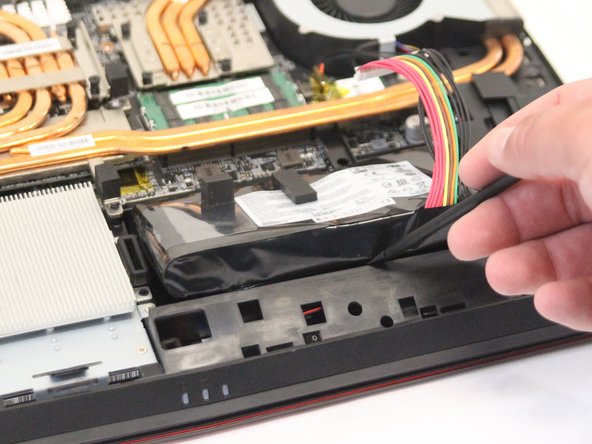
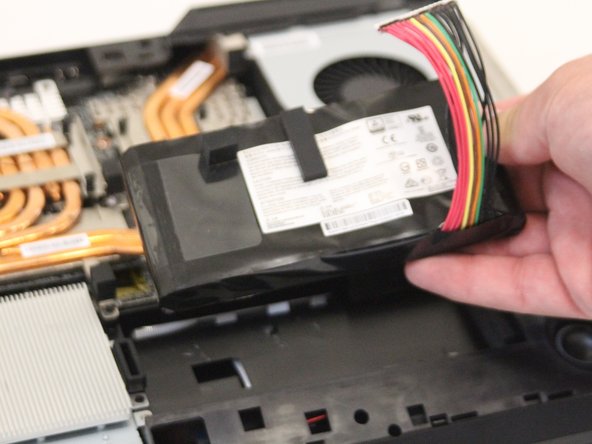
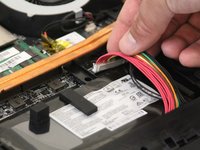
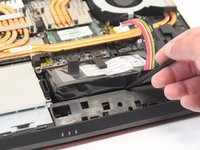
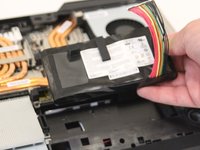
Unplug the battery, then using the black nylon spudger, carefully remove it from the laptop. It is held down by an adhesive, but can be safely removed without damaging the device.
-
-


To reassemble your device, follow these instructions in reverse order.

Team

Western Carolina University, Team S1-G5, Virtue Fall 2018 Member of Western Carolina University, Team S1-G5, Virtue Fall 2018
WCU-VIRTUE-F18S1G5
3 Members
60 Guides authored
