Free Shipping on Domestic Orders $75+

MSI GE70 2PE Apache Pro Touchpad Replacement

What you need

    1. MSI GE70 2PE Apache Pro Touchpad Replacement, Battery: step 1, image 1 of 1
      • Turn over the laptop so the battery compartment is facing up.

      Ask FixBot

      Add Comment

    2. MSI GE70 2PE Apache Pro Touchpad Replacement: step 2, image 1 of 1
      • Push the right latch all the way to the right until it clicks into place.

      Ask FixBot

      Add Comment

    3. MSI GE70 2PE Apache Pro Touchpad Replacement: step 3, image 1 of 1
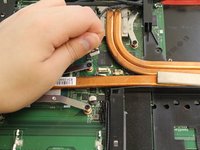
      • Pull and hold the left latch.

      Ask FixBot
      Add Comment

    4. MSI GE70 2PE Apache Pro Touchpad Replacement: step 4, image 1 of 1
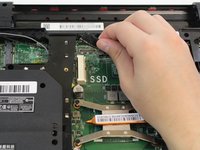
      • Pry the battery upward using the indent.

      Ask FixBot
      Add Comment

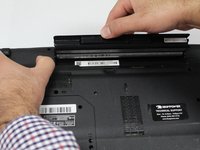
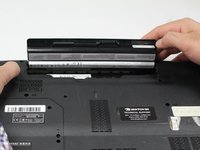
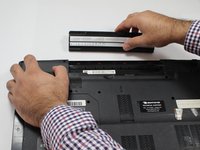
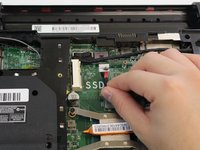
    5. MSI GE70 2PE Apache Pro Touchpad Replacement: step 5, image 1 of 3 MSI GE70 2PE Apache Pro Touchpad Replacement: step 5, image 2 of 3 MSI GE70 2PE Apache Pro Touchpad Replacement: step 5, image 3 of 3
      • Continue to pull the battery until it is free of the casing.

      Ask FixBot
      Add Comment

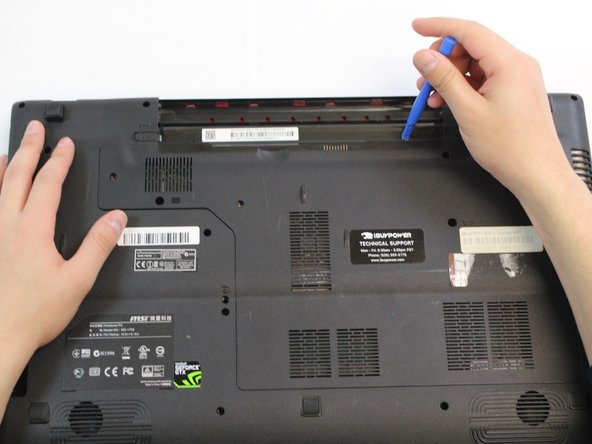
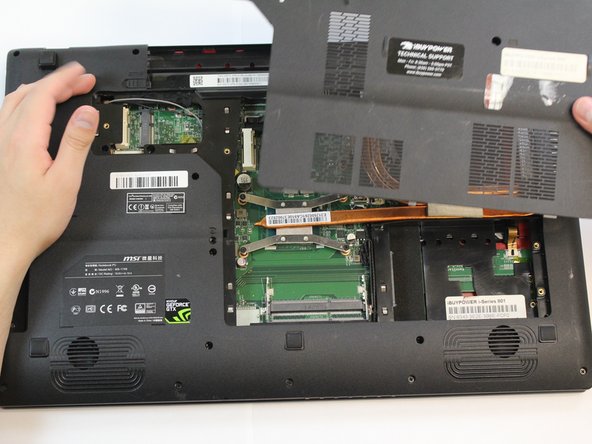
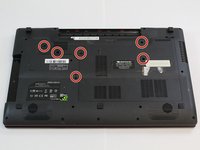
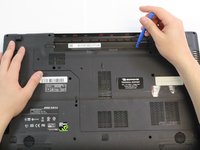
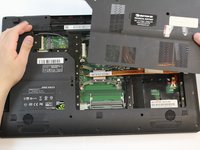
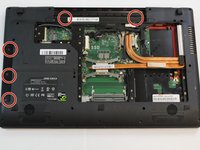
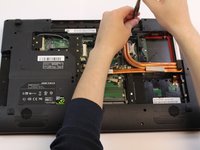
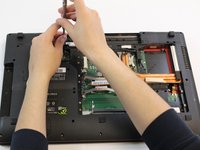
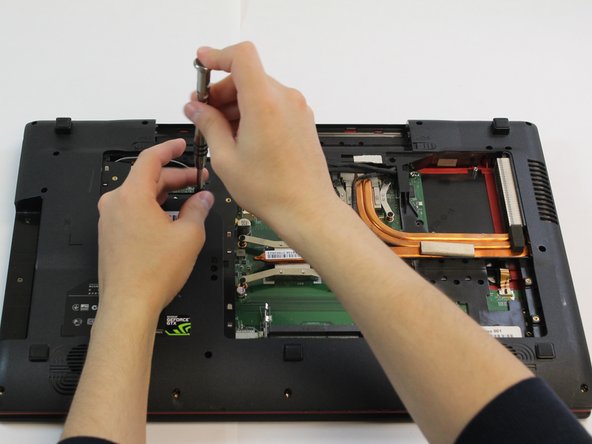
    1. MSI GE70 2PE Apache Pro Touchpad Replacement, Touchpad: step 6, image 1 of 3 MSI GE70 2PE Apache Pro Touchpad Replacement, Touchpad: step 6, image 2 of 3 MSI GE70 2PE Apache Pro Touchpad Replacement, Touchpad: step 6, image 3 of 3
      • Remove the six 5.5mm screws by using a Phillips #1 screwdriver.

      • Pry the door off using a plastic opening tool.

      Ask FixBot

      Add Comment

    2. MSI GE70 2PE Apache Pro Touchpad Replacement: step 7, image 1 of 3 MSI GE70 2PE Apache Pro Touchpad Replacement: step 7, image 2 of 3 MSI GE70 2PE Apache Pro Touchpad Replacement: step 7, image 3 of 3
      • Remove the five 3.5mm screws by using a Phillips #1 screwdriver.

      Ask FixBot

      Add Comment

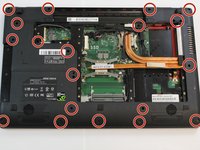
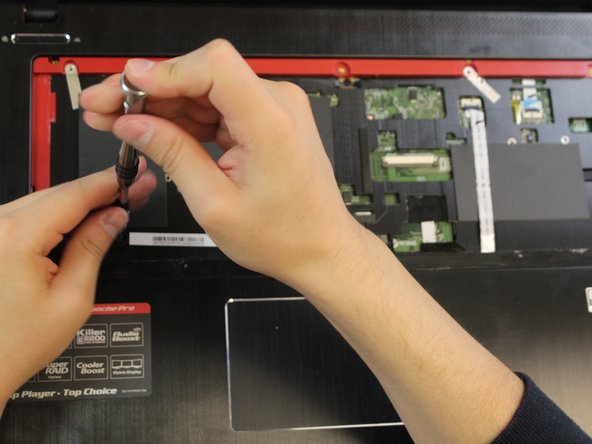
    3. MSI GE70 2PE Apache Pro Touchpad Replacement: step 8, image 1 of 3 MSI GE70 2PE Apache Pro Touchpad Replacement: step 8, image 2 of 3 MSI GE70 2PE Apache Pro Touchpad Replacement: step 8, image 3 of 3
      • Remove the twenty-one 5.5mm screws by using a Phillips #1 screwdriver.

      Ask FixBot
      Add Comment

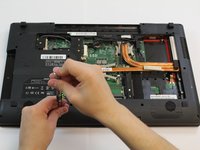
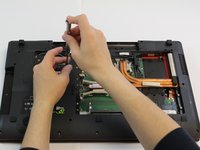
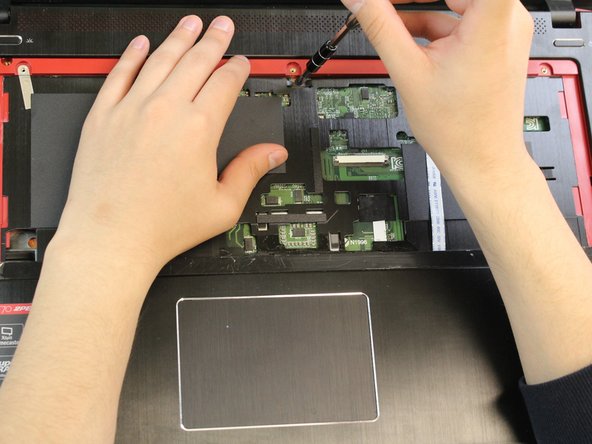
    4. MSI GE70 2PE Apache Pro Touchpad Replacement: step 9, image 1 of 3 MSI GE70 2PE Apache Pro Touchpad Replacement: step 9, image 2 of 3 MSI GE70 2PE Apache Pro Touchpad Replacement: step 9, image 3 of 3
      • Disconnect the power, mic, and LVDS cables.

      Ask FixBot
      Add Comment

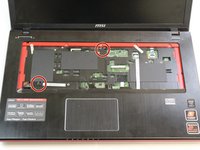
    5. MSI GE70 2PE Apache Pro Touchpad Replacement: step 10, image 1 of 1
      • Turn over the laptop so the screen is open and keyboard is exposed.

      Ask FixBot
      Add Comment
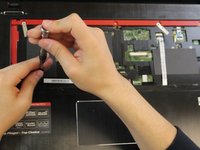
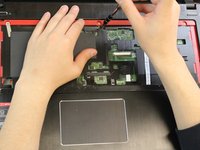
    6. MSI GE70 2PE Apache Pro Touchpad Replacement: step 11, image 1 of 3 MSI GE70 2PE Apache Pro Touchpad Replacement: step 11, image 2 of 3 MSI GE70 2PE Apache Pro Touchpad Replacement: step 11, image 3 of 3
      • Remove the two 5.5mm screws by using a Phillips #1 screwdriver.

      Ask FixBot

      Add Comment

    7. MSI GE70 2PE Apache Pro Touchpad Replacement: step 12, image 1 of 3 MSI GE70 2PE Apache Pro Touchpad Replacement: step 12, image 2 of 3 MSI GE70 2PE Apache Pro Touchpad Replacement: step 12, image 3 of 3
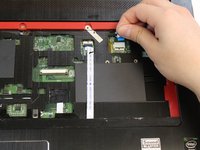
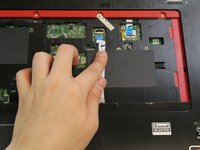
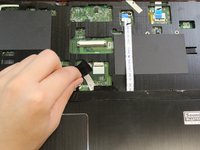
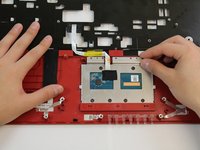
      • Disconnect the touchpad, touchpad button, and power board connections.

      Ask FixBot

      Add Comment

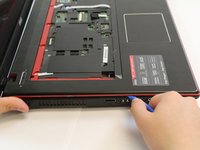
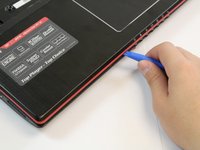
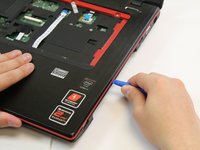
    8. MSI GE70 2PE Apache Pro Touchpad Replacement: step 13, image 1 of 3 MSI GE70 2PE Apache Pro Touchpad Replacement: step 13, image 2 of 3 MSI GE70 2PE Apache Pro Touchpad Replacement: step 13, image 3 of 3
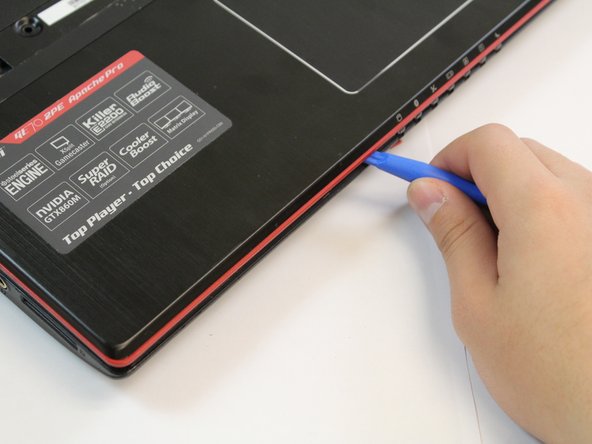
      • Using the plastic opening tool, pry open the computer case.

      Ask FixBot

      Add Comment

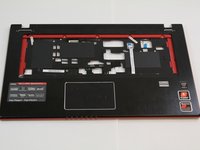
    9. MSI GE70 2PE Apache Pro Touchpad Replacement: step 14, image 1 of 2 MSI GE70 2PE Apache Pro Touchpad Replacement: step 14, image 2 of 2
      • Turn the panel over so that the internals are facing upward.

      Ask FixBot

      Add Comment

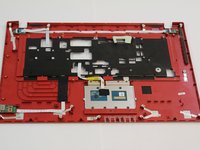
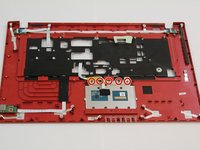
    10. MSI GE70 2PE Apache Pro Touchpad Replacement: step 15, image 1 of 3 MSI GE70 2PE Apache Pro Touchpad Replacement: step 15, image 2 of 3 MSI GE70 2PE Apache Pro Touchpad Replacement: step 15, image 3 of 3
      • Remove the five 2.5mm screws by using a Phillips #1 screwdriver.

      Ask FixBot

      Add Comment

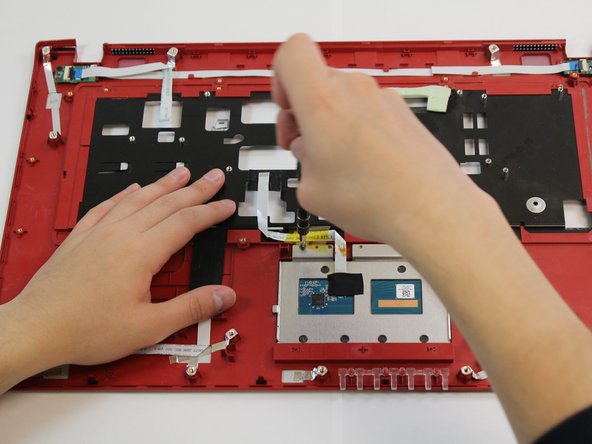
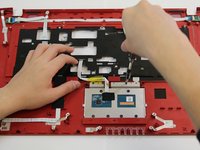
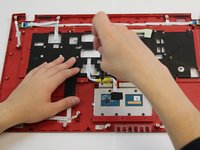
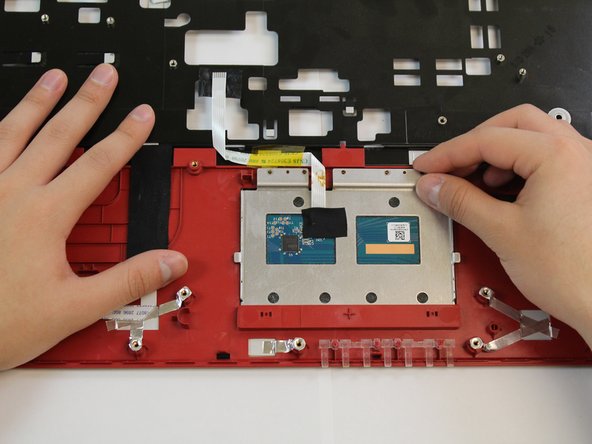
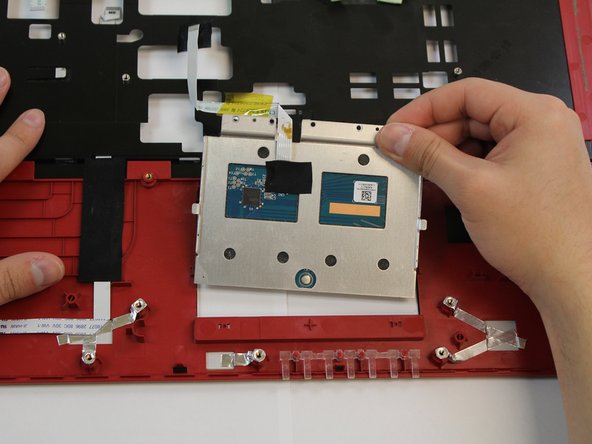
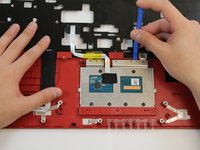
    11. MSI GE70 2PE Apache Pro Touchpad Replacement: step 16, image 1 of 3 MSI GE70 2PE Apache Pro Touchpad Replacement: step 16, image 2 of 3 MSI GE70 2PE Apache Pro Touchpad Replacement: step 16, image 3 of 3
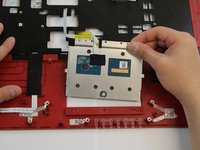
      • Using the plastic opening tool, pry the touchpad off and remove it.

      Ask FixBot

      Add Comment

Conclusion

To reassemble your device, follow these instructions in reverse order.

Cancel: I did not complete this guide.

One other person completed this guide.

2 Guide Comments

Do you know where the replacement touchpads for MSI laptops can be purchased? The touchpad getting stuck seems to be a common issue on their forums

Connor D - Reply Share

i looking for touchpad part also…

Rafał Pawlak - Reply Share

Add Comment

View Statistics:

Past 24 Hours: 3

Past 7 Days: 26

Past 30 Days: 86

All Time: 5,073