Free Shipping on Domestic Orders $75+

MSI GE62 Apache Pro 004 Web Camera Replacement

What you need

  1. MSI GE62 Apache Pro 004 Web Camera Replacement, Battery: step 1, image 1 of 1
    • Start with the bottom of the laptop facing up.

    Ask FixBot

    Add Comment

  2. MSI GE62 Apache Pro 004 Web Camera Replacement: step 2, image 1 of 2 MSI GE62 Apache Pro 004 Web Camera Replacement: step 2, image 2 of 2
    • Remove the 15 screws from the bottom of the laptop with a PH1 screwdriver.

    • Remove the bottom plate by pulling away from laptop

    • Keep track of all the screws and which slot they came from, as they slightly differ. We recommend this system: lay out on a piece of paper and pretending the paper is the device. Place the screws on the paper approximately where they would go

    Ask FixBot

    Add Comment

  3. MSI GE62 Apache Pro 004 Web Camera Replacement: step 3, image 1 of 3 MSI GE62 Apache Pro 004 Web Camera Replacement: step 3, image 2 of 3 MSI GE62 Apache Pro 004 Web Camera Replacement: step 3, image 3 of 3
    • Remove the screw holding down the battery with a PH1 screwdriver.

    • Pull out the battery.

    Ask FixBot

    Add Comment

  4. MSI GE62 Apache Pro 004 Web Camera Replacement, Web Camera: step 4, image 1 of 1
    • Flip over the laptop and open it.

    Ask FixBot

    Add Comment

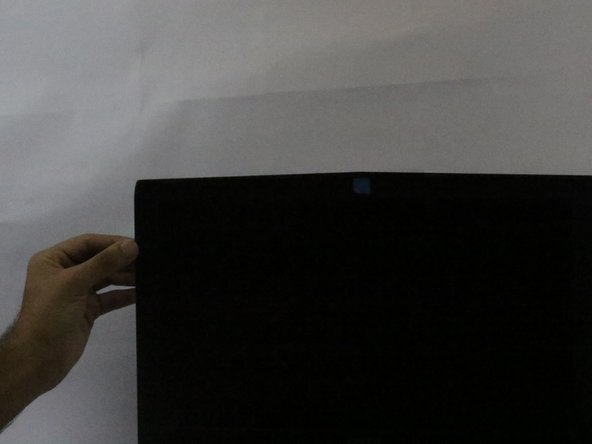
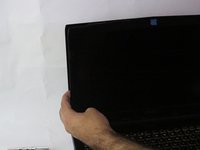
  5. MSI GE62 Apache Pro 004 Web Camera Replacement: step 5, image 1 of 3 MSI GE62 Apache Pro 004 Web Camera Replacement: step 5, image 2 of 3 MSI GE62 Apache Pro 004 Web Camera Replacement: step 5, image 3 of 3
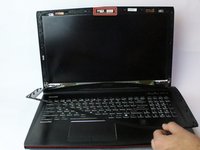
    • Slide a metal opener tool along the outside edges of the front screen panel to start to separate it from the back screen panel.

    • You may need to apply some firm pressure to get it started.

    Ask FixBot

    Add Comment

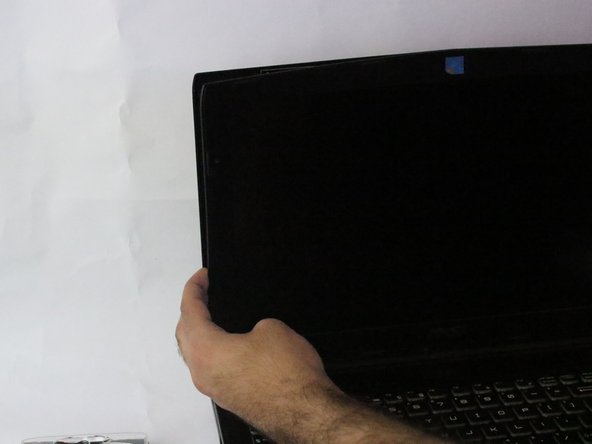
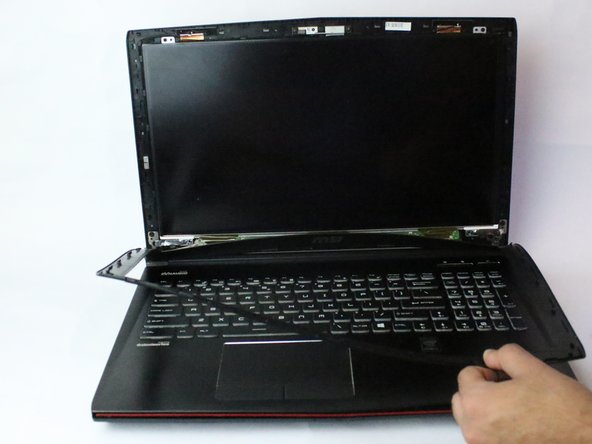
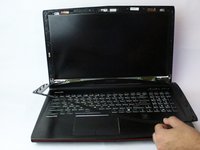
  6. MSI GE62 Apache Pro 004 Web Camera Replacement: step 6, image 1 of 2 MSI GE62 Apache Pro 004 Web Camera Replacement: step 6, image 2 of 2
    • Once it has started to separate, gently pull off the screen panel by working along the edge, and set it aside.

    • Do not force off. Front screen panel is thing and can break or crack very easily.

    Ask FixBot

    Add Comment

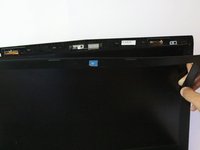
  7. MSI GE62 Apache Pro 004 Web Camera Replacement: step 7, image 1 of 2 MSI GE62 Apache Pro 004 Web Camera Replacement: step 7, image 2 of 2
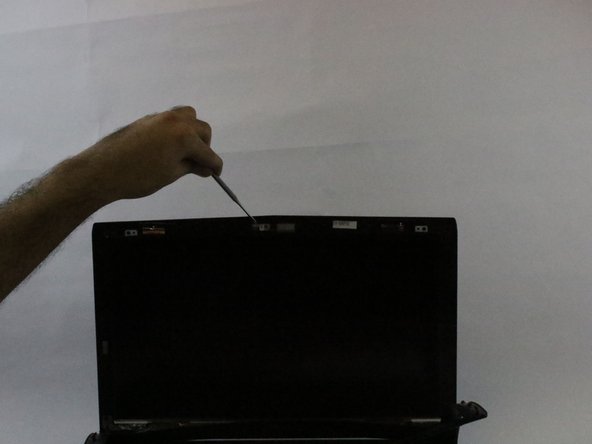
    • Locate the WebCam on the middle of the device.

    • Slide a metal opener tool to remove the Webcam

    Ask FixBot

    Add Comment

Conclusion

To reassemble your device, follow these instructions in reverse order. Take your e-waste to an R2 or e-Stewards certified recycler.

Cancel: I did not complete this guide.

Majid Al Hashmi

Member since: 02/13/18

283 Reputation

2 Guides authored

Team

USF Tampa, Team S15-G5, Boczar Spring 2018 Member of USF Tampa, Team S15-G5, Boczar Spring 2018

USFT-BOCZAR-S18S15G5

4 Members

5 Guides authored

0 Guide Comments

Add Comment

View Statistics:

Past 24 Hours: 0

Past 7 Days: 5

Past 30 Days: 25

All Time: 1,208