Free Shipping on Domestic Orders $75+

MSI GE62 Apache Pro 004 Motherboard Replacement

What you need

    1. MSI GE62 Apache Pro 004 Motherboard Replacement, Battery: step 1, image 1 of 1
      • Start with the bottom of the laptop facing up.

      Ask FixBot

      Add Comment

    2. MSI GE62 Apache Pro 004 Motherboard Replacement: step 2, image 1 of 2 MSI GE62 Apache Pro 004 Motherboard Replacement: step 2, image 2 of 2
      • Remove the 15 screws from the bottom of the laptop with a PH1 screwdriver.

      • Remove the bottom plate by pulling away from laptop

      • Keep track of all the screws and which slot they came from, as they slightly differ. We recommend this system: lay out on a piece of paper and pretending the paper is the device. Place the screws on the paper approximately where they would go

      Ask FixBot

      Add Comment

    3. MSI GE62 Apache Pro 004 Motherboard Replacement: step 3, image 1 of 3 MSI GE62 Apache Pro 004 Motherboard Replacement: step 3, image 2 of 3 MSI GE62 Apache Pro 004 Motherboard Replacement: step 3, image 3 of 3
      • Remove the screw holding down the battery with a PH1 screwdriver.

      • Pull out the battery.

      Ask FixBot

      Add Comment

    1. MSI GE62 Apache Pro 004 Motherboard Replacement, Motherboard: step 4, image 1 of 2 MSI GE62 Apache Pro 004 Motherboard Replacement, Motherboard: step 4, image 2 of 2
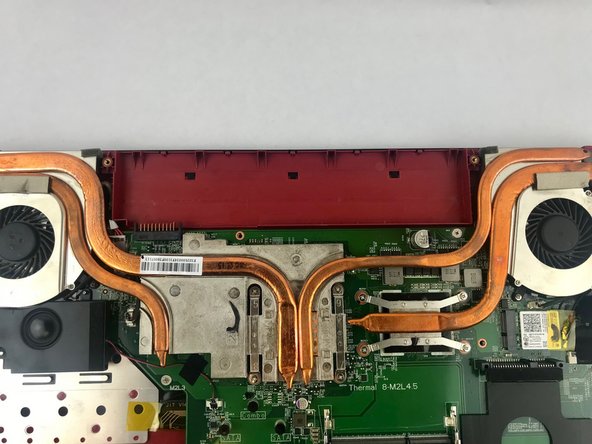
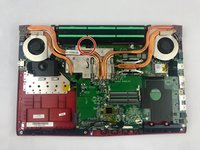
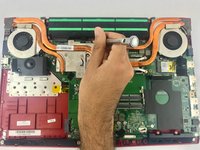
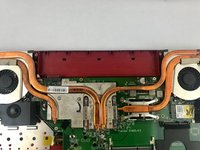
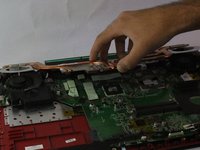
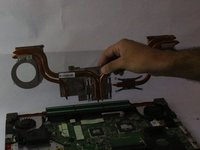
      • Remove the cooling assembly by unscrewing the fourteen screws holding it in place.

      Ask FixBot

      Add Comment

    2. MSI GE62 Apache Pro 004 Motherboard Replacement: step 5, image 1 of 3 MSI GE62 Apache Pro 004 Motherboard Replacement: step 5, image 2 of 3 MSI GE62 Apache Pro 004 Motherboard Replacement: step 5, image 3 of 3
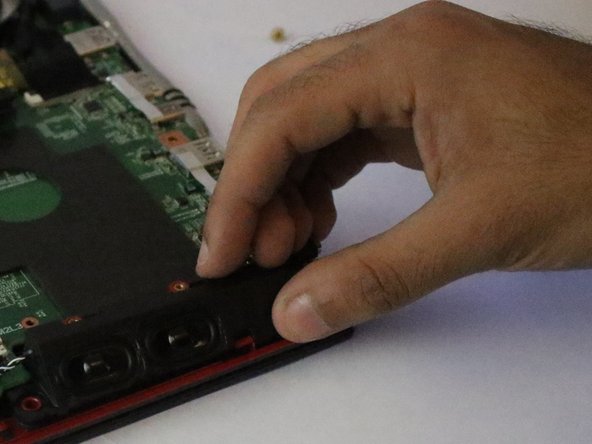
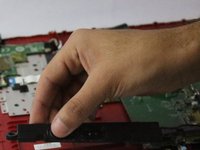
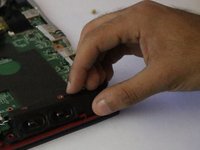
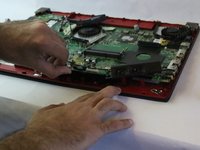
      • Remove the speakers holding the motherboard in place, located on the bottom left and bottom right of the device.

      • Unfasten the 8 screws holding the motherboard in place.

      • Pull out the motherboard.

      Ask FixBot

      Add Comment

Conclusion

To reassemble your device, follow these instructions in reverse order.

Cancel: I did not complete this guide.

Alexander

Member since: 02/19/18

86 Reputation

1 Guide authored

Team

USF Tampa, Team S15-G5, Boczar Spring 2018 Member of USF Tampa, Team S15-G5, Boczar Spring 2018

USFT-BOCZAR-S18S15G5

4 Members

59 Guides authored

1 Guide Comment

Hi,can i change msi ge62 6qf motherboard with ge62 7rd apache pro?

Its essential for me.tnx.

rahim dargahi - Reply Share

Add Comment

View Statistics:

Past 24 Hours: 1

Past 7 Days: 11

Past 30 Days: 41

All Time: 2,633