
Lorex LHV210800 Fan Replacement

Jazlyn and 3 other contributors
Last updated on Jan 14, 2026
Views: 557
View statistics:
- Past 24 Hours:
- 1
- Past 7 Days:
- 11
- Past 30 Days:
- 61
- All Time:
- 557
Comments: 1
1 comment on steps.
Completed: 0 1
No one has marked this guide "completed." Will you be the first?
1 person has marked this guide "completed." It's you — great job!
Favorites: 0 1
No one has favorited (and subscribed to) this guide. Will you be the first?
1 person has favorited (and subscribed to) this guide — and that's you!
Action Shots
Be an action hero! This guide needs images that better demonstrate how to perform specific actions.
Needs More Images
A few more images would make this guide's procedures crystal clear.
Introduction
Go to step 1 ↓If your DVR is running louder than usual or overheating, a worn-out fan could be the main issue. This guide will walk you through the process of safely replacing the fan to not cause any long term damage to the rest of your device. Whether you're looking for an easier way to save money on replacements or like doing DIY projects, this step-by-step guide will help you complete the task with tools that you may have at home and technical experience.
What you need
Tools


-
-
-
Before beginning, disconnect the DVR from power and unplug all peripheries.
-
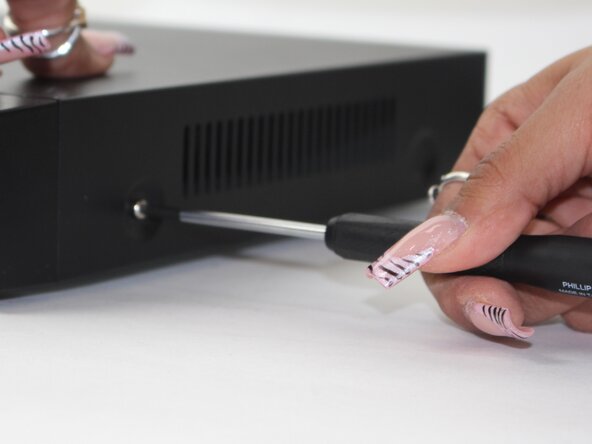
Remove each of the two 1 cm screws on the right and left sides of the DVR with a Phillips screwdriver.
 Ask FixBot
-
-
-
-
-
-
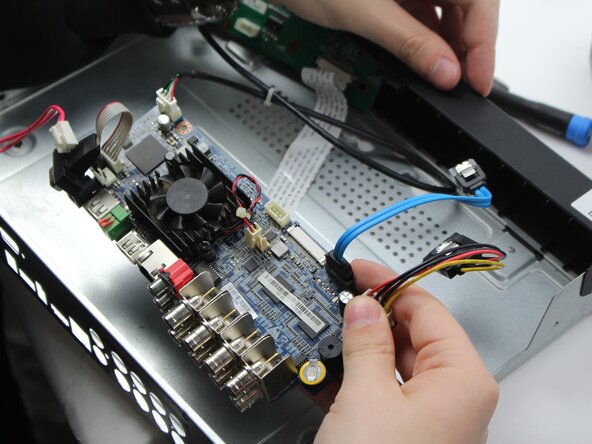
Unplug the red and white power cord from the socket.
-
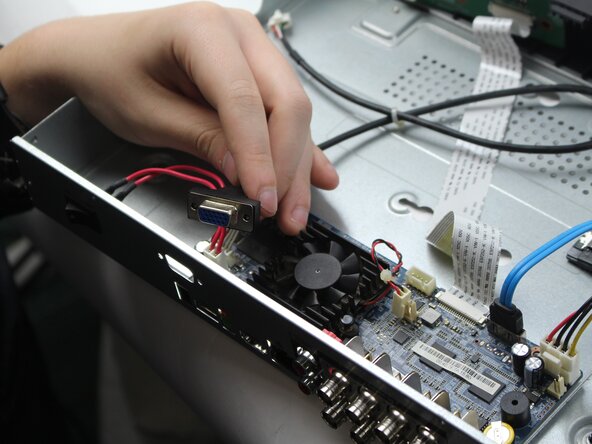
Unplug the back panel power source.
-
-
-
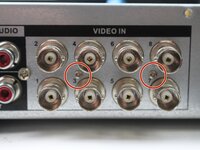
Remove two of the 1 cm screws.
-
Remove the back panel where the fan is located.
-
-
-
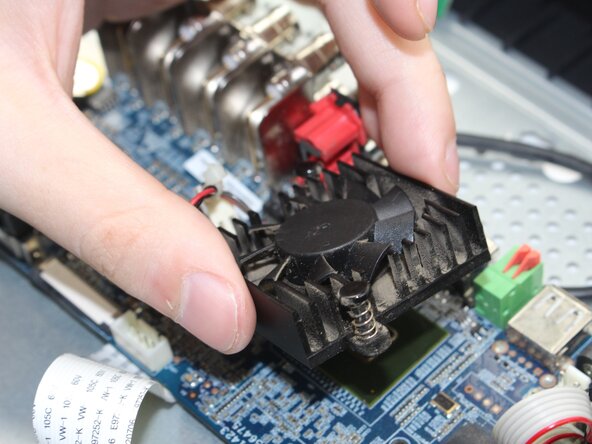
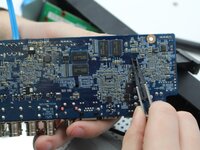
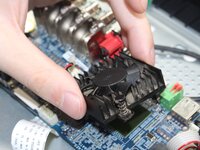
Turn the panel around, and locate these two black studs connecting the fan and the panel together.
-
Once you are able to get those loose using the pliers, the fan should pop out, making it easier to switch out the fan and check it for issues.
-
-






To reassemble your device, follow the above steps in reverse order.
Take your e-waste to an R2 or e-Stewards certified recycler.
Repair didn’t go as planned? Try some basic troubleshooting or ask our Answers community for help.

Team

Sam Houston State, Team 17-1, Thornton Spring 2025 Member of Sam Houston State, Team 17-1, Thornton Spring 2025
SHSU-THORNTON-S25S17G1
3 Members
60 Guides authored
