Introduction
If you consistently experience poor sound quality—even after updating the software using the UE Boom App—your speaker may be damaged. Follow this guide to replace the speaker in your Logitech MegaBoom 4 Bluetooth speaker (model 984-001964).
This guide will walk you through replacing a damaged or faulty speaker to help restore sound performance.
Note: Completing this replacement may compromise the waterproof seal of your device.
Before you begin, make sure the speaker is powered off and unplugged.
What you need
-
-
-
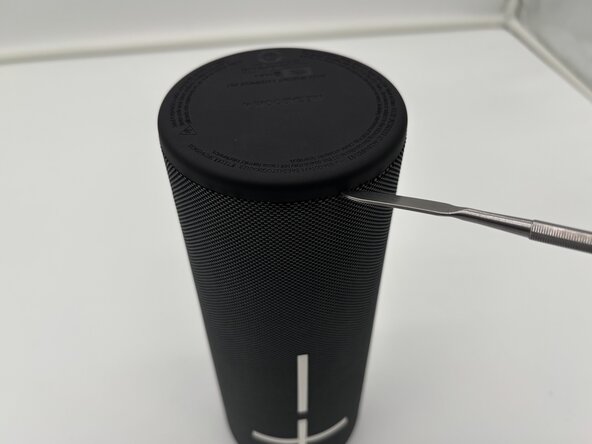
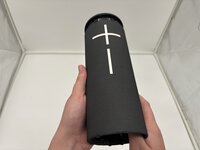
Flip your speaker upside down so the charging port side is faced upwards.
-
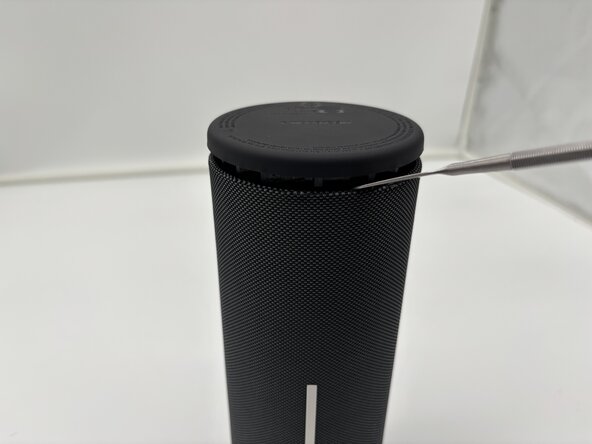
Place the end of a metal spudger in between the rubber bottom and the mesh case.
-
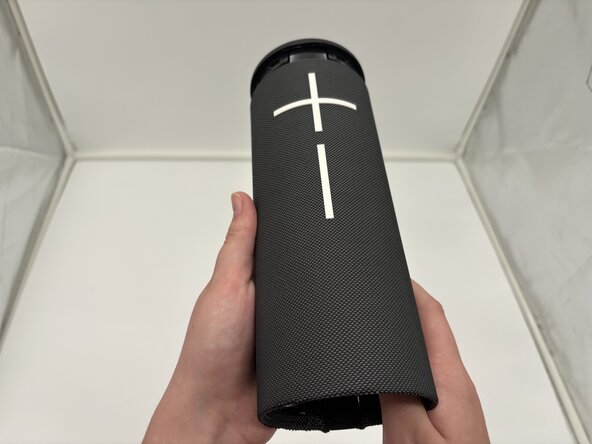
Work your way around the base of the speaker until the top separates from the case of the speaker.
 Ask FixBot
-
-
-
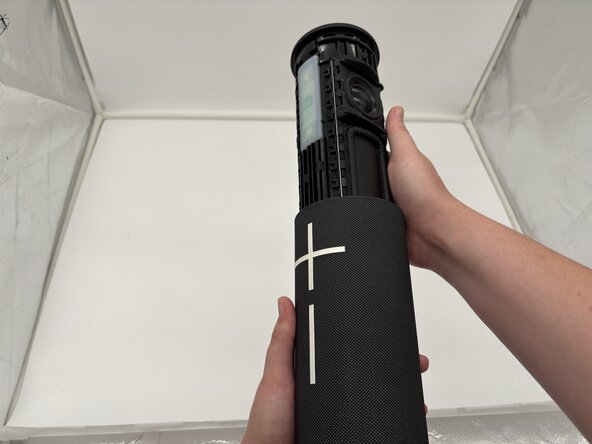
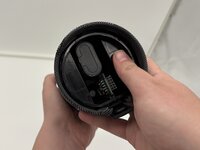
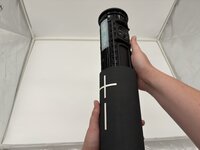
Use your thumbs to press the two plastic tabs inside the speaker case and gently push out the internal components.
-
-
-
-
-
-
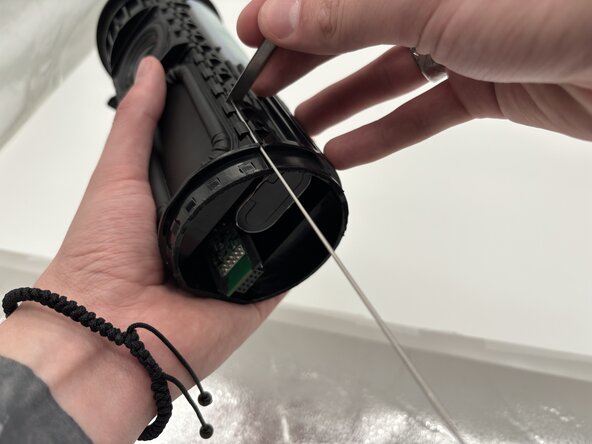
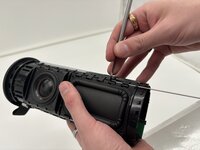
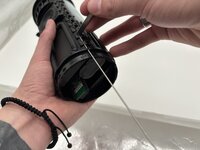
Use a metal spudger or another suitable opening tool to push the metal rods on both sides of the speaker until they extend past the end of the device.
-
When the rods are pushed out far enough, use pliers to pull them out the rest of the way.
-
Repeat for each metal rod on the speaker.
-
-
-
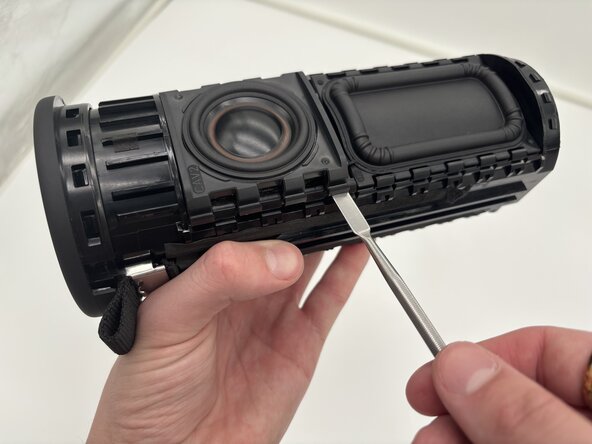
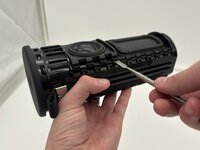
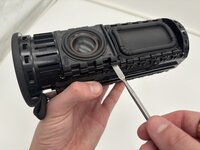
Use a spudger to apply an upward force on the speaker plate.
-
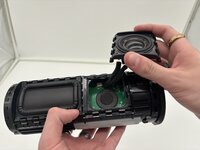
Hold the speaker with one hand and use a spudger to pry the speaker off.
-
-
-
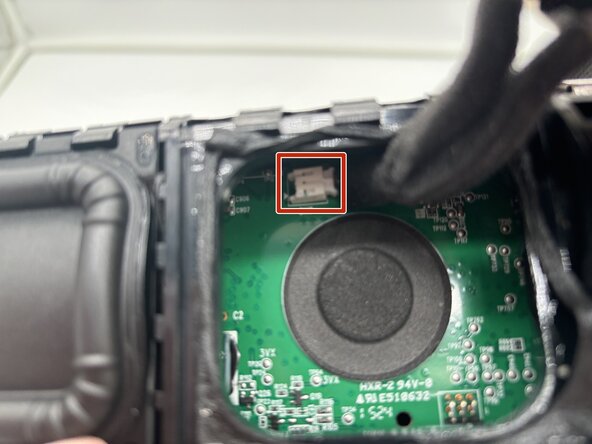
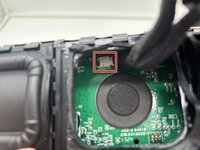
Squeeze the end of the connector to release it from the socket and remove the speaker cables from the motherboard.
-
-







To reassemble your device, follow these instructions in reverse order. Take your e-waste to an R2 or e-Stewards certified recycler.

Team

University of North Texas, Team 1-4, Kilpatrick Spring 2025 Member of University of North Texas, Team 1-4, Kilpatrick Spring 2025
UNT-KILPATRICK-S25S1G4
4 Members
60 Guides authored
