Introduction
This guide shows how to replace the outer case of the Logitech UE MegaBoom 4 speaker. If you've dropped your speaker and damaged the case, or if you need to access internal components for repair, this is the guide for you.
Note that completing this repair may compromise the waterproof seal of your speaker.
Before you begin, power off the device and unplug the charger.
What you need
-
-
-
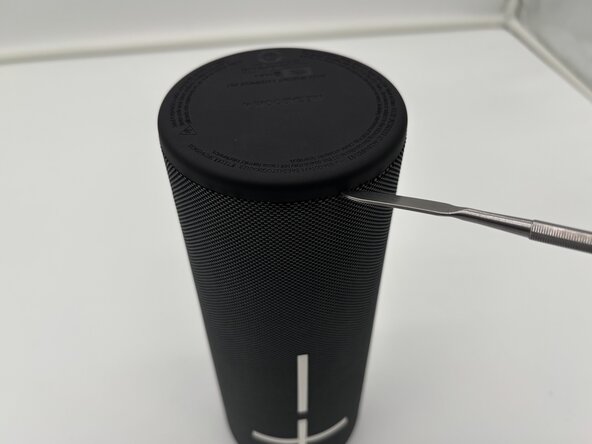
Flip your speaker upside down so the charging port side is faced upwards.
-
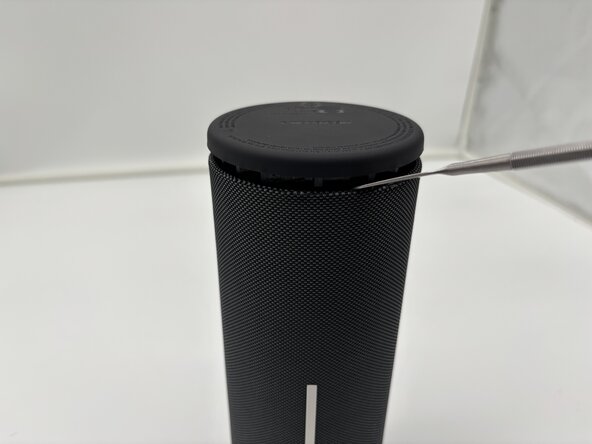
Place the end of a metal spudger in between the rubber bottom and the mesh case.
-
Work your way around the base of the speaker until the top separates from the case of the speaker.
 Ask FixBot
-
-
-
-
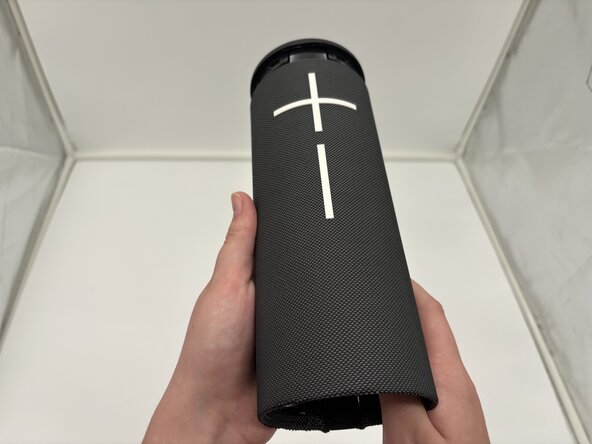
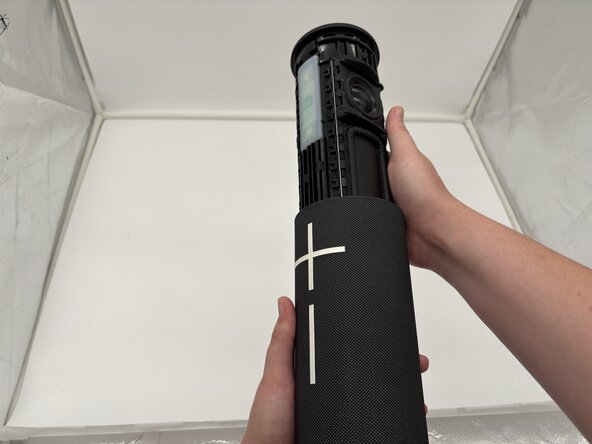
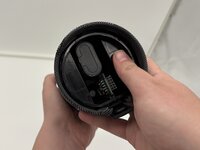
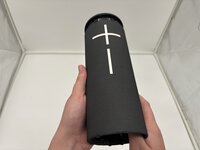
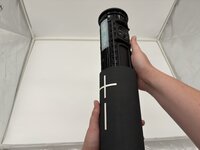
Use your thumbs to press the two plastic tabs inside the speaker case and gently push out the internal components.
-
-




To reassemble your device, follow these instructions in reverse order. Take your e-waste to an R2 or e-Stewards certified recycler.

Team

University of North Texas, Team 1-4, Kilpatrick Spring 2025 Member of University of North Texas, Team 1-4, Kilpatrick Spring 2025
UNT-KILPATRICK-S25S1G4
4 Members
60 Guides authored
