Introduction
If your speaker does not sound right, it may be time to replace the passive radiator. The following guide will show you how to replace the passive radiator in the Logitech UE MegaBoom 3. A passive radiator moves back and forth to create sound thanks to the fluctuations in air pressure within an enclosure based on its resonant frequency. If your device is still loud but the sound and the bass is off the issue is most likely your passive radiator and not the speakers.
Before starting this guide make sure you turn your speaker off and on and test the sound again just incase the frequency issue was not a one time thing. If the frequency is still off you will need to complete this guide.
This is a difficult guide to complete so be sure to read the entire guide thoroughly before starting.
What you need
-
-
-
To access all internal components, first flip the speaker upwards to where you can see the base.
-
Place your blue iFixit opening picks inside the gap between the speaker and the base to act as a lever when opening the speaker.
 Ask FixBot
-
-
-
Using the flat head #4.5 screw driver, carefully lever and rotate the driver around the edge of the speaker to enlarge the gap further.
-
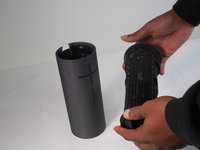
Pry off the base of the speaker and remove the end cap.
-
-
-
-
-
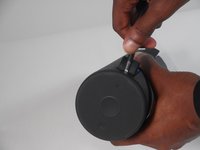
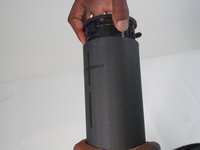
Take off the fiber cover by prying it from the top of the speaker using the flathead 4.5 mm screwdriver.
-
After the cover is loosened, the cap can finally be pulled off.
-
-
-
-
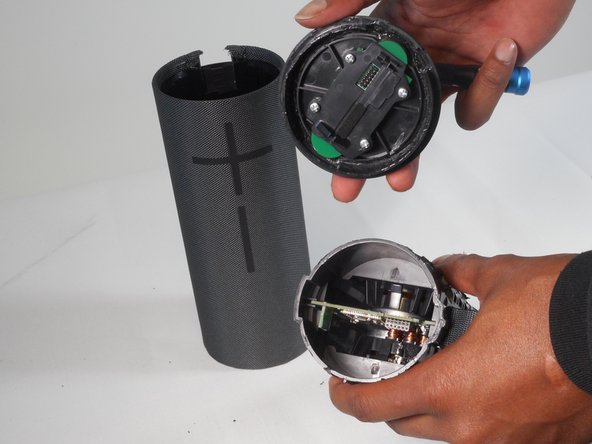
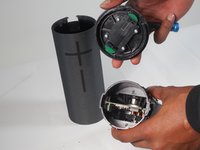
Remove the top half of the speaker using the 4.5 mm flat head screwdriver.
-
Now remove the top of the speaker by prying and releasing the tab around the cap using the same screwdriver.
-
-
-
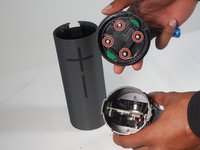
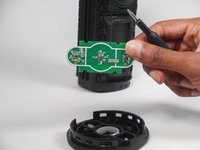
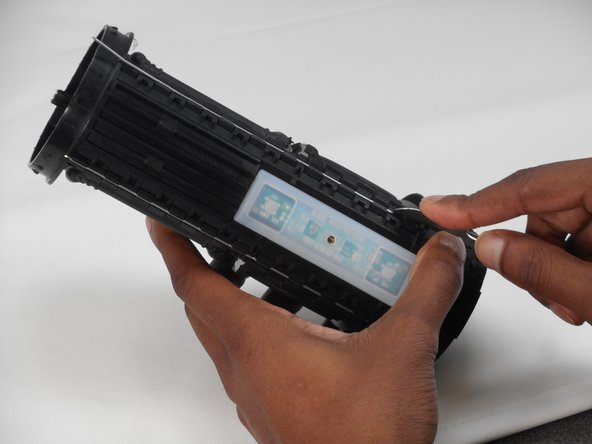
With the cap removed, using Phillips #0 screwdriver remove all four 2.0 mm screws to take off the control board.
-
Now you can replace the power button control board.
-
-
-
-
-
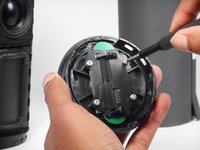
Take off the metal rods by gently prying them out using the metal spudgers
-
-
-
One the rods are removed you can pry it off and disconnect the passive radiator.
-
Repeat the same steps to disconnect the passive radiator on the other side of the speaker.
-
-











To reassemble your device, follow these instructions in reverse order.
Cancel: I did not complete this guide.
2 other people completed this guide.

Team

University of Memphis, Team 1-2, Sneed Fall 2023 Member of University of Memphis, Team 1-2, Sneed Fall 2023
UM-SNEED-F23S1G2
4 Members
84 Guides authored
