Free Shipping on Domestic Orders $75+

Logitech UE Boombox Bluetooth Adapter Replacement

What you need

  1. Logitech UE Boombox Bluetooth Adapter Replacement, Speaker Grille: step 1, image 1 of 2 Logitech UE Boombox Bluetooth Adapter Replacement, Speaker Grille: step 1, image 2 of 2
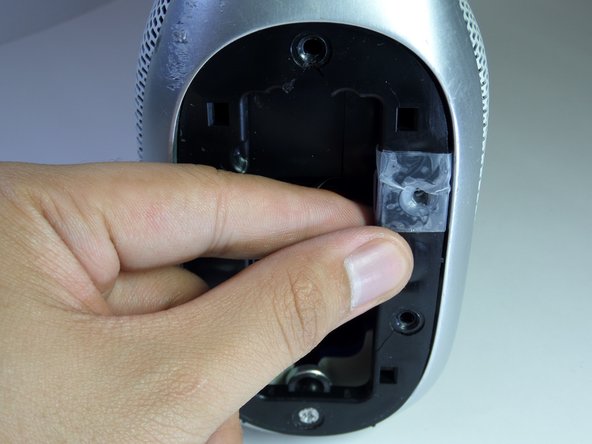
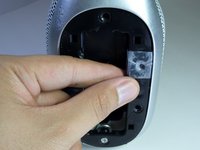
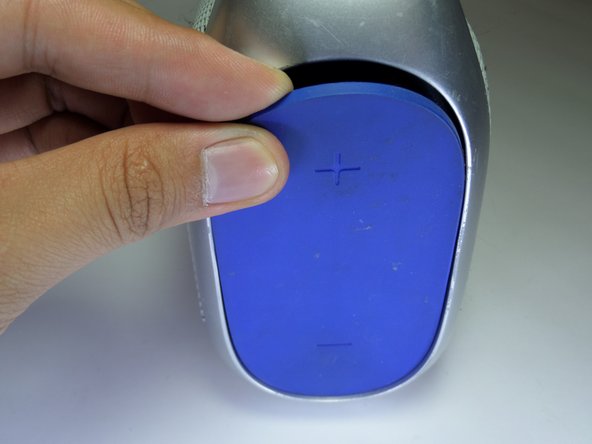
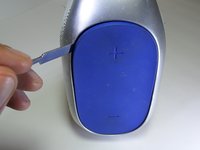
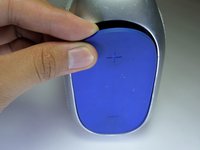
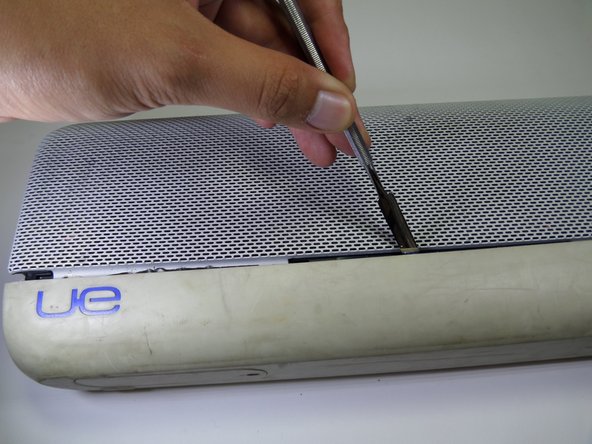
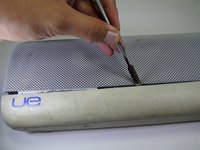
    • Use a metal spudger to pry open the power button cover.

    • Once the power button cover is slightly opened, use your fingers to remove the power button cover.

    Ask FixBot

    Add Comment

  2. Logitech UE Boombox Bluetooth Adapter Replacement: step 2, image 1 of 3 Logitech UE Boombox Bluetooth Adapter Replacement: step 2, image 2 of 3 Logitech UE Boombox Bluetooth Adapter Replacement: step 2, image 3 of 3
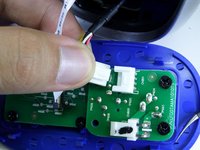
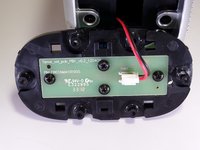
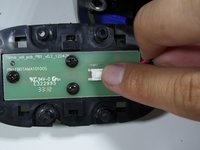
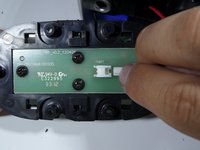
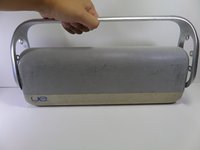
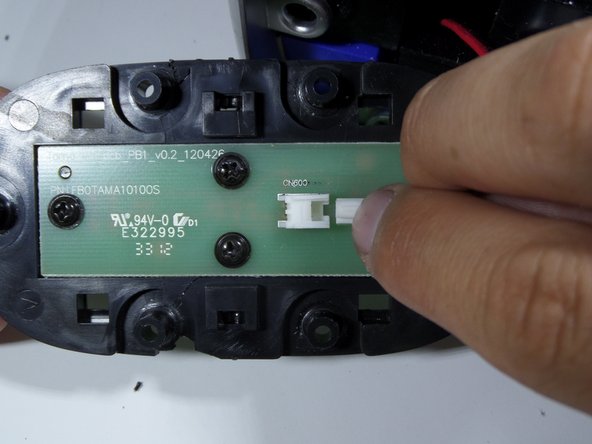
    • Press firmly on the end of the latch and pull the two-wire connector away from the base to separate.

    Ask FixBot

    Add Comment

  3. Logitech UE Boombox Bluetooth Adapter Replacement: step 3, image 1 of 3 Logitech UE Boombox Bluetooth Adapter Replacement: step 3, image 2 of 3 Logitech UE Boombox Bluetooth Adapter Replacement: step 3, image 3 of 3
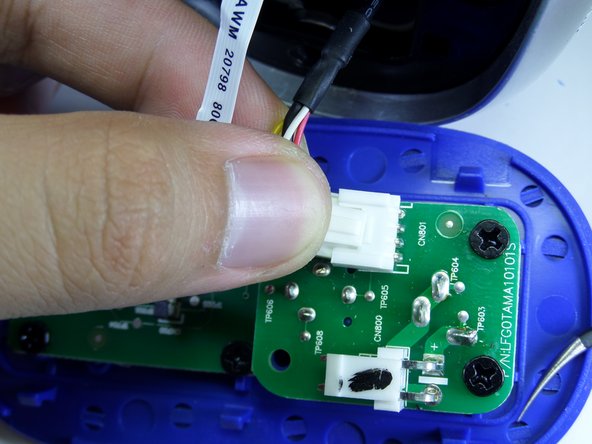
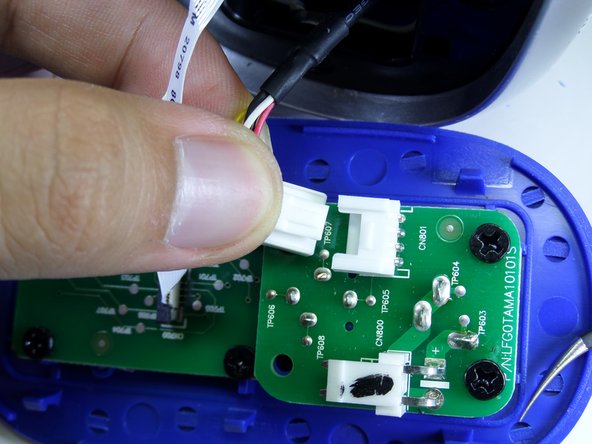
    • Firmly press on the end of the latch and pull the four-wire connector away from the base to separate.

    Ask FixBot

    Add Comment

  4. Logitech UE Boombox Bluetooth Adapter Replacement: step 4, image 1 of 3 Logitech UE Boombox Bluetooth Adapter Replacement: step 4, image 2 of 3 Logitech UE Boombox Bluetooth Adapter Replacement: step 4, image 3 of 3
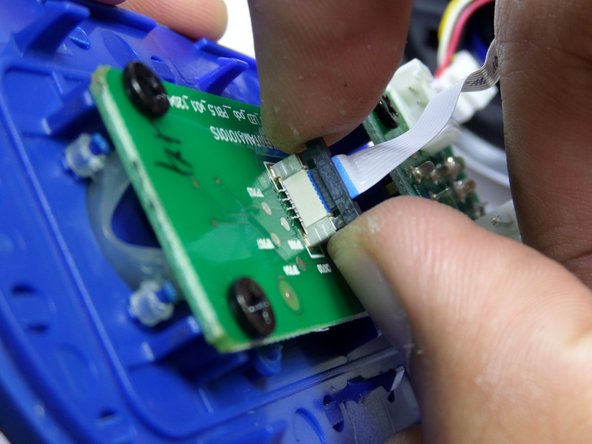
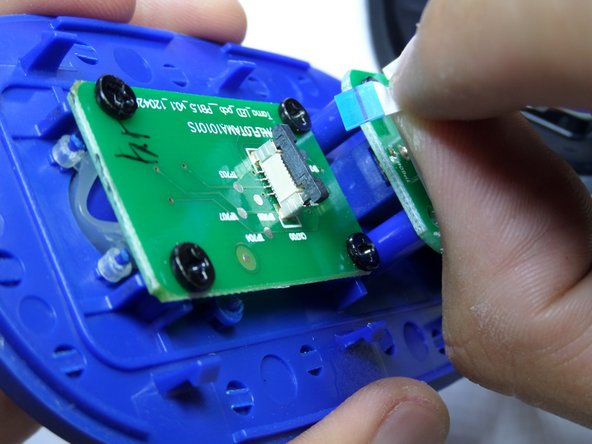
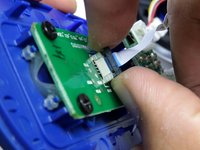
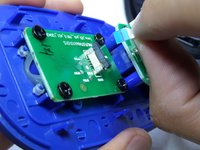
    • Lightly, pry up on each side of the black band connector lock using your fingertips.

    • Once unlocked, pull straight up on the connector to remove.

    Ask FixBot

    Add Comment

  5. Logitech UE Boombox Bluetooth Adapter Replacement: step 5, image 1 of 2 Logitech UE Boombox Bluetooth Adapter Replacement: step 5, image 2 of 2
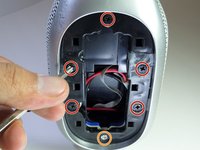
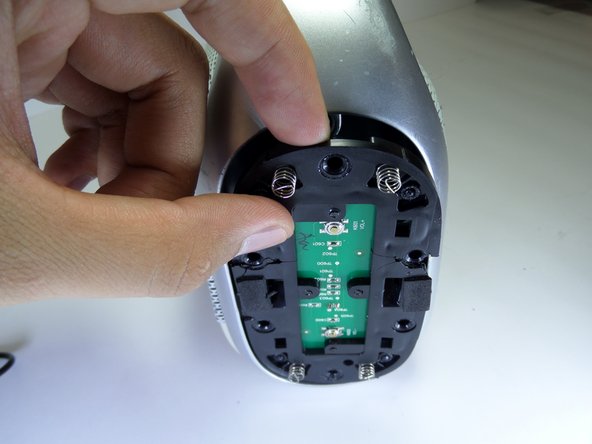
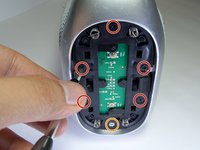
    • Remove the five black 14mm Phillips #2 screws from the black plastic side panel.

    • Remove the one silver 16mm Phillips #2 screws from the black plastic side panel.

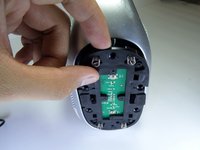
    • Remove the black plastic screw panel from the boombox.

    Ask FixBot

    Add Comment

  6. Logitech UE Boombox Bluetooth Adapter Replacement: step 6, image 1 of 2 Logitech UE Boombox Bluetooth Adapter Replacement: step 6, image 2 of 2
    • On the opposite side of the device, pry open the volume rocker with a metal spudger.

    • Remove the panel with your fingers once the volume rocker is slightly opened.

    Ask FixBot

    Add Comment

  7. Logitech UE Boombox Bluetooth Adapter Replacement: step 7, image 1 of 3 Logitech UE Boombox Bluetooth Adapter Replacement: step 7, image 2 of 3 Logitech UE Boombox Bluetooth Adapter Replacement: step 7, image 3 of 3
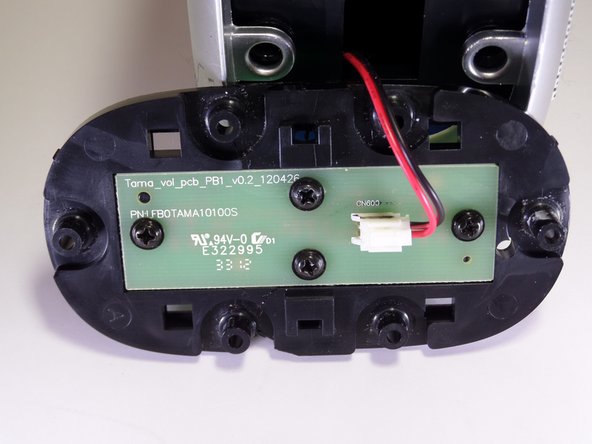
    • Remove the five black 14mm Phillips #2 screws from the black plastic side panel.

    • Remove the one silver16 mm Phillips #2 screw from the black plastic side panel.

    • Once all screws are removed, take the screw panel out of the device to gain access to the back of the panel.

    Ask FixBot

    Add Comment

  8. Logitech UE Boombox Bluetooth Adapter Replacement: step 8, image 1 of 2 Logitech UE Boombox Bluetooth Adapter Replacement: step 8, image 2 of 2
    • Firmly press on the end of the latch and pull the two-wire connector away from the base.

    Ask FixBot

    Add Comment

  9. Logitech UE Boombox Bluetooth Adapter Replacement: step 9, image 1 of 2 Logitech UE Boombox Bluetooth Adapter Replacement: step 9, image 2 of 2
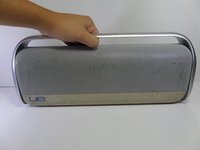
    • Pull up on the aluminum boombox handle to remove.

    Ask FixBot

    Add Comment

  10. Logitech UE Boombox Bluetooth Adapter Replacement: step 10, image 1 of 2 Logitech UE Boombox Bluetooth Adapter Replacement: step 10, image 2 of 2
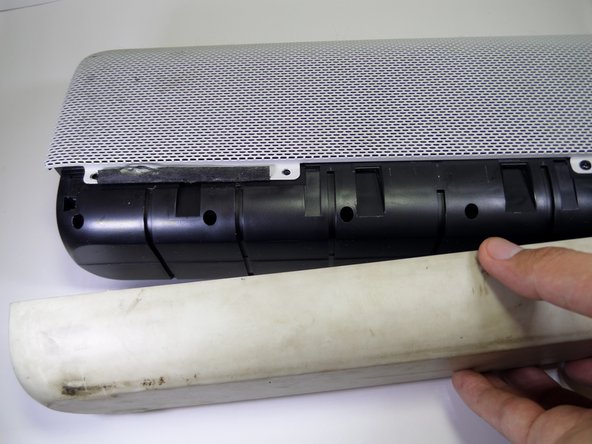
    • Use a metal spudger to pry the rubber base apart from the aluminum grille.

    Ask FixBot

    Add Comment

  11. Logitech UE Boombox Bluetooth Adapter Replacement: step 11, image 1 of 2 Logitech UE Boombox Bluetooth Adapter Replacement: step 11, image 2 of 2
    • Pull the rubber base away from the boombox.

    Ask FixBot

    Add Comment

  12. Logitech UE Boombox Bluetooth Adapter Replacement: step 12, image 1 of 1
    • Remove the four black 7.5mm Phillips #2 screws on each side of the device.

    • There should be a total of eight screws removed in this step.

    Ask FixBot

    Add Comment

  13. Logitech UE Boombox Bluetooth Adapter Replacement: step 13, image 1 of 3 Logitech UE Boombox Bluetooth Adapter Replacement: step 13, image 2 of 3 Logitech UE Boombox Bluetooth Adapter Replacement: step 13, image 3 of 3
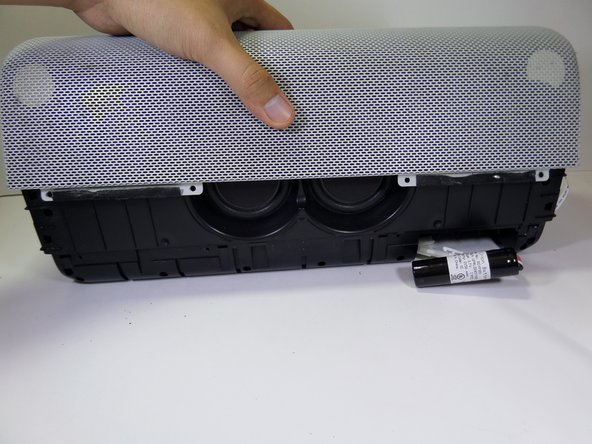
    • Pull vertically on the speaker grille to remove it from the boombox.

    Ask FixBot

    Add Comment

  14. Logitech UE Boombox Bluetooth Adapter Replacement, Bluetooth Adapter: step 14, image 1 of 3 Logitech UE Boombox Bluetooth Adapter Replacement, Bluetooth Adapter: step 14, image 2 of 3 Logitech UE Boombox Bluetooth Adapter Replacement, Bluetooth Adapter: step 14, image 3 of 3
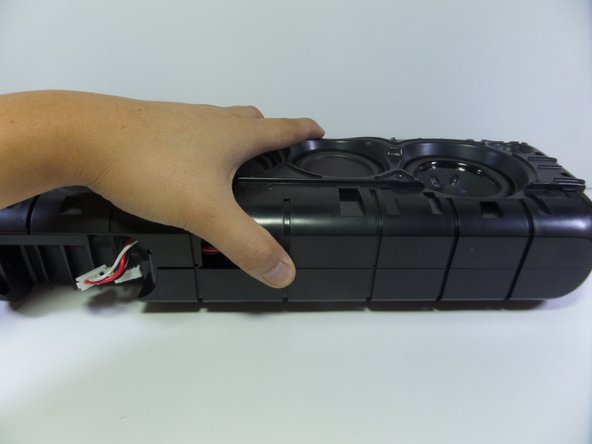
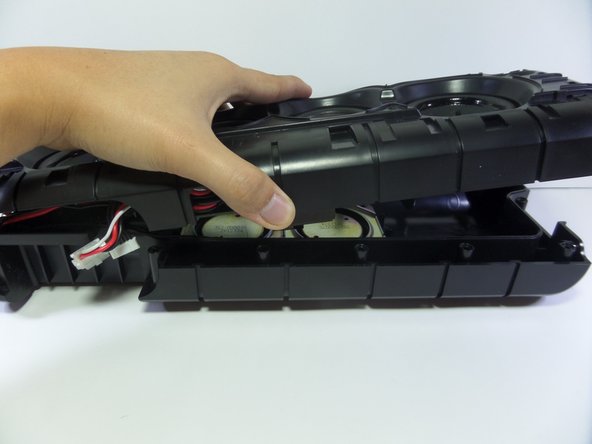
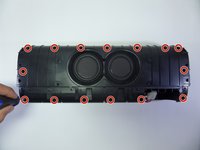
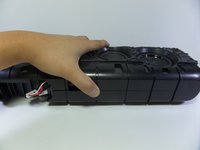
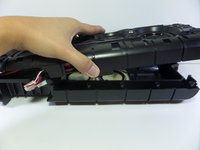
    • Remove the fifteen 13.0mm Phillips #2 screws from the side of the device containing two speakers.

    • Separate the two halves by gently pulling them apart.

    • The screws at this step are embedded deep within the device so make sure your screwdriver is long.

    Ask FixBot

    Add Comment

  15. Logitech UE Boombox Bluetooth Adapter Replacement: step 15, image 1 of 3 Logitech UE Boombox Bluetooth Adapter Replacement: step 15, image 2 of 3 Logitech UE Boombox Bluetooth Adapter Replacement: step 15, image 3 of 3
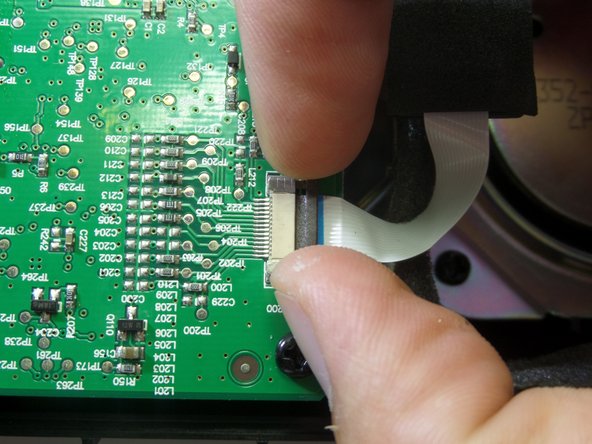
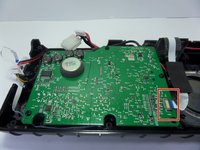
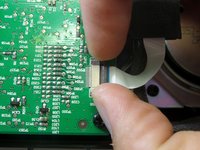
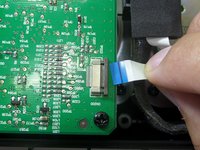
    • Pull up on the lock connecting the band connector to the motherboard with your finger tips.

    • Detach the band connector gently from the motherboard.

    Ask FixBot

    Add Comment

  16. Logitech UE Boombox Bluetooth Adapter Replacement: step 16, image 1 of 1
    • Remove the five black 7.0mm Phillips #2 screws.

    Ask FixBot

    Add Comment

  17. Logitech UE Boombox Bluetooth Adapter Replacement: step 17, image 1 of 1
    • Move the motherboard away from bluetooth adapter gently.

    • Remove two 7.0mm Phillips #2 screws.

    • Motherboard will still be attached to device.

    Ask FixBot

    Add Comment

  18. Logitech UE Boombox Bluetooth Adapter Replacement: step 18, image 1 of 1
    • Remove the bluetooth adapter from the boombox.

    Ask FixBot

    Add Comment

Conclusion

To reassemble your device, follow these instructions in reverse order.

Cancel: I did not complete this guide.

One other person completed this guide.

teresa ahmadyar

Member since: 10/06/16

113 Reputation

1 Guide authored

Team

CSU Fullerton, Team 1-1, Bruce Fall 2016 Member of CSU Fullerton, Team 1-1, Bruce Fall 2016

CSUF-BRUCE-F16S1G1

4 Members

5 Guides authored

1 Guide Comment

I need a new bluetooth adapter for my ue boombox. Where can i get one

Ragnar Teinburg - Reply Share
Add Comment

View Statistics:

Past 24 Hours: 0

Past 7 Days: 28

Past 30 Days: 48

All Time: 2,121