Introduction
This guide will show you how to replace the motherboard in a Logitech UE Boom 3 speaker. The motherboard, an essential part of the device, organizes and manages the speaker's multiple tasks. It could be time to replace the motherboard in your Logitech UE Boom 3 if you're having problems with connectivity, power failures, or distortion in the audio. This tutorial will lead you through the procedure, offering detailed instructions and helpful guidance to guarantee a successful repair. When working with electronic components, always use caution and ensure the power source is off before starting any repairs. Furthermore, be aware of possible risks, including bigger batteries, broken glass screens, and harm to the waterproofing.
What you need
-
-
-
Insert a Jimmy into the space between the body and the lid.
-
Wiggle the Jimmy to loosen the lid. Continue around the lid until lid comes off.
 Ask FixBot
-
-
-
-
-
-
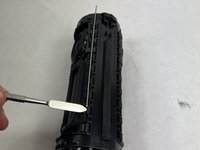
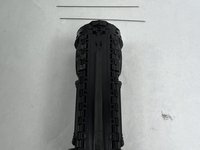
Remove the metal bars from the body of the speaker using the spudger.
-
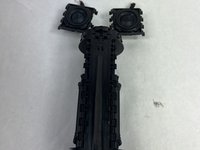
Carefully pull out the speaker driver from the body of the speaker.
-
-
-
-
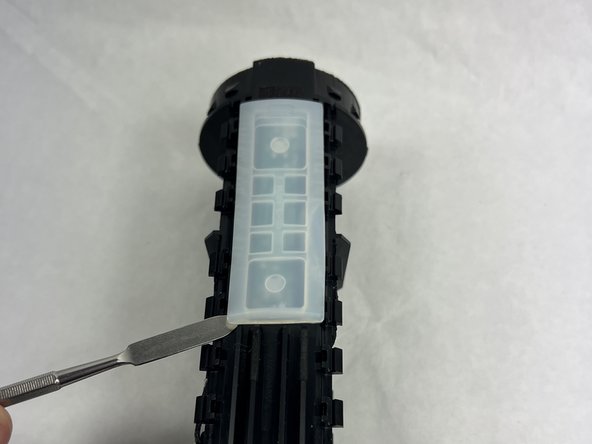
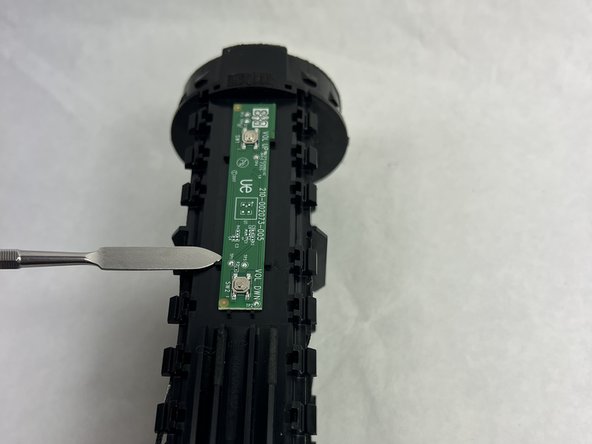
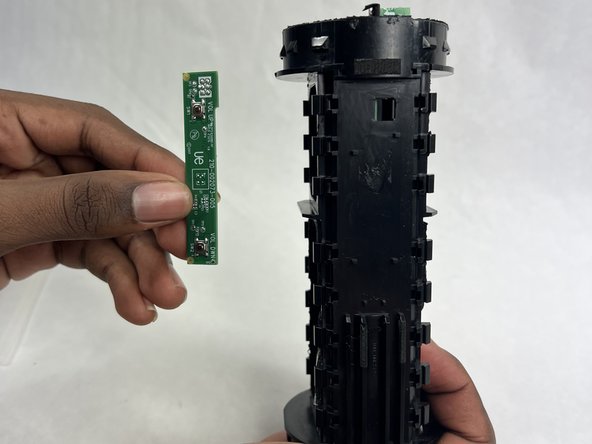
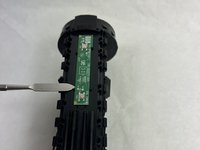
Use a spudger to remove the silicone cover for the volume control board.
-
-






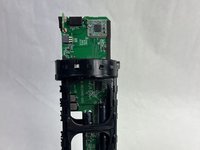
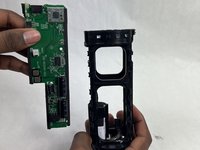
To reassemble your device, follow these instructions in reverse order.

Team

UMass Dartmouth, Team 1-4, Konn Spring 2024 Member of UMass Dartmouth, Team 1-4, Konn Spring 2024
UMASSD-KONN-S24S1G4
4 Members
72 Guides authored
