Introduction
Follow this guide to replace the midframe (aka shell or shroud) from your Logitech RS H‑Shifter.
Note: You'll need a long-shank Phillips screwdriver to reach some of the screws in this repair.
What you need
-
-
-
Unplug the H‑Shifter's USB cable.
-
Completely unmount the shifter from the clamp and remove any accessories so you're left with just the shifter.
-
Use a 4.0 mm hex screwdriver to remove the 31 mm‑long screws securing the shifter to the clamp.
 Ask FixBot
-
-
-
-
-
Twist the shift knob counterclockwise to unscrew and remove it.
-
-
-
-
-
Use a 2.5 mm hex screwdriver to remove the four 12 mm‑long screws securing the top cover.
-
-
-
-
-
-
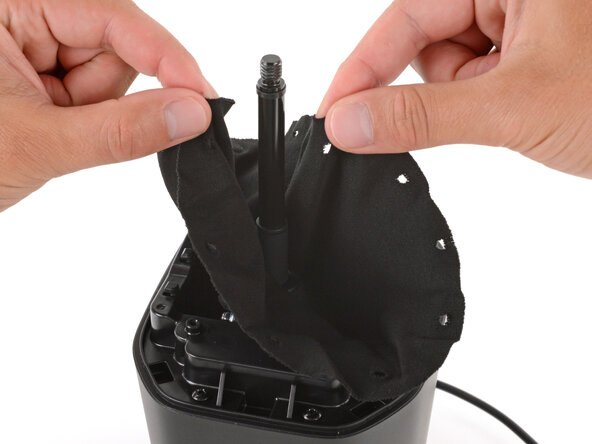
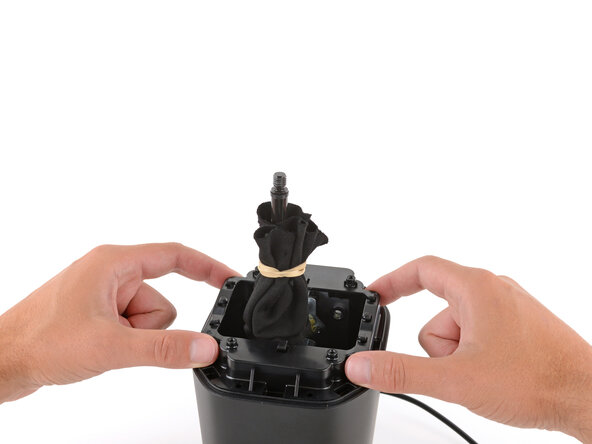
Completely unhook the fabric gaiter and use a rubber band to secure it to the shift lever.
-
-
-
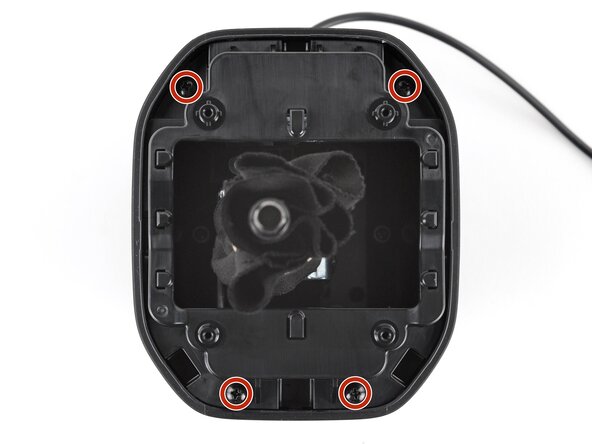
Use a Phillips screwdriver to remove the four 12 mm‑long screws securing the chassis.
-
-
-
-
-
Use a long‑shank Phillips screwdriver to remove the six 17 mm‑long screws securing the midframe.
-
-








To reassemble your device, follow these instructions in reverse order.
Repair didn’t go as planned? Try some basic troubleshooting, or ask our Answers community for help.

