
Logitech M325 Scroll Wheel Replacement

mykayat_YU and 2 other contributors
Last updated on May 13, 2025
Views: 1.1K
View statistics:
- Past 24 Hours:
- 8
- Past 7 Days:
- 32
- Past 30 Days:
- 174
- All Time:
- 1,119
Comments: 0
No one has left comments on this guide. Will you be first?
Go to guide commentsCompleted: 2 3
2 people have marked this guide "completed." Will you be next?
3 people have marked this guide "completed." Including you — great job!
Favorites: 0 1
No one has favorited (and subscribed to) this guide. Will you be the first?
1 person has favorited (and subscribed to) this guide — and that's you!
Featured Student Guide
This guide has been the hard work of our awesome students and is found to be exceptionally cool by the iFixit staff.
Introduction
Go to step 1 ↓If your Logitech M325 mouse scroll wheel is unresponsive, damaged, or behaving unpredictably, this guide will help to replace your scroll wheel. The scroll wheel is a part of the mouse which allows the user to scroll through windows, navigate backwards, navigate forwards and use the middle click button. If one of these functions do not work, your scroll wheel is most likely damaged.
What you need
Parts
Tools


-
-
-
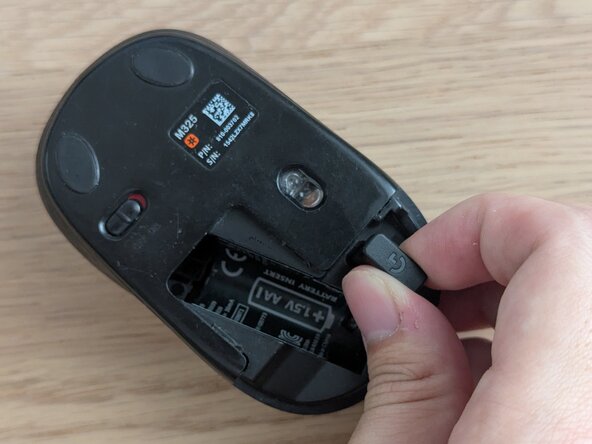
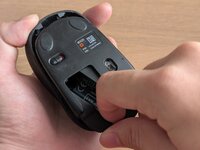
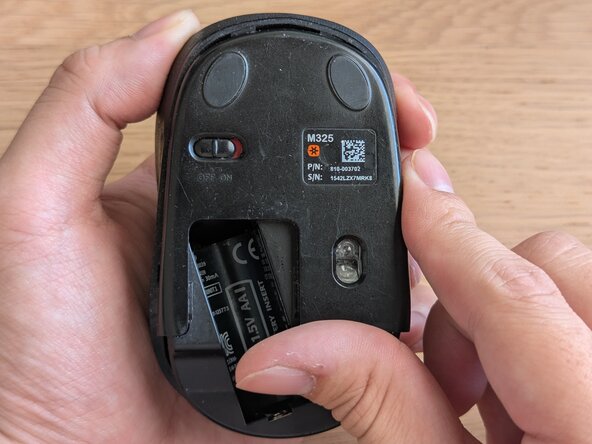
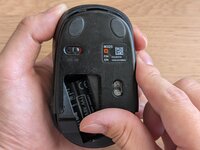
Remove the battery cover from the bottom of the mouse by sliding downwards.
 Ask FixBot
-
-
-
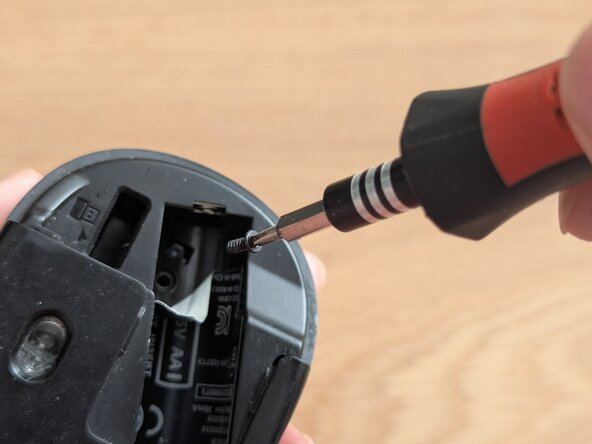
Peel off the sticker in the battery compartment to reveal the screw underneath.
-
-
-
Use a Phillips #0 screwdriver to remove the 5 mm screw in the battery compartment.
-
-
-
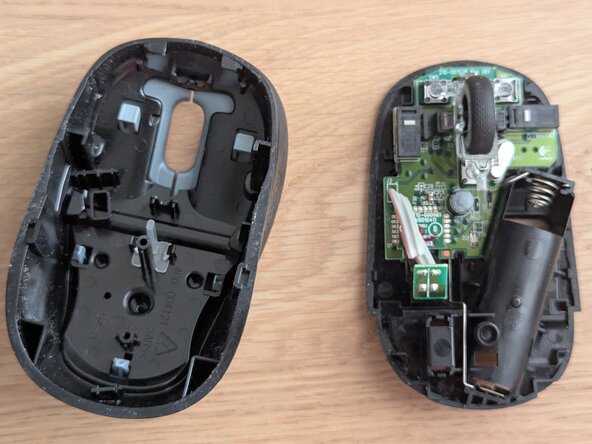
Slide the lower case downwards and separate the top case from the main mouse body by lifting it off.
-
-
-
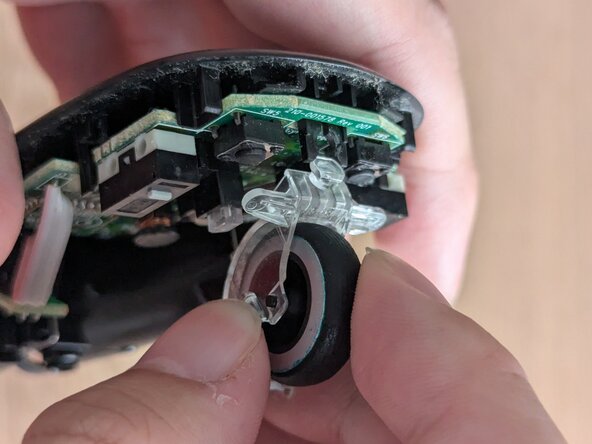
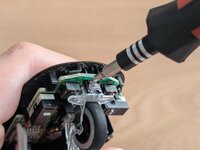
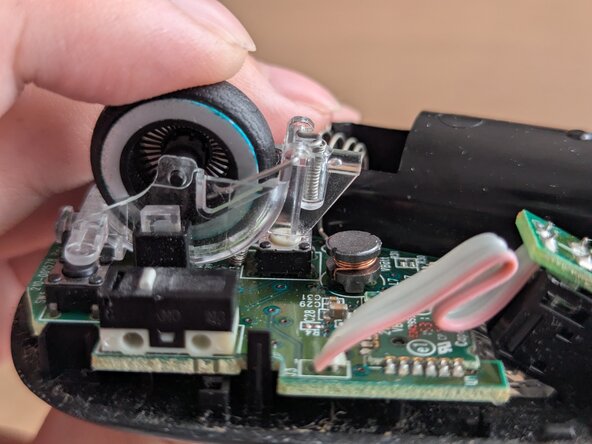
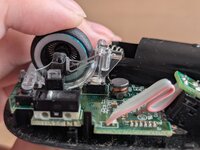
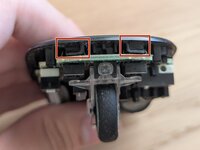
Use a pry tool to unclip the scroll wheel from the PCB by pushing the clip out of the holder.
-
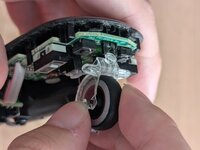
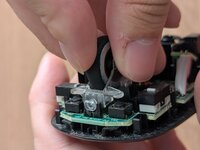
Remove the scroll wheel by lifting it up.
-
-
-








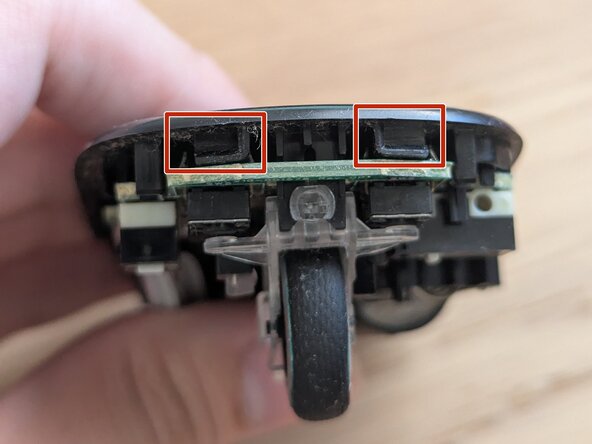
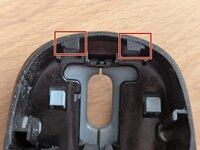
To reassemble your device, follow steps 1-4 in reverse order.
Cancel: I did not complete this guide.
2 other people completed this guide.

Team

York University, Team 1-8, Woodhouse Winter 2025 Member of York University, Team 1-8, Woodhouse Winter 2025
YORK-WOODHOUSE-W25S1G8
2 Members
12 Guides authored
