
Logitech M275 Scroll Wheel Replacement

Adrianna Doan and 3 other contributors
Last updated on Jun 25, 2025
Views: 1.7K
View statistics:
- Past 24 Hours:
- 8
- Past 7 Days:
- 61
- Past 30 Days:
- 221
- All Time:
- 1,749
Comments: 0
No one has left comments on this guide. Will you be first?
Go to guide commentsCompleted: 1 2
1 person has marked this guide "completed." Will you be next?
2 people have marked this guide "completed." Including you — great job!
Favorites: 0 1
No one has favorited (and subscribed to) this guide. Will you be the first?
1 person has favorited (and subscribed to) this guide — and that's you!
Featured Student Guide
This guide has been the hard work of our awesome students and is found to be exceptionally cool by the iFixit staff.
Introduction
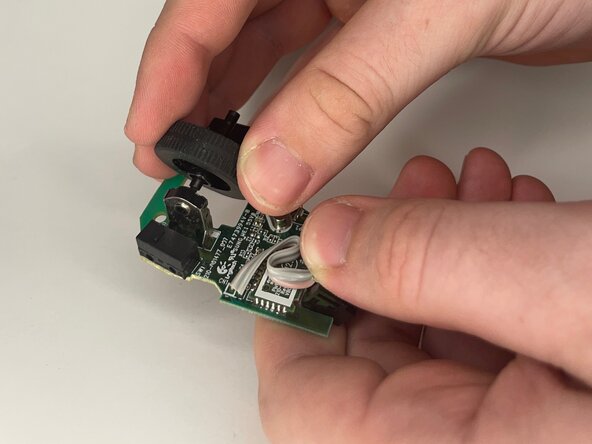
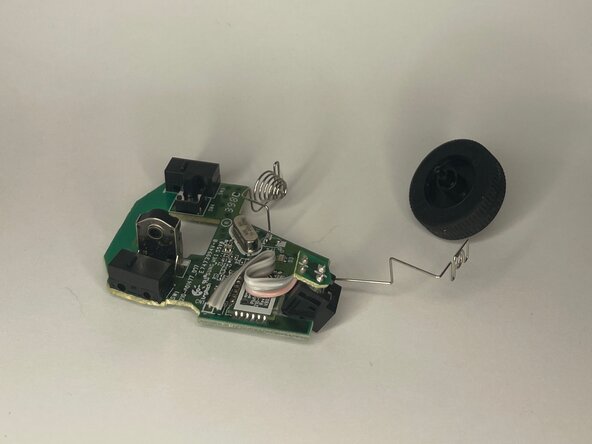
Go to step 1 ↓Over time, the scroll wheel on your M275 Bluetooth Mouse Scroll Wheel may not be able to function correctly anymore. Follow this guide in order to correctly remove and replace the scroll wheel to get your mouse working again.
What you need
Tools


-
-
-
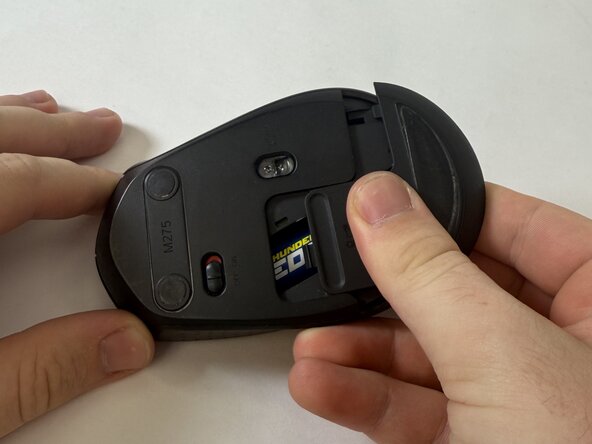
Flip the mouse over.
-
With your fingers, gently press down and remove the battery cover.
-
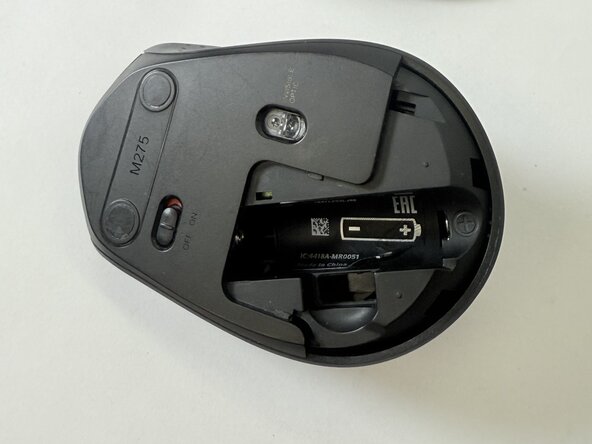
Remove the battery and the USB receiver from the mouse.
 Ask FixBot
-
-
-
Remove the sticker at the bottom of the battery compartment.
-
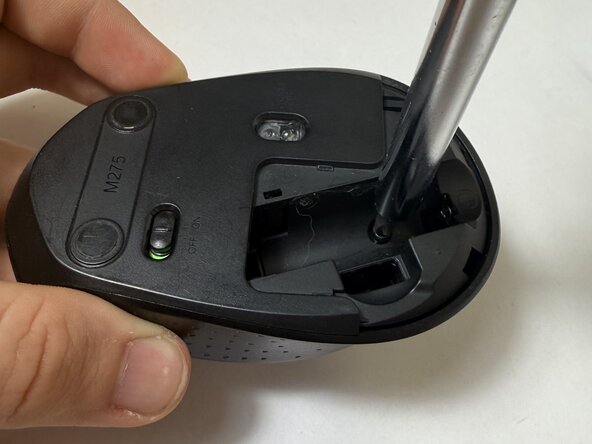
Use a Phillips screwdriver to remove the single screws at the bottom of the battery compartment.
-
-
-
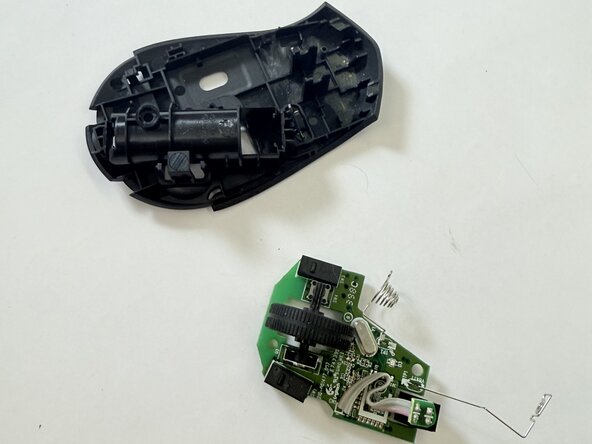
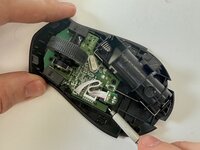
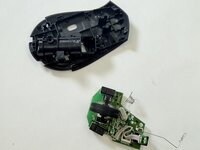
Use a spudger or screwdriver to carefully apply upward pressure around each side of the circuit board until the whole piece slides out of the bottom.
-
-
-







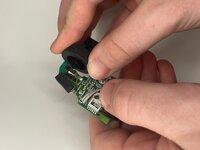
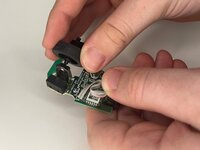
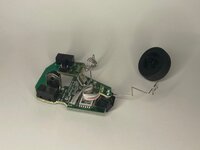

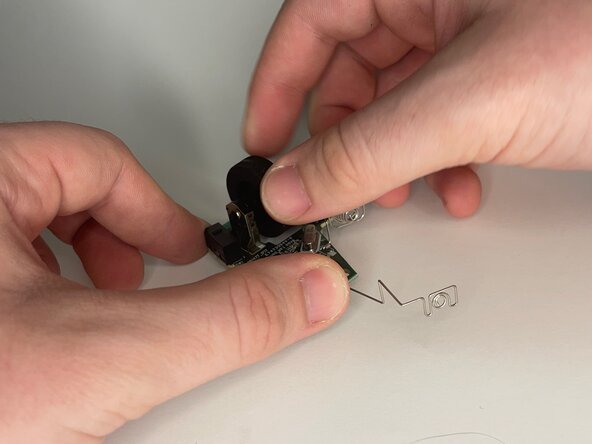
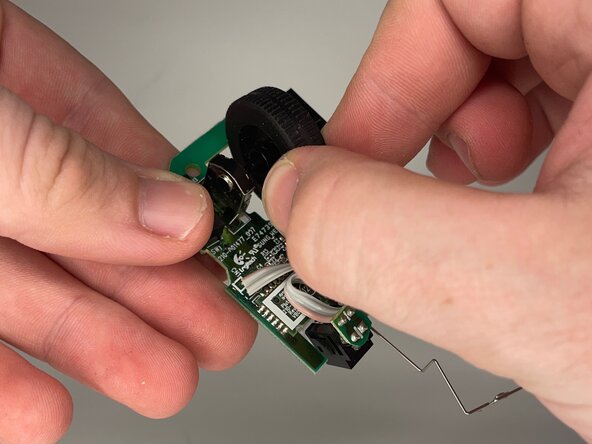
To reassemble your device, follow the above steps in reverse order.
Take your e-waste to an R2 or e-Stewards certified recycler.
Repair didn’t go as planned? Try some basic troubleshooting or ask our Answers community for help.
Cancel: I did not complete this guide.
One other person completed this guide.

Team

UC Davis, Team 2-4, Whithaus Spring 2025 Member of UC Davis, Team 2-4, Whithaus Spring 2025
UCD-WHITHAUS-S25S2G4
3 Members
12 Guides authored
