
Logitech K480 Battery Replacement

Madison and 2 other contributors
Last updated on Dec 13, 2024
Views: 2.1K
View statistics:
- Past 24 Hours:
- 6
- Past 7 Days:
- 54
- Past 30 Days:
- 154
- All Time:
- 2,144
Comments: 0
No one has left comments on this guide. Will you be first?
Go to guide commentsCompleted: 0 1
No one has marked this guide "completed." Will you be the first?
1 person has marked this guide "completed." It's you — great job!
Favorites: 0 1
No one has favorited (and subscribed to) this guide. Will you be the first?
1 person has favorited (and subscribed to) this guide — and that's you!
Introduction
Go to step 1 ↓If the LED lights on your Logitech K480 keyboard are not working and the keyboard is not connecting, you may need new batteries. Additionally, if our troubleshooting pages (Keystrokes Won't Register and Bluetooth Won't Connect) don't help, follow this guide to replace the batteries. For this guide, you will only need two replacement AAA batteries. Be sure to consult proper guidelines on disposing of dead batteries.

 Ask FixBot

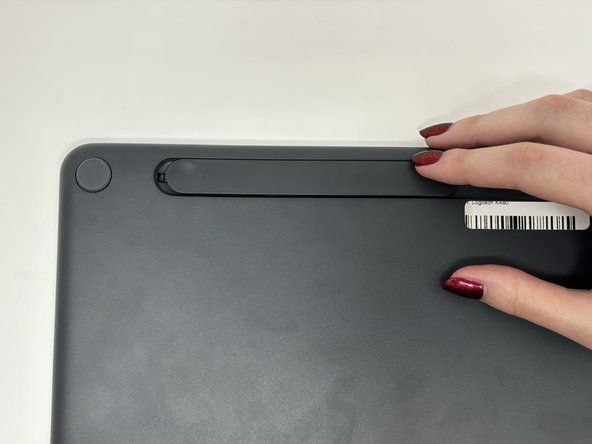
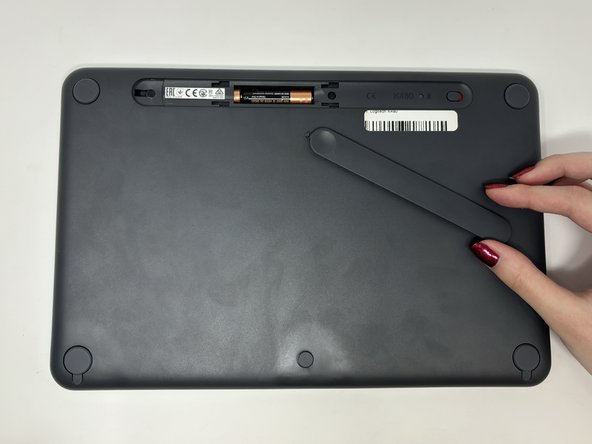


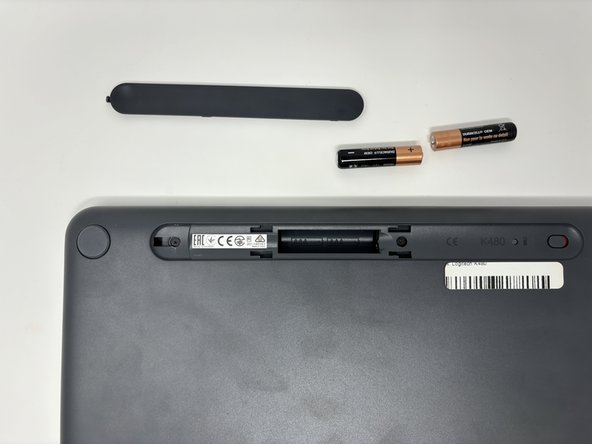

To reassemble your device, follow these instructions in reverse order.

