
Logitech K345 Tilt Replacement

Aumirius Robinson and 2 other contributors
Last updated on Dec 18, 2024
Views: 488
View statistics:
- Past 24 Hours:
- 3
- Past 7 Days:
- 12
- Past 30 Days:
- 72
- All Time:
- 488
Comments: 0
No one has left comments on this guide. Will you be first?
Go to guide commentsCompleted: 0 1
No one has marked this guide "completed." Will you be the first?
1 person has marked this guide "completed." It's you — great job!
Favorites: 0 1
No one has favorited (and subscribed to) this guide. Will you be the first?
1 person has favorited (and subscribed to) this guide — and that's you!
Introduction
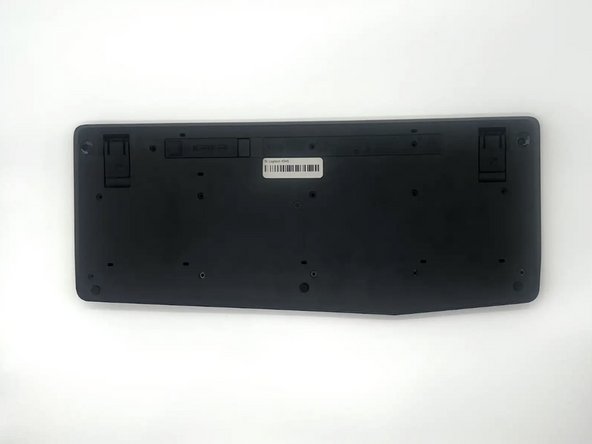
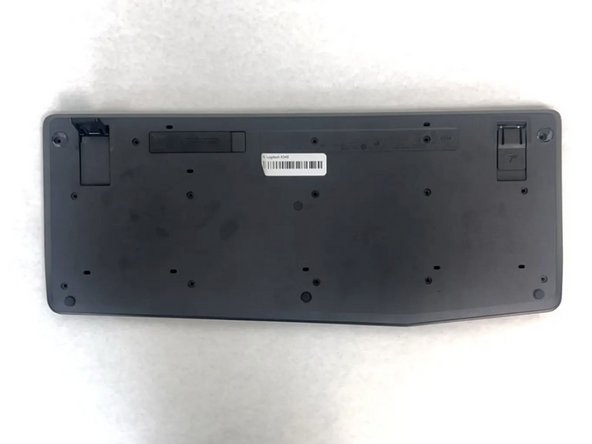
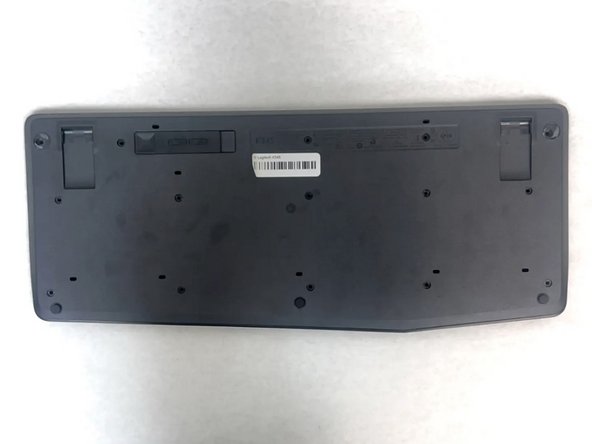
Go to step 1 ↓Is your Logitech K345 keyboard uneven or falling whenever you try to prop it up? If so, it may be time to replace the tilts on your keyboard. The tilts are the stands on the bottom of the keyboard that hold it up and add elevation to the keyboard.
-
-
-
-
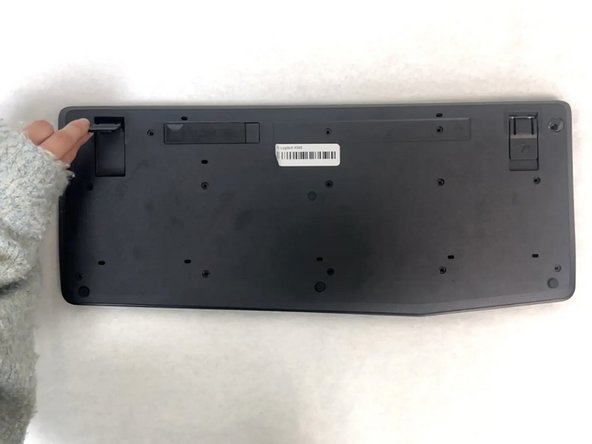
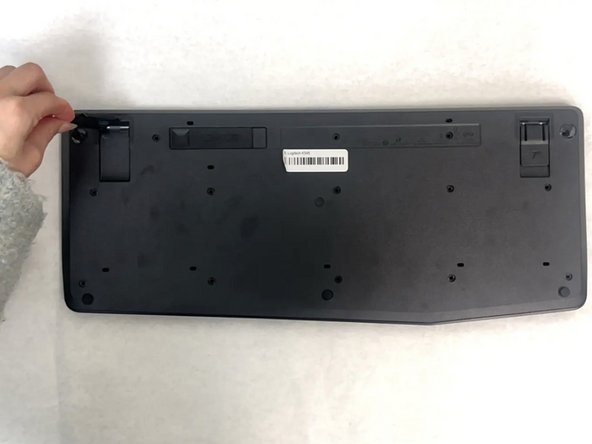
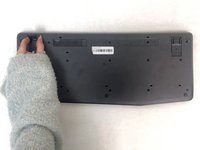
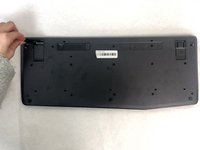
Pinch the base where the tilts connect to the keyboard and pull up to remove them.
-



 Ask FixBot



To reassemble your device, follow these instructions in reverse order.

Team

University of North Texas, Team 4-1, Harold Fall 2024 Member of University of North Texas, Team 4-1, Harold Fall 2024
UNT-HAROLD-F24S4G1
3 Members
60 Guides authored
