
Logitech G305 Battery Replacement

Spencer Day and 2 other contributors
Last updated on Feb 11, 2026
Views: 4.2K
View statistics:
- Past 24 Hours:
- 8
- Past 7 Days:
- 49
- Past 30 Days:
- 222
- All Time:
- 4,236
Comments: 0
No one has left comments on this guide. Will you be first?
Go to guide commentsCompleted: 0 1
No one has marked this guide "completed." Will you be the first?
1 person has marked this guide "completed." It's you — great job!
Favorites: 0 1
No one has favorited (and subscribed to) this guide. Will you be the first?
1 person has favorited (and subscribed to) this guide — and that's you!
Featured Guide
This guide has been found to be exceptionally cool by the iFixit staff.
OEM Guide
iFixit collaborated with the manufacturer to make this guide.
Logitech
Logitech and iFixit are working together to help people repair their Logitech devices.
Introduction
Go to step 1 ↓Use this guide to replace a dead AA battery in your Logitech G305 wireless gaming mouse.
If the LED indicator on the top of the mouse starts flashing red, the battery is less than 15% and should be replaced soon.
What you need
Parts

-
-
-
Slide your mouse's power switch to the left so it's in the OFF position.
 Ask FixBot
-
-
-
-
-
Press down on the top cover just above the Logitech logo and slide it back to remove it.
-
-
-


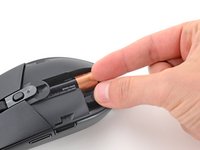
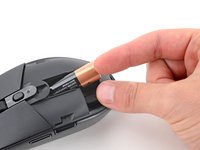
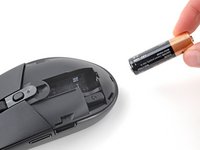
To reassemble your device, follow these instructions in reverse order.
Take your e-waste to an R2 or e-Stewards certified recycler.
Repair didn’t go as planned? Try some basic troubleshooting, or ask our Answers community for help.


