Introduction
If your Logitech G X56 HOTAS Throttle is failing to respond to inputs, not lighting up, or showing no signs of power when connected, the issue may lie with the internal logic and power board. This component manages both electrical power distribution and signal processing within the throttle. Over time, it can fail due to electrical surges, wear, or internal damage. This guide will walk you through the steps required to safely disassemble the device and replace the logic and power board, restoring functionality and extending the life of your throttle.
What you need
-
-
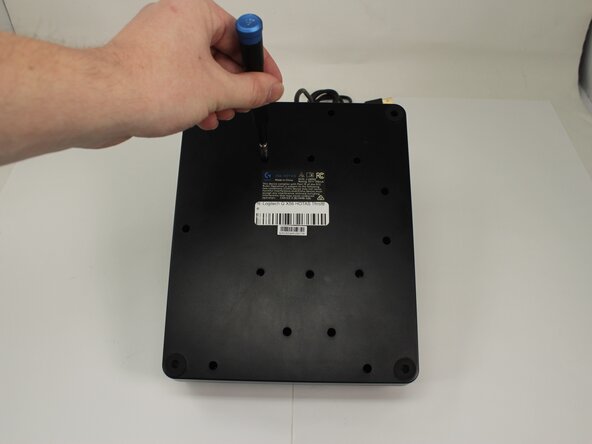
Remove the fifteen 13.6 mm Phillips #1 screws that secure the bottom panel to the base plate.
-
-
-
-
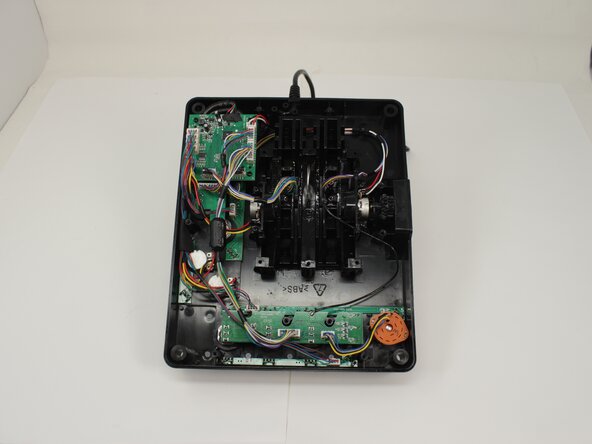
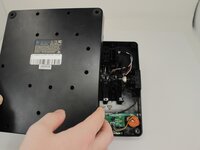
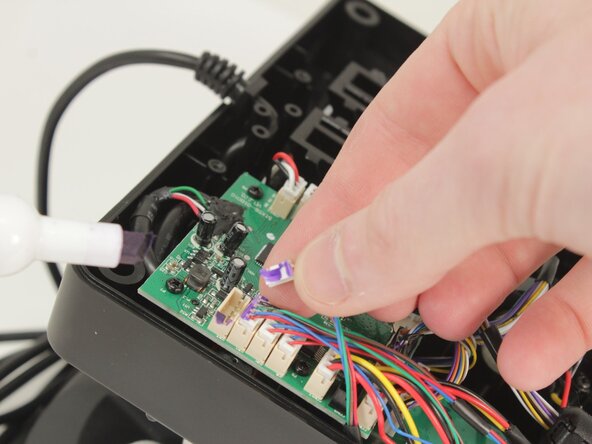
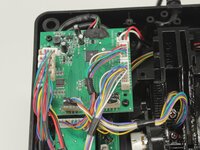
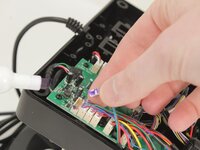
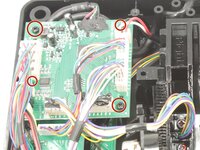
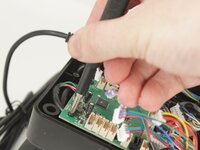
Disconnect all of the motherboard connectors by pulling them straight up and out of their sockets.
-
-
-
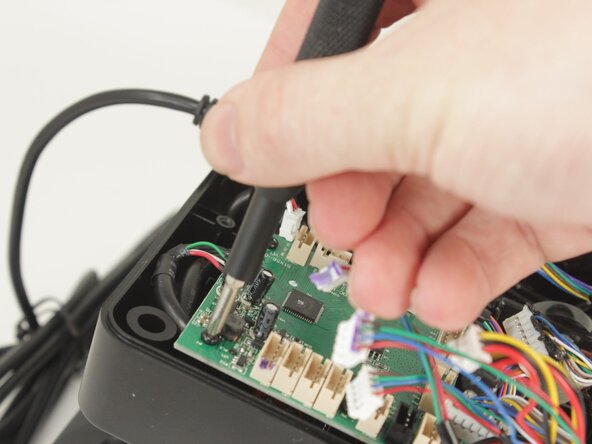
Lift the motherboard from the base plate shell, carefully making sure to keep the USB power cable unstrained.
-

 Ask FixBot






To reassemble your device, follow the above steps in reverse order.
Take your e-waste to an R2 or e-Stewards certified recycler.
Repair didn’t go as planned? Try some basic troubleshooting or ask our Answers community for help.
Cancel: I did not complete this guide.
One other person completed this guide.

Team

University of Memphis, Team 3-5, Sneed Spring 2025 Member of University of Memphis, Team 3-5, Sneed Spring 2025
UM-SNEED-S25S3G5
4 Members
7 Guides authored
