Introduction
Over time, the mode switch on your Logitech G X56 HOTAS Throttle may become unresponsive or unreliable due to wear, corrosion, or internal failure. If you're experiencing issues with switching modes or the dial is no longer registering inputs correctly, the mode switch likely needs replacement. This guide will walk you through the necessary steps to safely replace the mode switch and restore full functionality.
What you need
-
-
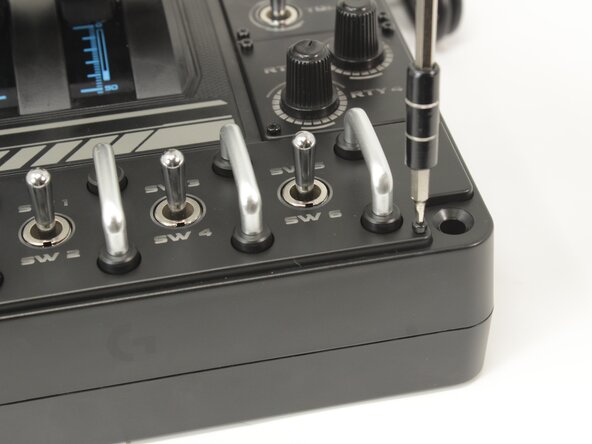
Remove the eight 8.6 mm long 1.5 mm hex screws from the label plate.
 Ask FixBot
-
-
-
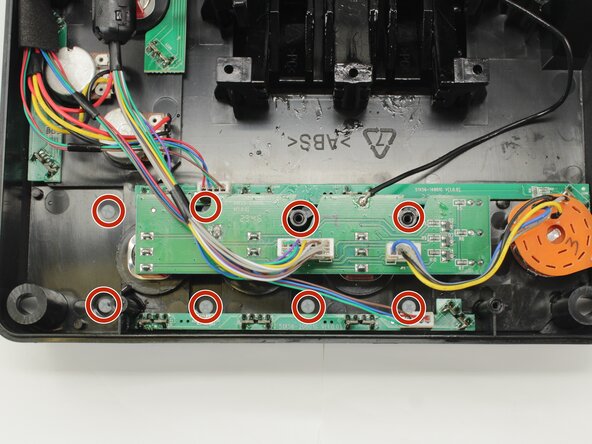
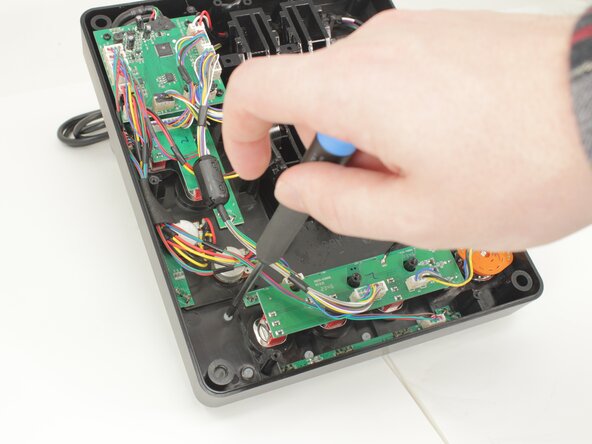
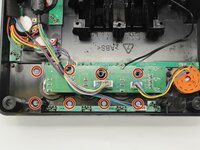
Remove the eight 12.5 mm long Phillips #1 screws from the underside of the label plate.
-
-
-
-
Place the throttle right side up again, using the bottom panel as a coaster.
-
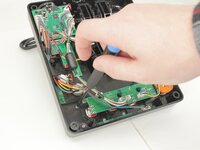
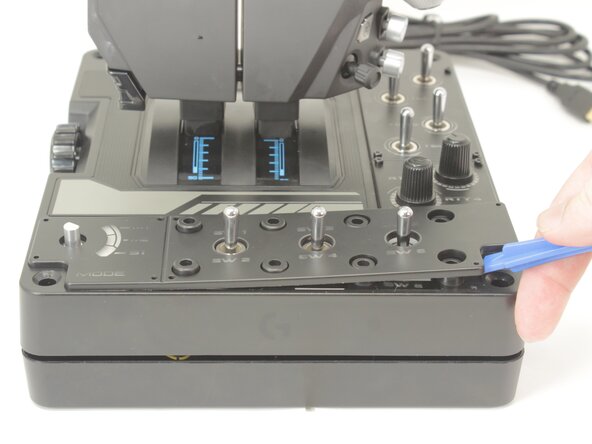
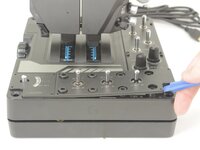
Gently pry the label plate from the body of the throttle.
-
-
-
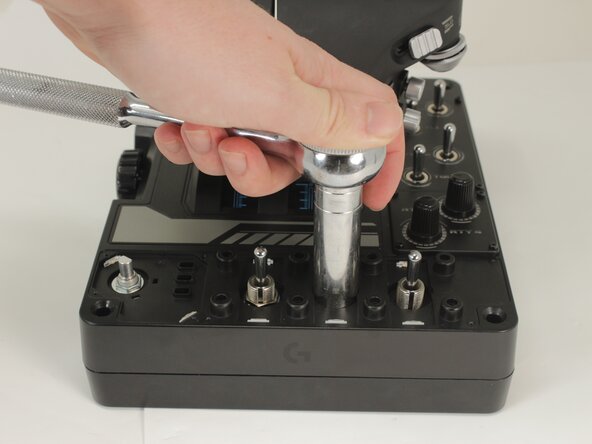
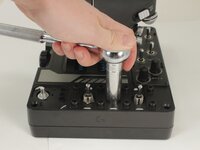
Use an 11 mm deep socket to remove the nut from the post of the switch.
-
-
-
Flip the throttle over.
-
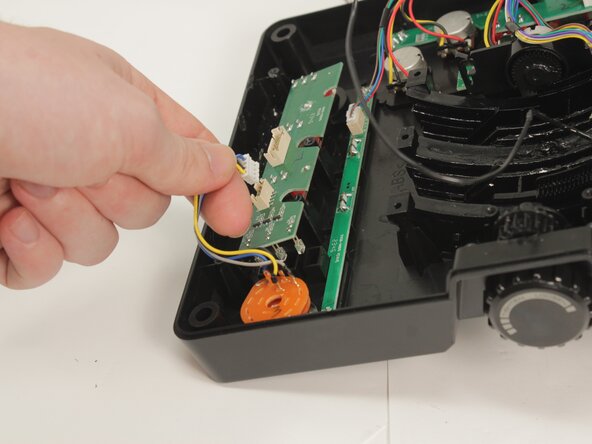
Disconnect the potentiometer connector from the PCB by pulling it straight up and out of its socket.
-
-
-
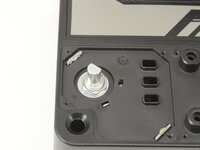
Gently remove the mode switch potentiometer by pulling it straight out of the base plate.
-







To reassemble your device, follow these instructions in reverse order.
Cancel: I did not complete this guide.
One other person completed this guide.

Team

University of Memphis, Team 3-5, Sneed Spring 2025 Member of University of Memphis, Team 3-5, Sneed Spring 2025
UM-SNEED-S25S3G5
4 Members
7 Guides authored
