Free Shipping on Domestic Orders $75+

Logitech G X56 HOTAS Joystick Flying Pinky Replacement

What you need

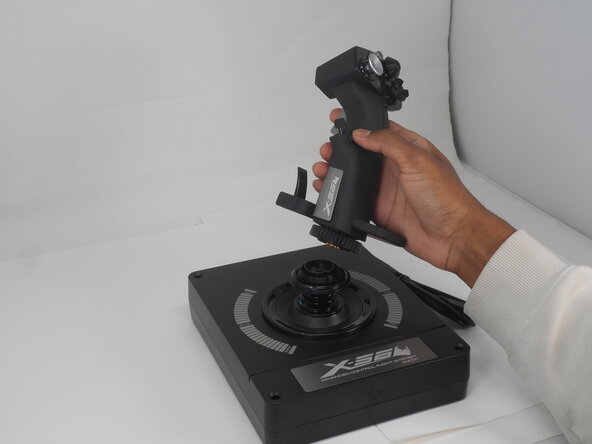
  1. Logitech G X56 HOTAS Joystick Flying Pinky Replacement, Logitech G X56 HOTAS Joystick Disassembly: step 1, image 1 of 2 Logitech G X56 HOTAS Joystick Flying Pinky Replacement, Logitech G X56 HOTAS Joystick Disassembly: step 1, image 2 of 2
    • Turn the locking bezel counterclockwise, then remove the joystick from the joystick base.

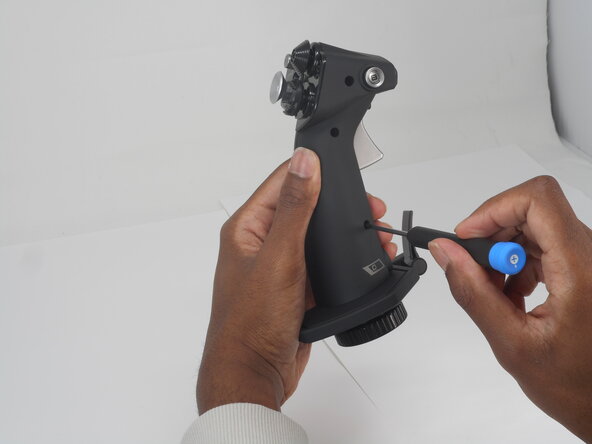
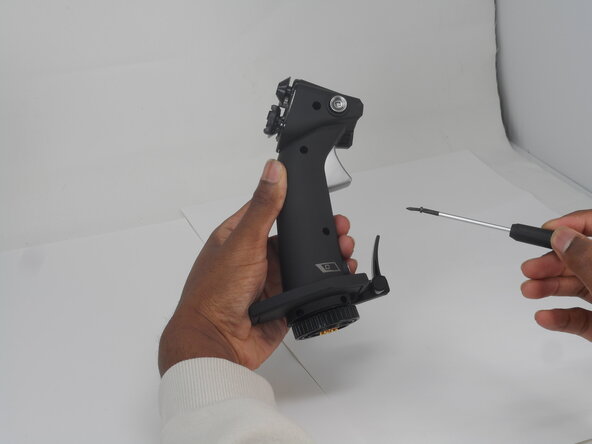
  2. Logitech G X56 HOTAS Joystick Flying Pinky Replacement: step 2, image 1 of 3 Logitech G X56 HOTAS Joystick Flying Pinky Replacement: step 2, image 2 of 3 Logitech G X56 HOTAS Joystick Flying Pinky Replacement: step 2, image 3 of 3
    • Remove the five 11.7 mm-long Phillips #0 screws that secure the case.

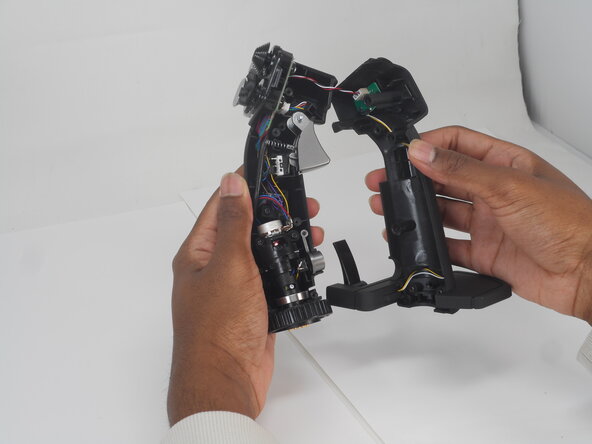
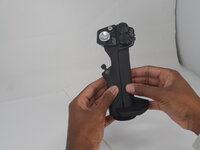
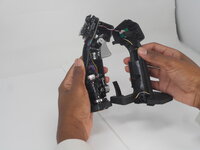
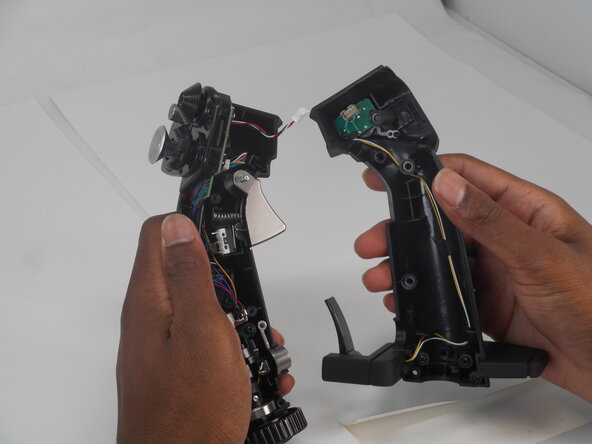
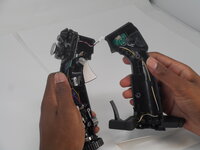
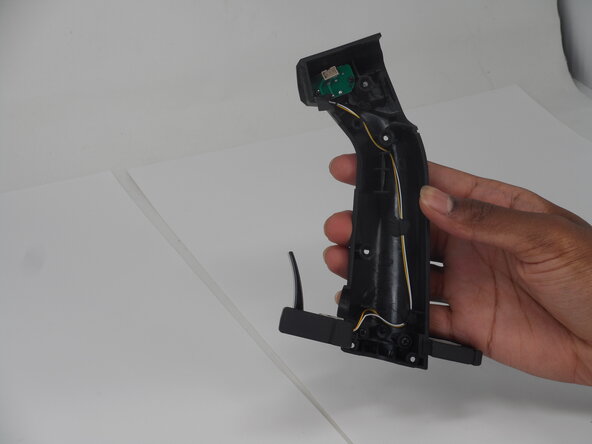
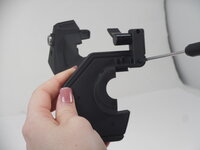
  3. Logitech G X56 HOTAS Joystick Flying Pinky Replacement: step 3, image 1 of 2 Logitech G X56 HOTAS Joystick Flying Pinky Replacement: step 3, image 2 of 2
    • Pull the joystick casing apart to reveal the internal components.

    • The casing will need a little force to split open.

    • Take care not to damage or strain the connected cable.

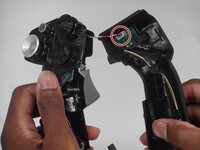
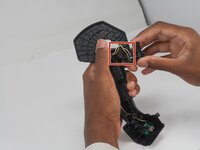
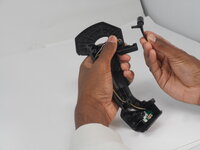
  4. Logitech G X56 HOTAS Joystick Flying Pinky Replacement: step 4, image 1 of 2 Logitech G X56 HOTAS Joystick Flying Pinky Replacement: step 4, image 2 of 2
    • Grip and pull the white connector directly out of its socket.

    • The connector is fragile. If removed forcefully, it may affect the PCB performance.

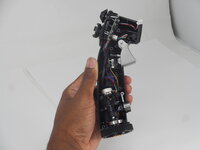
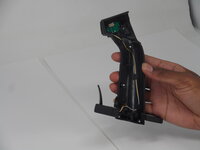
  5. Logitech G X56 HOTAS Joystick Flying Pinky Replacement: step 5, image 1 of 2 Logitech G X56 HOTAS Joystick Flying Pinky Replacement: step 5, image 2 of 2
    • Refer to the left or right side for replacement guides of other parts (left, then right side in order).

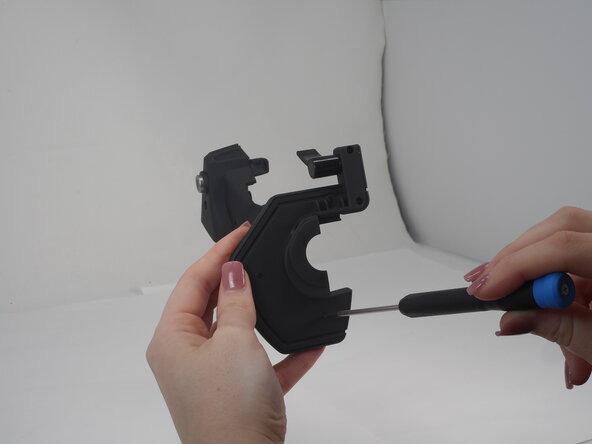
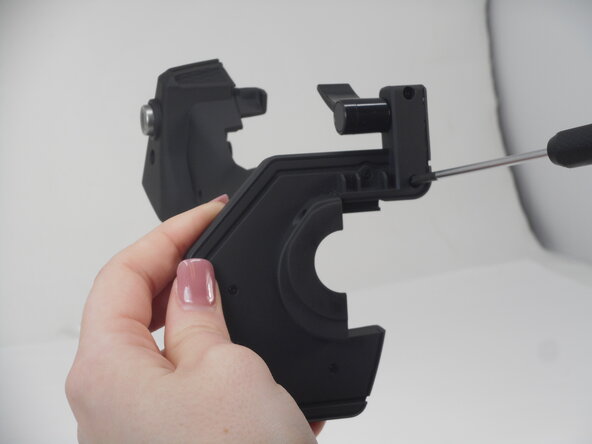
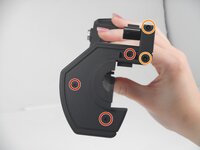
  6. Logitech G X56 HOTAS Joystick Flying Pinky Replacement, Flying Pinky: step 6, image 1 of 3 Logitech G X56 HOTAS Joystick Flying Pinky Replacement, Flying Pinky: step 6, image 2 of 3 Logitech G X56 HOTAS Joystick Flying Pinky Replacement, Flying Pinky: step 6, image 3 of 3
    • Remove the following screws on the underside of the right joystick half:

    • Three Phillips #000 5.7 mm screws

    • Two Phillips #00 6.9 mm screws

  7. Logitech G X56 HOTAS Joystick Flying Pinky Replacement: step 7, image 1 of 2 Logitech G X56 HOTAS Joystick Flying Pinky Replacement: step 7, image 2 of 2
    • Remove the two Phillips #0 11.7 mm screws.

  8. Logitech G X56 HOTAS Joystick Flying Pinky Replacement: step 8, image 1 of 2 Logitech G X56 HOTAS Joystick Flying Pinky Replacement: step 8, image 2 of 2
    • Separate the base plate connected to the joystick casing.

    • Take care not to strain the connected cables.

  9. Logitech G X56 HOTAS Joystick Flying Pinky Replacement: step 9, image 1 of 1
    • Remove the top panel of the base plate.

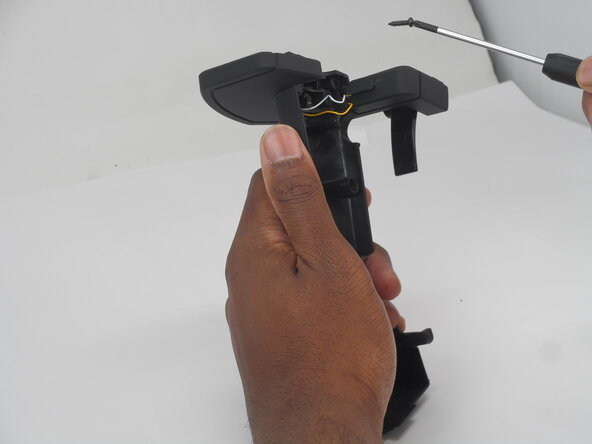
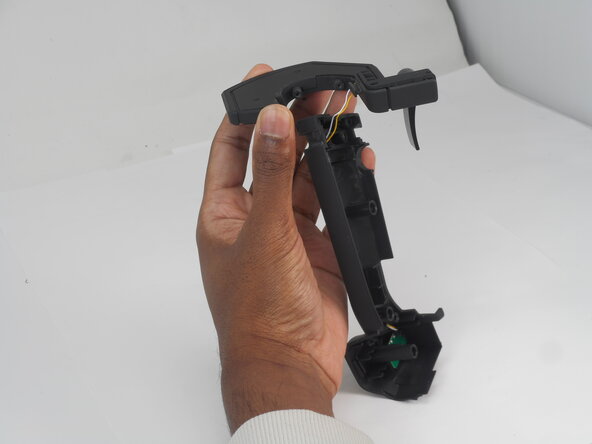
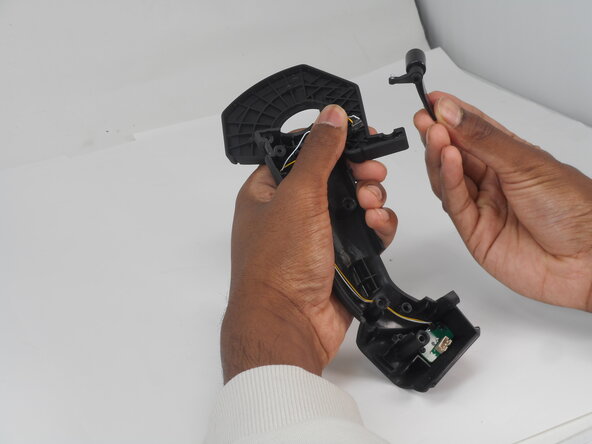
  10. Logitech G X56 HOTAS Joystick Flying Pinky Replacement: step 10, image 1 of 2 Logitech G X56 HOTAS Joystick Flying Pinky Replacement: step 10, image 2 of 2
    • Use your fingers to remove and flying pinky switch.

    • If not done carefully, the yellow and white wiring connecting to the PCB board and the spring attached to the flying pinky will fall out.

Conclusion

To reassemble your device, follow the above steps in reverse order.
Repair didn’t go as planned? Try some basic troubleshooting or ask our Answers community for help.

0 Guide Comments

Add Comment

View Statistics:

Past 24 Hours: 1

Past 7 Days: 6

Past 30 Days: 19

All Time: 278