Free Shipping on Domestic Orders $75+

Logitech G X56 HOTAS Joystick Disassembly

What you need

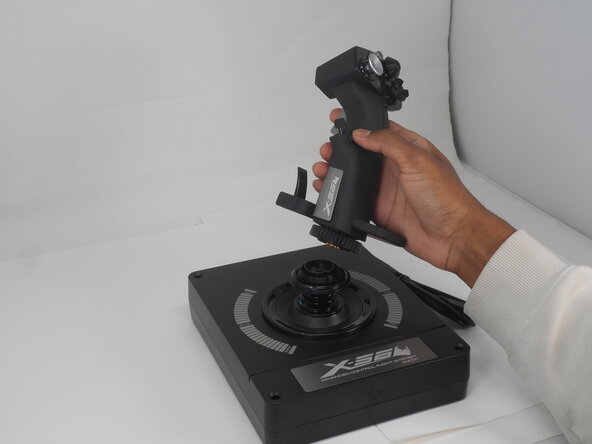
  1. Logitech G X56 HOTAS Joystick Disassembly, Logitech G X56 HOTAS Joystick Disassembly: step 1, image 1 of 2 Logitech G X56 HOTAS Joystick Disassembly, Logitech G X56 HOTAS Joystick Disassembly: step 1, image 2 of 2
    • Turn the locking bezel counterclockwise, then remove the joystick from the joystick base.

    Ask FixBot

    Add Comment

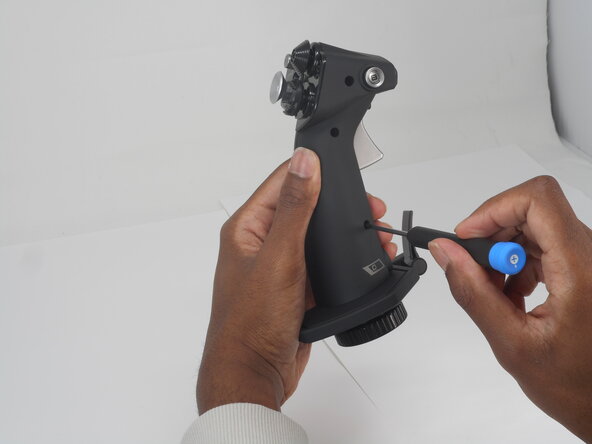
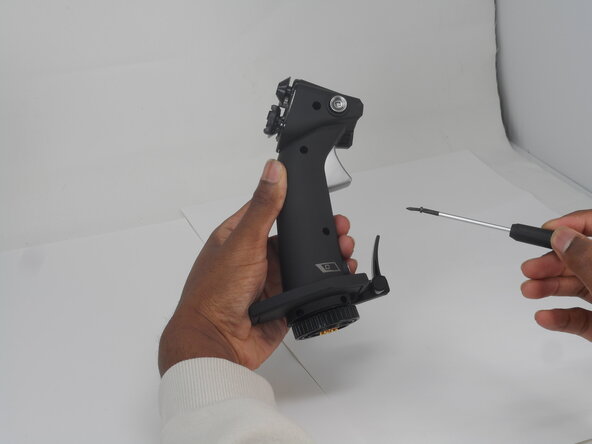
  2. Logitech G X56 HOTAS Joystick Disassembly: step 2, image 1 of 3 Logitech G X56 HOTAS Joystick Disassembly: step 2, image 2 of 3 Logitech G X56 HOTAS Joystick Disassembly: step 2, image 3 of 3
    • Remove the five 11.7 mm-long Phillips #0 screws that secure the case.

    Ask FixBot

    Add Comment

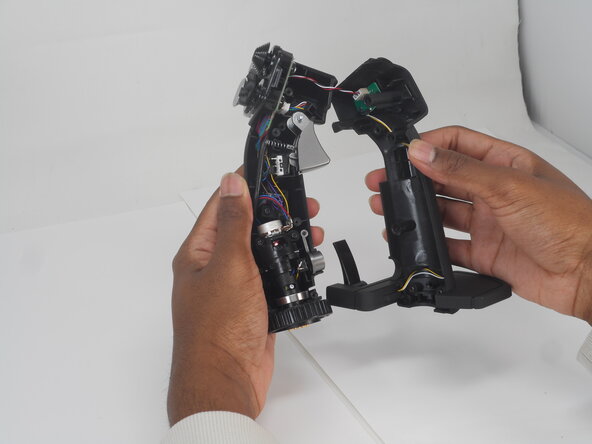
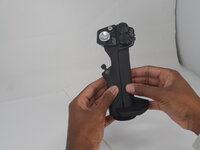
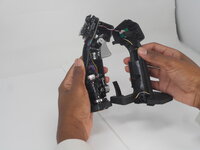
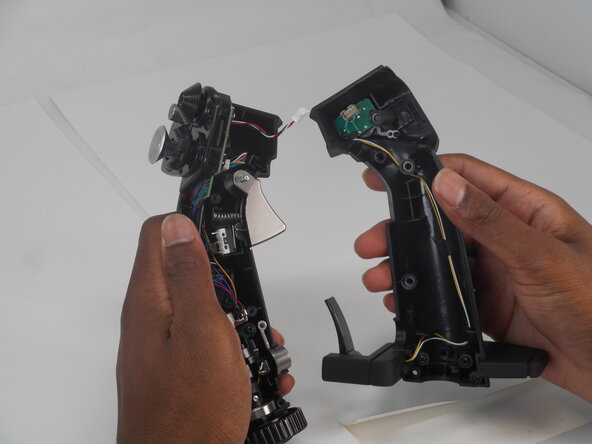
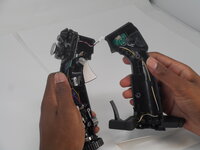
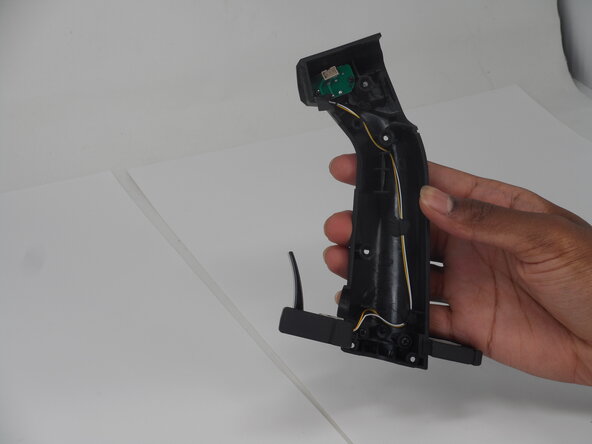
  3. Logitech G X56 HOTAS Joystick Disassembly: step 3, image 1 of 2 Logitech G X56 HOTAS Joystick Disassembly: step 3, image 2 of 2
    • Pull the joystick casing apart to reveal the internal components.

    • The casing will need a little force to split open.

    • Take care not to damage or strain the connected cable.

    Ask FixBot

    Add Comment

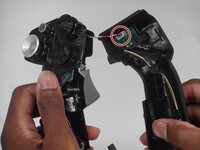
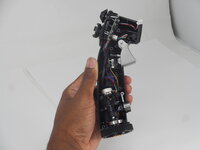
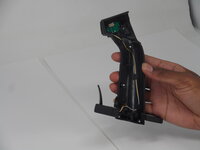
  4. Logitech G X56 HOTAS Joystick Disassembly: step 4, image 1 of 2 Logitech G X56 HOTAS Joystick Disassembly: step 4, image 2 of 2
    • Grip and pull the white connector directly out of its socket.

    • The connector is fragile. If removed forcefully, it may affect the PCB performance.

    Ask FixBot

    Add Comment

  5. Logitech G X56 HOTAS Joystick Disassembly: step 5, image 1 of 2 Logitech G X56 HOTAS Joystick Disassembly: step 5, image 2 of 2
    • Refer to the left or right side for replacement guides of other parts (left, then right side in order).

    Ask FixBot

    Add Comment

Conclusion

To reassemble your device, follow these instructions in reverse order.

Cancel: I did not complete this guide.

0 Guide Comments

Add Comment

View Statistics:

Past 24 Hours: 2

Past 7 Days: 17

Past 30 Days: 107

All Time: 1,043