
Logitech Extreme 3D Pro Main Joystick Spring Replacement

Emanuel Canela and one other contributor
Last updated on Jun 26, 2018
Views: 16K
View statistics:
- Past 24 Hours:
- 7
- Past 7 Days:
- 49
- Past 30 Days:
- 267
- All Time:
- 16,206
Comments: 9
4 comments on steps, 5 guide comments.
Go to guide commentsCompleted: 6 7
6 people have marked this guide "completed." Will you be next?
7 people have marked this guide "completed." Including you — great job!
Favorites: 0 1
No one has favorited (and subscribed to) this guide. Will you be the first?
1 person has favorited (and subscribed to) this guide — and that's you!
Introduction
Go to step 1 ↓When moving the joystick, the main spring bends. The spring also keeps the joystick upright. After time, the spring can cause the joystick to sag when not in use. In this situation, replacing the spring will be necessary.
What you need
Tools

-
-
-
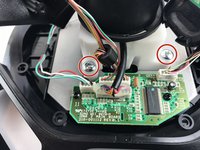
Remove these three Phillips #1 screws:
-
Two 10mm screws.
-
One 7mm screw.
 Ask FixBot
-
-
-
Using your fingers, lower the rubber boot to reveal two screws underneath the joystick.
-
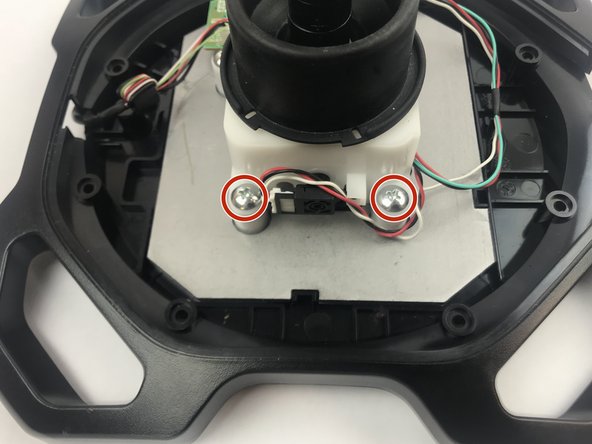
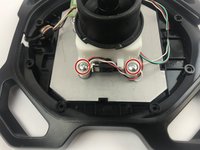
Remove the two 10mm Phillips #1 screws.
-
-
-
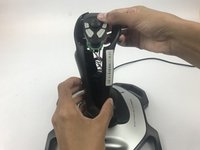
Pull apart the joystick chassis by hand.
-
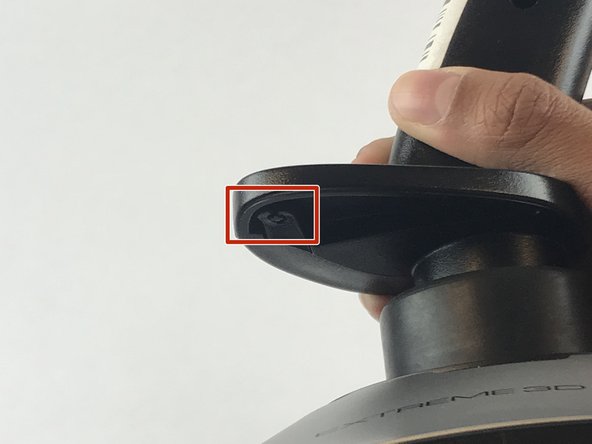
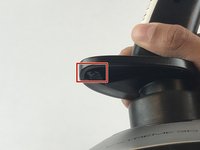
Release this clip located underneath the hand rest
-
-
-
-
-
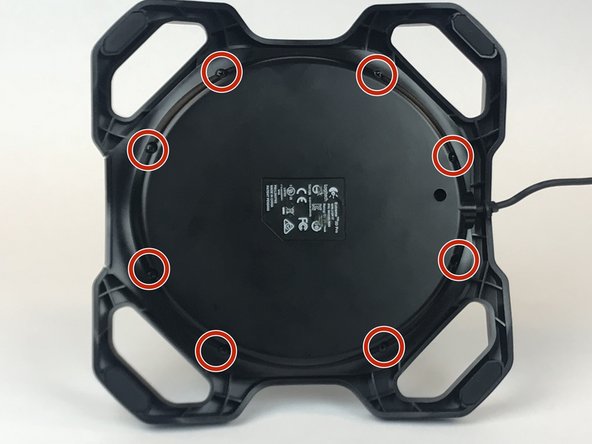
Remove the eight 10mm Phillips #1 screws from the bottom.
-
-
-
Flip the joystick upright.
-
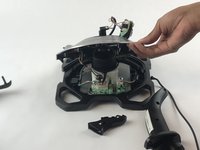
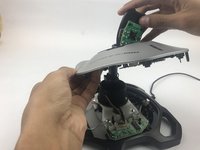
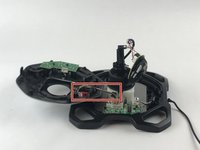
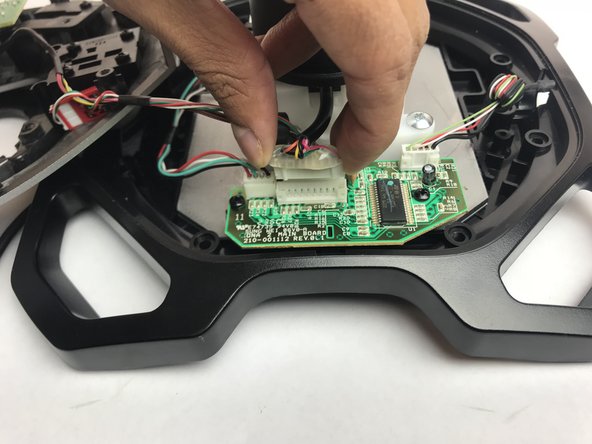
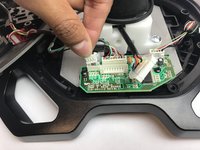
Lift up the sliver base cover and feed the loose circuit board through.
-
-
-





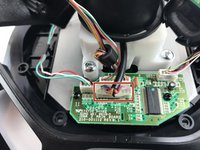
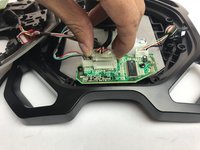

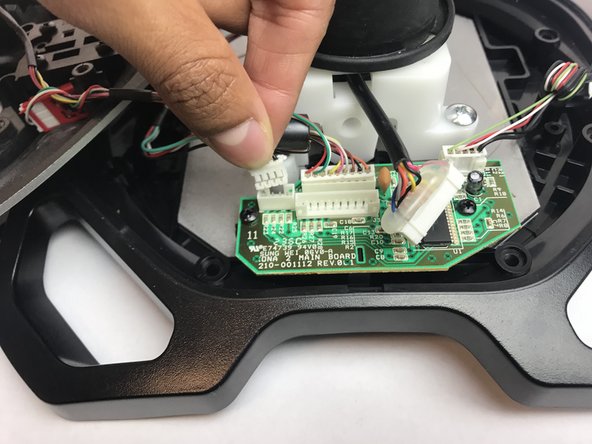
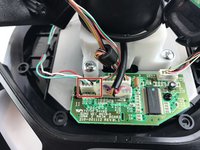



To reassemble your device, follow these instructions in reverse order.
Cancel: I did not complete this guide.
6 other people completed this guide.

Team

USF Tampa, Team S7-G1, Passmore Spring 2018 Member of USF Tampa, Team S7-G1, Passmore Spring 2018
USFT-PASSMORE-S18S7G1
4 Members
84 Guides authored
5 Guide Comments
um, what kind of spring is that and where/how would I get a replacement?
Where can I find a replacement spring?
You can cut the top 360 degrees off the spring with a Dremel cutoff tool, that reduces the work require to operate the stick by about half.
In logitech 3d extreme, the middle joystick loosens over time, there is a slight gap when turning it to the right and left. Is there a solution to this?
