
Linksys EA9200 Power Switch Replacement

Shane Davis and 3 other contributors
Last updated on Dec 24, 2016
Views: 985
View statistics:
- Past 24 Hours:
- 3
- Past 7 Days:
- 20
- Past 30 Days:
- 82
- All Time:
- 985
Comments: 0
No one has left comments on this guide. Will you be first?
Go to guide commentsCompleted: 0 1
No one has marked this guide "completed." Will you be the first?
1 person has marked this guide "completed." It's you — great job!
Favorites: 0 1
No one has favorited (and subscribed to) this guide. Will you be the first?
1 person has favorited (and subscribed to) this guide — and that's you!
Introduction
Go to step 1 ↓In the following guide you will be taking apart the outer casing to the Linksys EA9200, and desoldering the power switch from the circuit board. To complete this power switch removal you will need to have several tools as well as some practice desoldering. Both the tools needed as well as the steps to practicing desoldering are included in the guide.
What you need
Tools
-
Spudger4.9
-


-
-
-
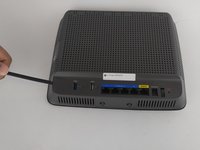
Remove the sticker on the bottom.
-
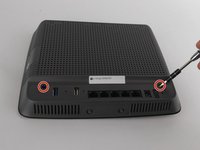
Remove the two screws holding the bottom plate in place. Use Phillips screwdriver tip #1 , the screw head-size is 5mm.
 Ask FixBot
-
-
-
Remove the back sticker that has all the labels.
-
There are two screws to remove. They are 6mm in diameter, use phillips screw tip #1.
-
-
-
-
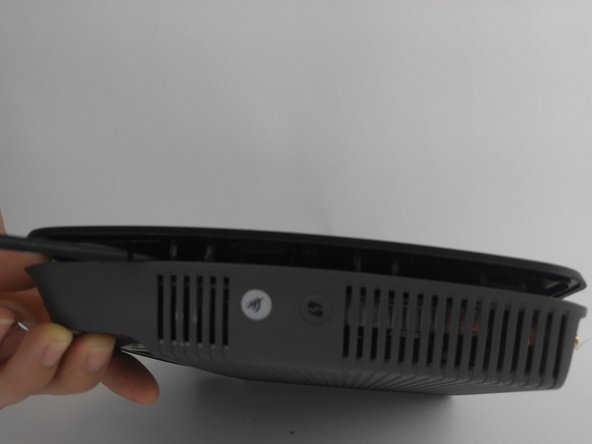
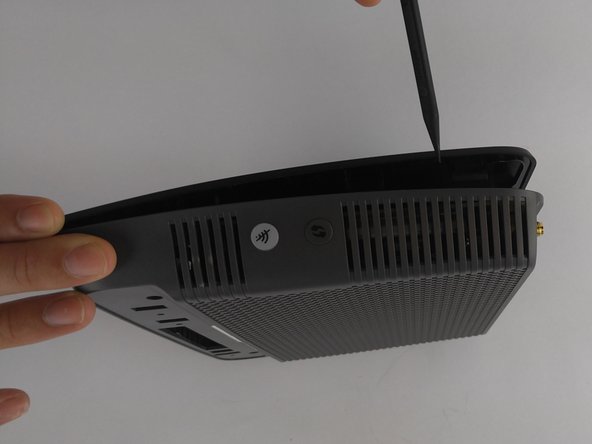
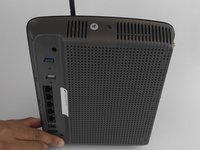
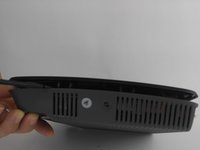
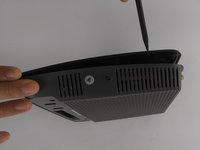
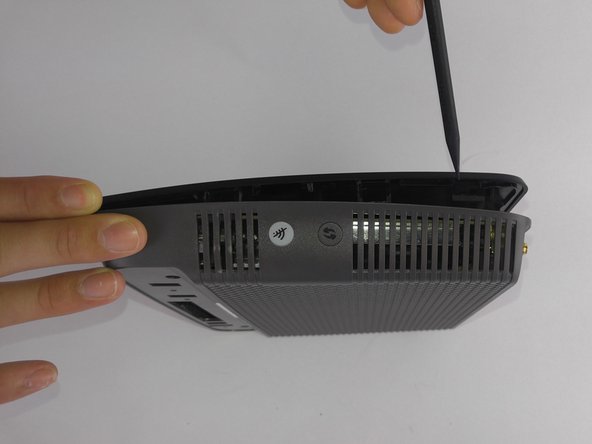
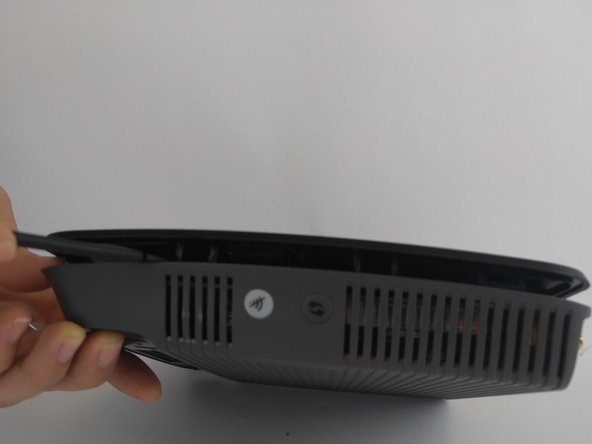
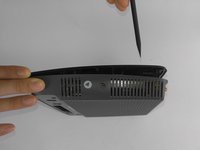
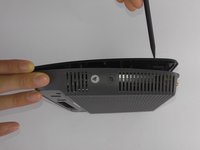
Depress the 12 clips along the edge into the router. Use the nylon spudger as using a metal object could cause damage.
-
-
-
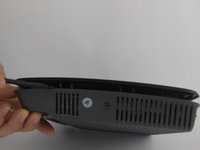
Once you have one side open, keep a spudger wedged between both sides. This will help keep it open in case it tries to snap back together.
-
-
-
-
-
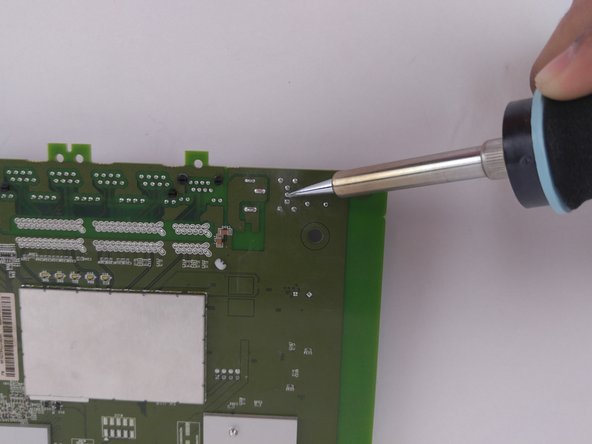
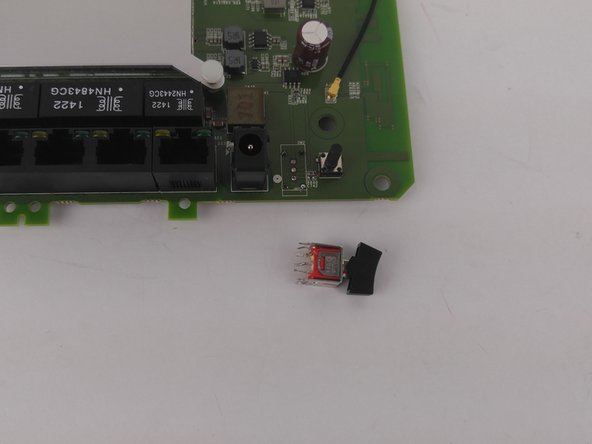
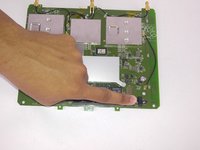
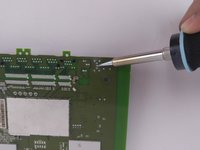
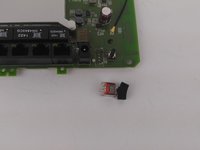
Desolder the 7 pins for the power switch from the backside of the circuit board.
-
-





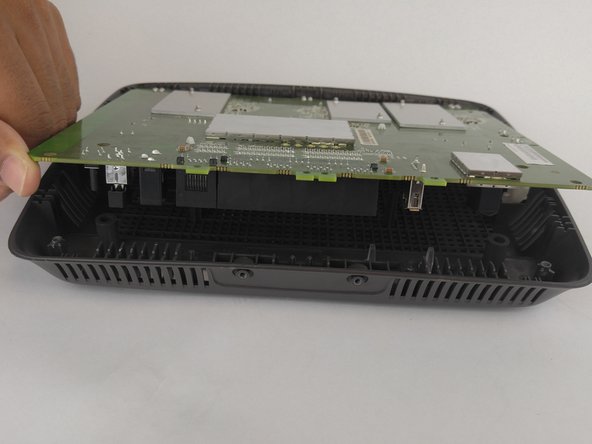
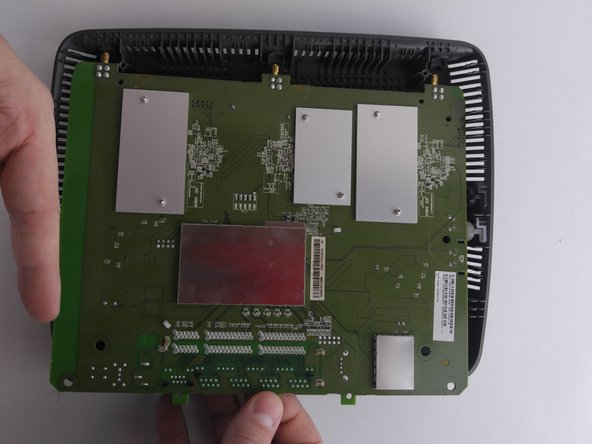
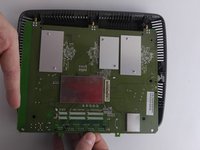

To reassemble your device, follow these instructions in reverse order.

Team

USF Tampa, Team 9-1, Lacy Fall 2016 Member of USF Tampa, Team 9-1, Lacy Fall 2016
USFT-LACY-F16S9G1
4 Members
60 Guides authored
