Introduction
Replace the rear cover on your Likebook Muses (Boyue T78D).
This guide does not cover replacing the aluminium panel separately.
Flagged as “In Progress” as the image in step 3 needs to be replaced with one depicting an intact display.
What you need
-
-
-
Power off the tablet by holding down the power button (on the bottom) and tapping "Power off" on screen, then wait 10-15 seconds for the underlying Android system to shut down.
 Ask FixBot
-
-
-
Unscrew the two Torx T2 screws surrounding the USB port.
-
Image needed: showing just the bottom in order to highlight screws in blue
-
-
-
-
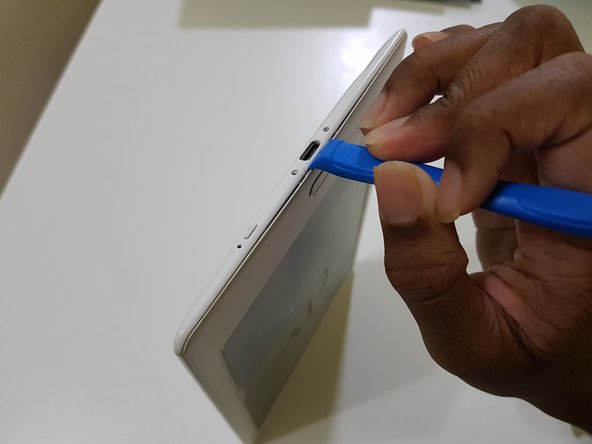
Use the opening tool to pry at the lip in between the bezel and rear cover,
-
then slide in your opening pick with the flat end,
-
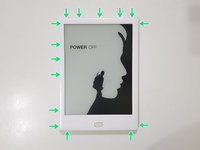
and slide it around to undo these clips.
-
-
-
(Note to self: Try opening the side using opening tools)
-
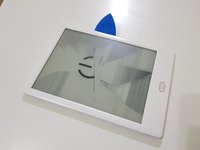
After releasing the clips, lift the front bezel out.
-
-




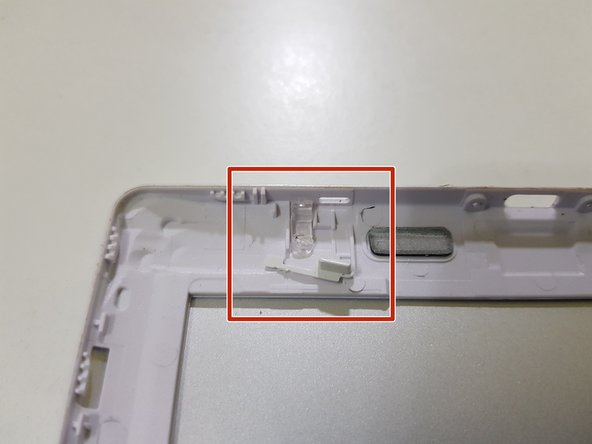
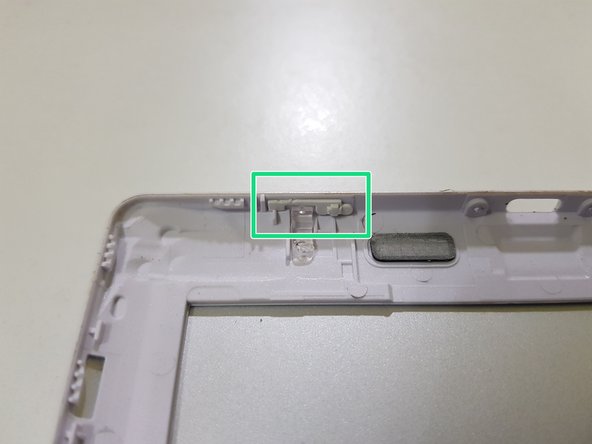
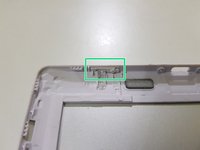

To reassemble your device, follow these instructions in reverse order.
Cancel: I did not complete this guide.
One other person completed this guide.

