Free Shipping on Domestic Orders $75+

Likebook Muses Motherboard Replacement

What you need

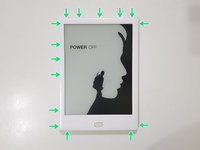
    1. Likebook Muses Motherboard Replacement, Power off: step 1, image 1 of 1
      • Power off the tablet by holding down the power button (on the bottom) and tapping "Power off" on screen, then wait 10-15 seconds for the underlying Android system to shut down.

      Ask FixBot

      Add Comment

    2. Likebook Muses Motherboard Replacement, Rear Cover: step 2, image 1 of 1
      • Unscrew the two Torx T2 screws surrounding the USB port.

      • Image needed: showing just the bottom in order to highlight screws in blue

      Ask FixBot

      Add Comment

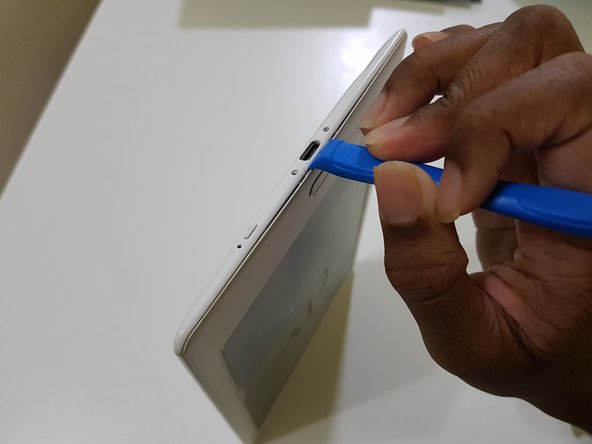
    3. Likebook Muses Motherboard Replacement: step 3, image 1 of 3 Likebook Muses Motherboard Replacement: step 3, image 2 of 3 Likebook Muses Motherboard Replacement: step 3, image 3 of 3
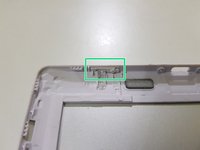
      • Use the opening tool to pry at the lip in between the bezel and rear cover,

      • then slide in your opening pick with the flat end,

      • and slide it around to undo these clips.

      Ask FixBot

      Add Comment

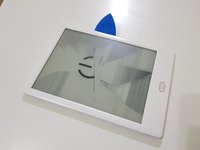
    4. Likebook Muses Motherboard Replacement: step 4, image 1 of 3 Likebook Muses Motherboard Replacement: step 4, image 2 of 3 Likebook Muses Motherboard Replacement: step 4, image 3 of 3
      • (Note to self: Try opening the side using opening tools)

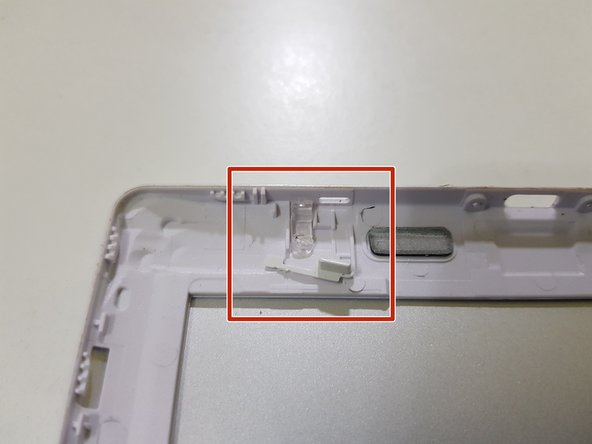
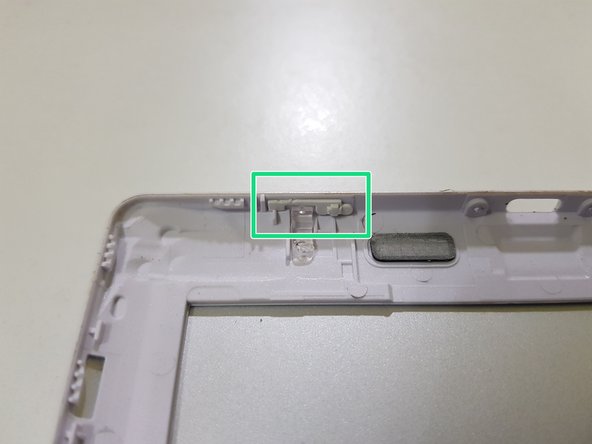
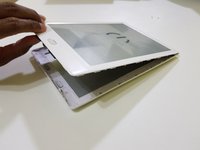
      • After releasing the clips, lift the front bezel out.

      • The extension piece for the power button can fall out. Don't lose this!

      Ask FixBot

      Add Comment

    5. Likebook Muses Motherboard Replacement: step 5, image 1 of 1
      • The rear cover has been removed.

      Ask FixBot

      Add Comment

    1. Likebook Muses Motherboard Replacement, Mainboard: step 6, image 1 of 3 Likebook Muses Motherboard Replacement, Mainboard: step 6, image 2 of 3 Likebook Muses Motherboard Replacement, Mainboard: step 6, image 3 of 3
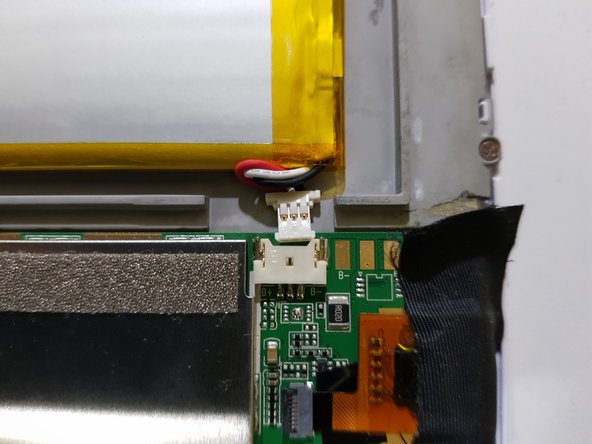
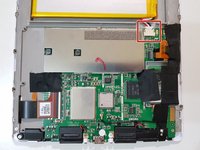
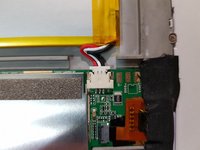
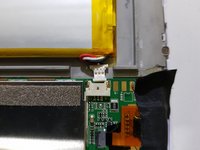
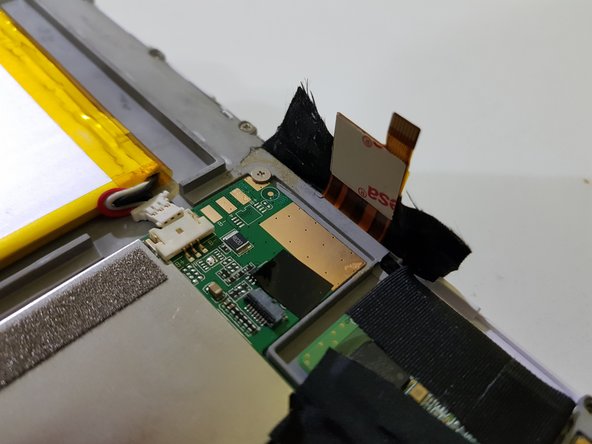
      • Disconnect the battery.

      • Due to the placement of the battery, the connector may not come out all the way.

      Ask FixBot

      Add Comment

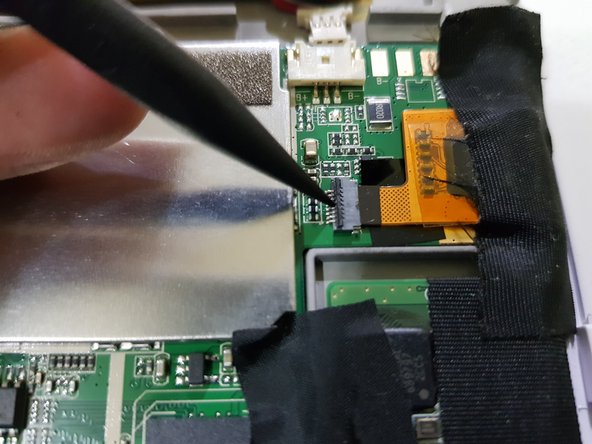
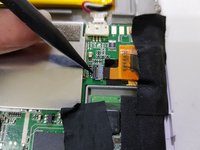
    2. Likebook Muses Motherboard Replacement: step 7, image 1 of 3 Likebook Muses Motherboard Replacement: step 7, image 2 of 3 Likebook Muses Motherboard Replacement: step 7, image 3 of 3
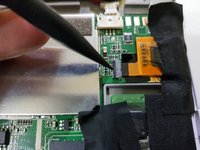
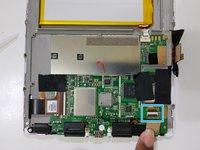
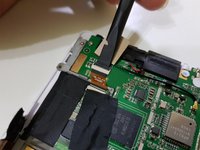
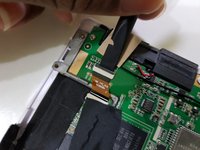
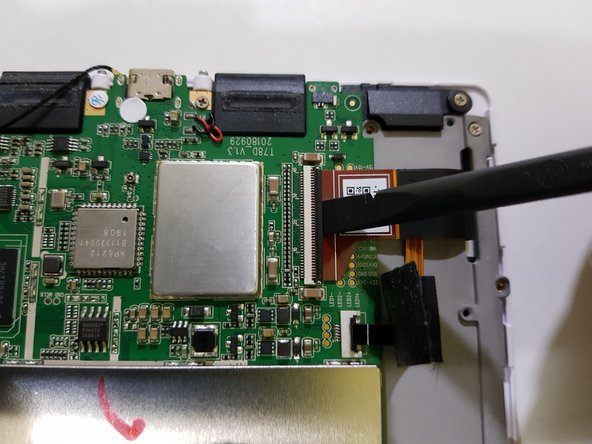
      • Using the pointed end of a spudger, disconnect the touch panel.

      Ask FixBot

      Add Comment

    3. Likebook Muses Motherboard Replacement: step 8, image 1 of 3 Likebook Muses Motherboard Replacement: step 8, image 2 of 3 Likebook Muses Motherboard Replacement: step 8, image 3 of 3
      • Disconnect the pen input controller.

      Ask FixBot

      Add Comment

    4. Likebook Muses Motherboard Replacement: step 9, image 1 of 3 Likebook Muses Motherboard Replacement: step 9, image 2 of 3 Likebook Muses Motherboard Replacement: step 9, image 3 of 3
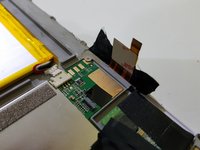
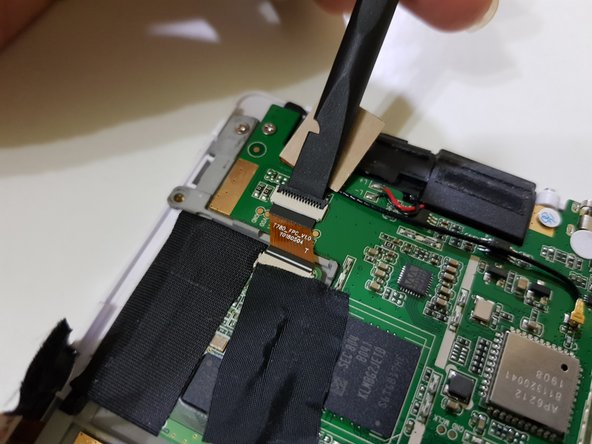
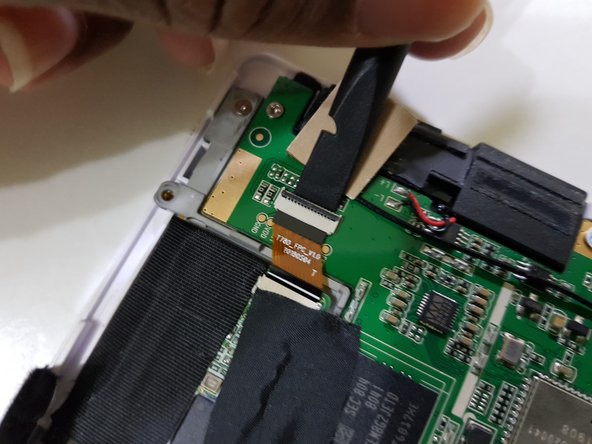
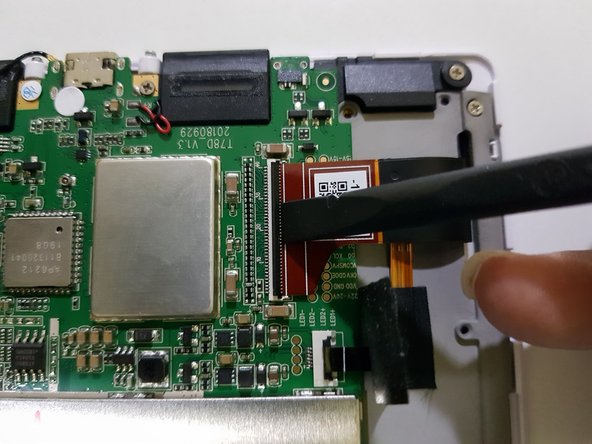
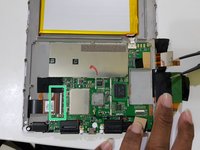
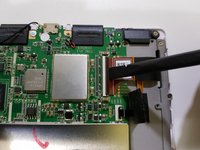
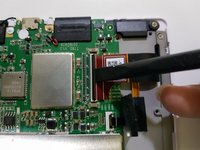
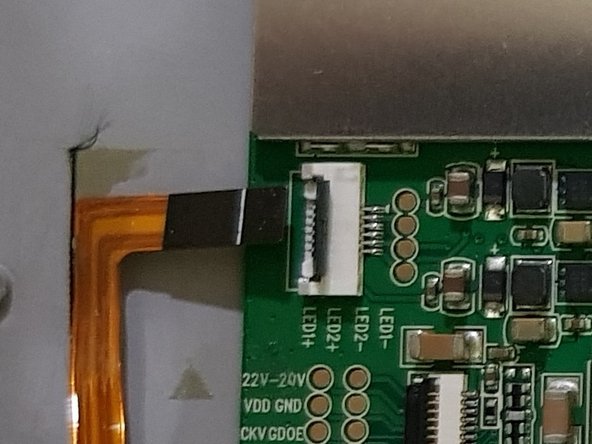
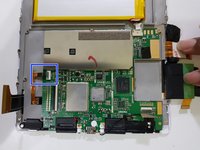
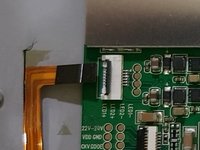
      • Lift up part of the tape covering the frontlight connector.

      • Using the flat end of your spudger, disconnect the display.

      Ask FixBot

      Add Comment

    5. Likebook Muses Motherboard Replacement: step 10, image 1 of 2 Likebook Muses Motherboard Replacement: step 10, image 2 of 2
      • Peel the tape the rest of the way

      • Using the pointed end of your spudger, disconnect the frontlight.

      Ask FixBot

      Add Comment

    6. Likebook Muses Motherboard Replacement: step 11, image 1 of 1
      • Remove these screws using your J00 screwdriver (or a PH00 screwdriver if you don't have one).

      • Remove these screws using your PH00 screwdriver.

      • One of these screws has a tamper detection sticker pasted over the screw head.

      • You should be able to poke the screwdriver through it.

      Ask FixBot

      Add Comment

    7. Likebook Muses Motherboard Replacement: step 12, image 1 of 1
      • Lift the mainboard out from the top,

      • The speaker connections are only held in with solder, and may break if you're not careful.

      Ask FixBot

      Add Comment

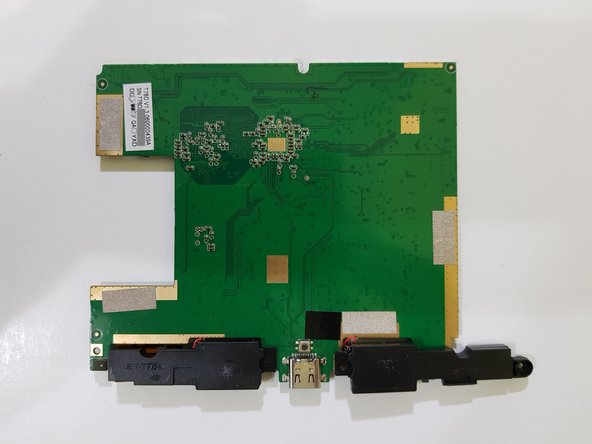
    8. Likebook Muses Motherboard Replacement: step 13, image 1 of 3 Likebook Muses Motherboard Replacement: step 13, image 2 of 3 Likebook Muses Motherboard Replacement: step 13, image 3 of 3
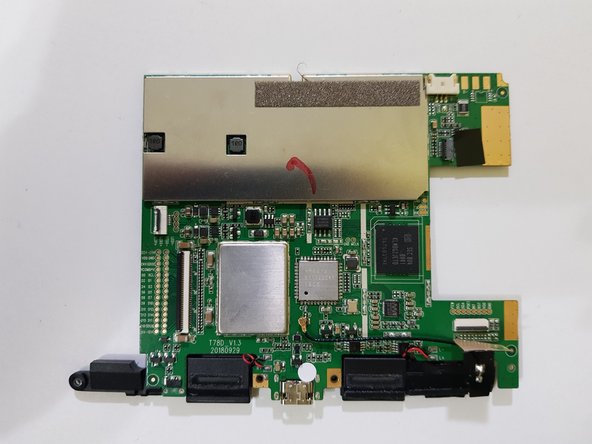
      • The mainboard has been removed.

      Ask FixBot

      Add Comment

Conclusion

To reassemble your device, follow these instructions in reverse order.

Cancel: I did not complete this guide.

Kevin Bhasi

Member since: 12/26/14

1,355 Reputation

9 Guides authored

0 Guide Comments

Add Comment

View Statistics:

Past 24 Hours: 0

Past 7 Days: 0

Past 30 Days: 15

All Time: 340