
Levoit LV-H132 Springs Replacement

Kris Sathwara and 5 other contributors
Last updated on Dec 19, 2023
Views: 542
View statistics:
- Past 24 Hours:
- 2
- Past 7 Days:
- 10
- Past 30 Days:
- 63
- All Time:
- 542
Comments: 0
No one has left comments on this guide. Will you be first?
Go to guide commentsCompleted: 0 1
No one has marked this guide "completed." Will you be the first?
1 person has marked this guide "completed." It's you — great job!
Favorites: 0 1
No one has favorited (and subscribed to) this guide. Will you be the first?
1 person has favorited (and subscribed to) this guide — and that's you!
Needs More Images
A few more images would make this guide's procedures crystal clear.
Introduction
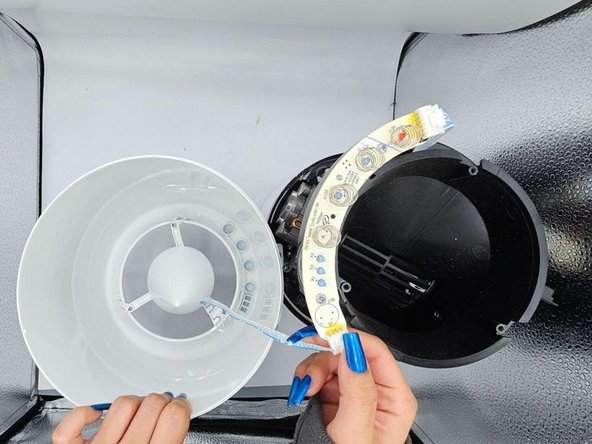
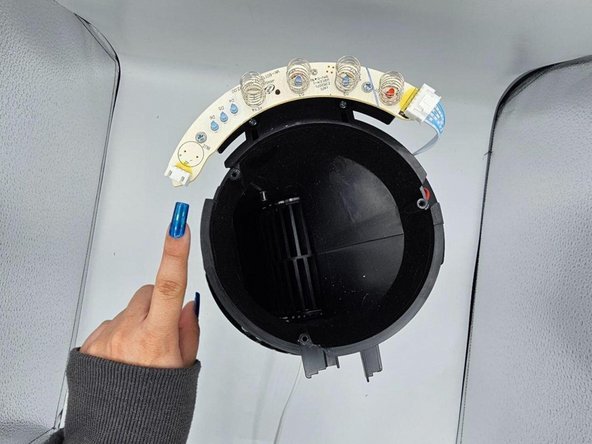
Go to step 1 ↓If the touch mechanism on your Levoit LV-H132 device is not working when it's switched on, the touch button springs might be damaged due to exposure to extreme temperatures, humidity, or corrosive chemicals.
What you need
Tools


 Ask FixBot





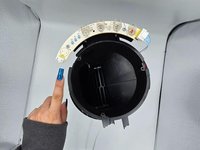

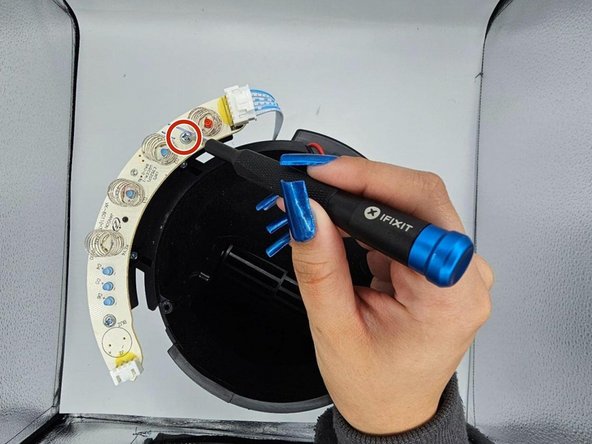

To reassemble your device, follow these instructions in reverse order.

Team

University of North Texas, Team 2-3, Harold Fall 2023 Member of University of North Texas, Team 2-3, Harold Fall 2023
UNT-HAROLD-F23S2G3
4 Members
60 Guides authored
