Introduction
Is your Levoit LV-H132 not turning on because the cable is damaged? Does the cord create sparks when plugged in or does it smell burnt? If the power cord doesn’t allow power transmission, then the air purifier will certainly not power up. To fix that, we have to replace it. So, use this guide to fix your damaged cord.
What you need
-
-
-
Use a heat gun to heat up the heat-shrink tubing wraps.
-
Disconnect the damaged cable from the wires that are connected to the motherboard.
-


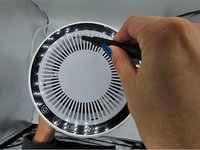

 Ask FixBot


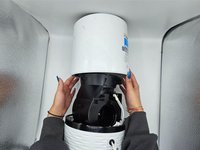
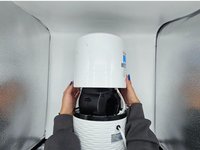


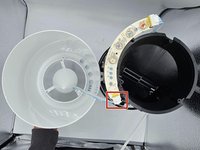
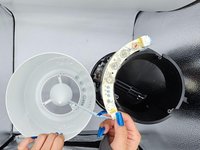
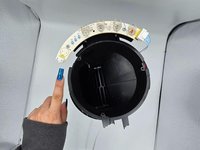


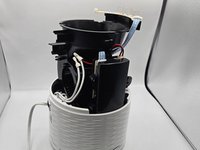
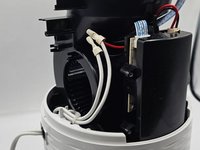
To reassemble your device, follow these instructions in reverse order.
Cancel: I did not complete this guide.
One other person completed this guide.

Team

University of North Texas, Team 2-3, Harold Fall 2023 Member of University of North Texas, Team 2-3, Harold Fall 2023
UNT-HAROLD-F23S2G3
4 Members
5 Guides authored
