Free Shipping on Domestic Orders $75+

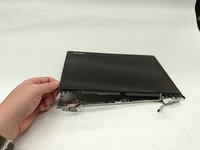
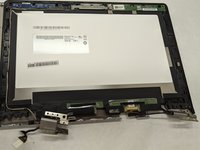
Lenovo Yoga 2 11" 20428 Display Replacement

What you need

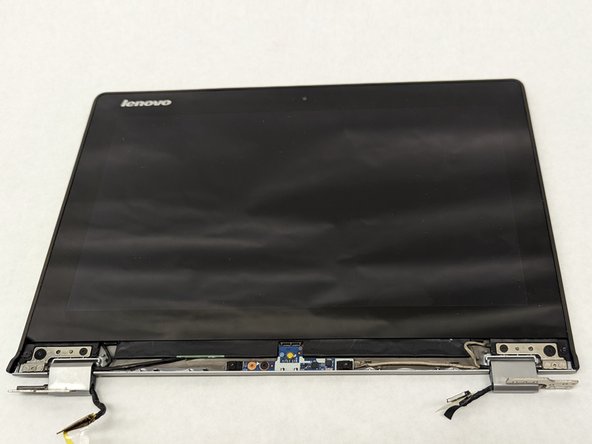
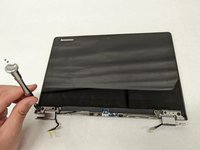
    1. Lenovo Yoga 2 11" 20428 Display Replacement, Display: step 1, image 1 of 2 Lenovo Yoga 2 11" 20428 Display Replacement, Display: step 1, image 2 of 2
      • Remove the plastic square covers on the hinge cover.

      Ask FixBot
      Add Comment

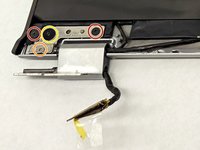
    2. Lenovo Yoga 2 11" 20428 Display Replacement: step 2, image 1 of 2 Lenovo Yoga 2 11" 20428 Display Replacement: step 2, image 2 of 2
      • Remove the two 3.8 mm screws from the hinge cover.

      Ask FixBot
      Add Comment

    3. Lenovo Yoga 2 11" 20428 Display Replacement: step 3, image 1 of 2 Lenovo Yoga 2 11" 20428 Display Replacement: step 3, image 2 of 2
      • Remove the hinge cover.

      Ask FixBot
      Add Comment

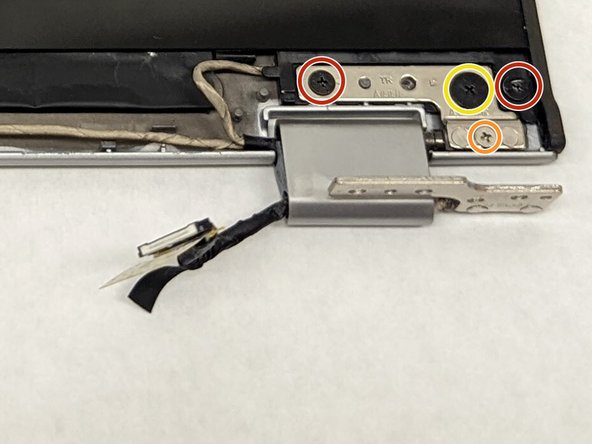
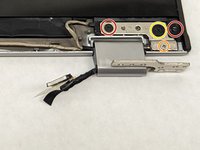
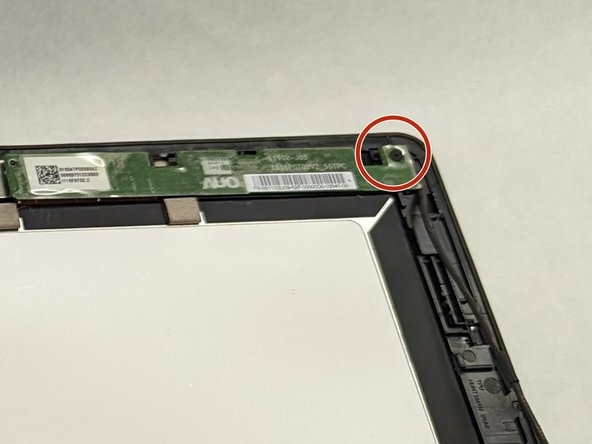
    4. Lenovo Yoga 2 11" 20428 Display Replacement: step 4, image 1 of 3 Lenovo Yoga 2 11" 20428 Display Replacement: step 4, image 2 of 3 Lenovo Yoga 2 11" 20428 Display Replacement: step 4, image 3 of 3
      • Remove the 2.8mm screws.

      • Remove the 5mm screws.

      • Remove the 2.4mm screws.

      Ask FixBot

      Add Comment

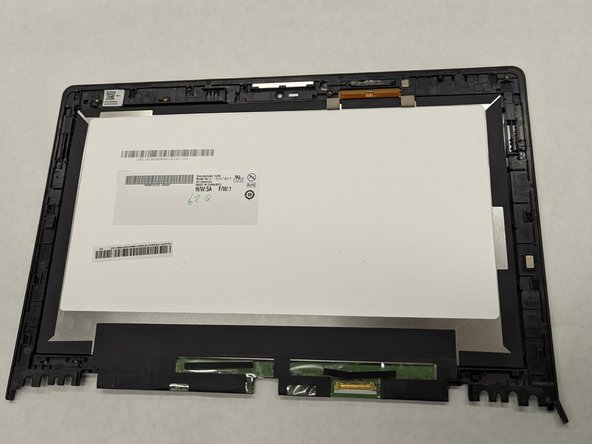
    5. Lenovo Yoga 2 11" 20428 Display Replacement: step 5, image 1 of 2 Lenovo Yoga 2 11" 20428 Display Replacement: step 5, image 2 of 2
      • Remove the front cover of the display

      Ask FixBot
      Add Comment

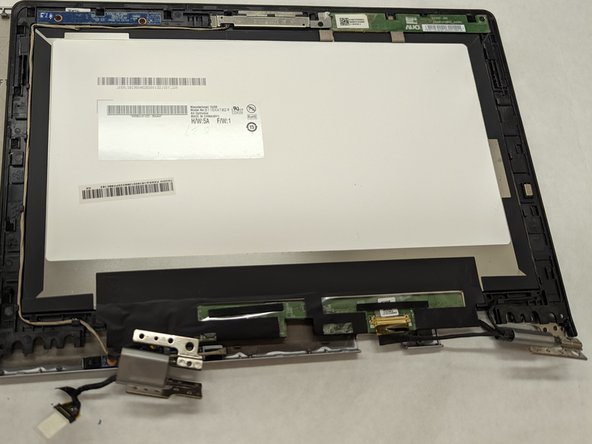
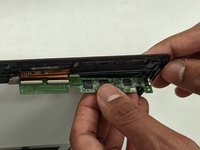
    6. Lenovo Yoga 2 11" 20428 Display Replacement: step 6, image 1 of 1
      • Unplug the button sensor board.

      • Do not damage the teeth. Damaging the teeth of the sensor board may require you to replace the part.

      Ask FixBot
      Add Comment

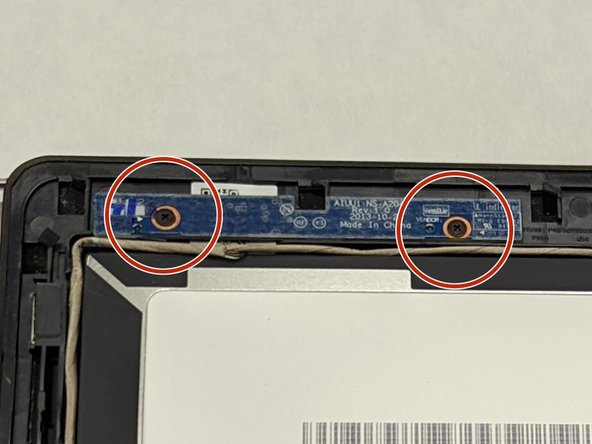
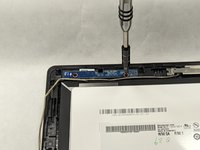
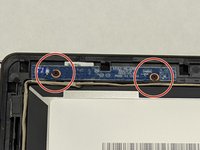
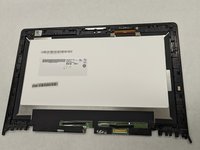
    7. Lenovo Yoga 2 11" 20428 Display Replacement: step 7, image 1 of 2 Lenovo Yoga 2 11" 20428 Display Replacement: step 7, image 2 of 2
      • Remove the 2.1 mm screws from the brightness sensor board.

      Ask FixBot
      Add Comment

    8. Lenovo Yoga 2 11" 20428 Display Replacement: step 8, image 1 of 2 Lenovo Yoga 2 11" 20428 Display Replacement: step 8, image 2 of 2
      • Remove the 3.3 mm screw on the camera.

      • Removal of the camera will result in the connecting wire to be disconnected as well

      Ask FixBot

      Add Comment

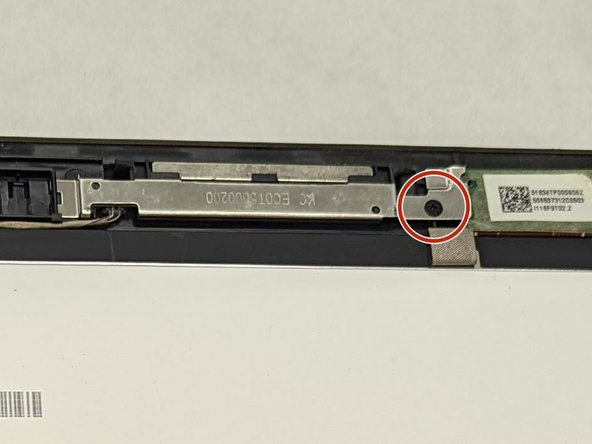
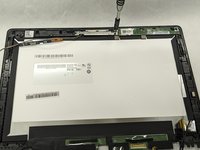
    9. Lenovo Yoga 2 11" 20428 Display Replacement: step 9, image 1 of 2 Lenovo Yoga 2 11" 20428 Display Replacement: step 9, image 2 of 2
      • Remove the 3.3 mm screw on the touch control board.

      Ask FixBot

      Add Comment

    10. Lenovo Yoga 2 11" 20428 Display Replacement: step 10, image 1 of 2 Lenovo Yoga 2 11" 20428 Display Replacement: step 10, image 2 of 2
      • Remove the touch control board

      • Do not damage the teeth. Damaging the teeth may call for replacement of the part.

      • Removal of the touch control board will result in the connecting wires to be removed as well

      Ask FixBot

      Add Comment

Conclusion

To reassemble your device, follow these instructions in reverse order.

Cancel: I did not complete this guide.

One other person completed this guide.

Devin McCuen

Member since: 03/30/22

181 Reputation

1 Guide authored

Team

IUPUI, Team 1-3, Harley Spring 2022 Member of IUPUI, Team 1-3, Harley Spring 2022

IUPUI-HARLEY-S22S1G3

3 Members

36 Guides authored

0 Guide Comments

Add Comment

View Statistics:

Past 24 Hours: 1

Past 7 Days: 8

Past 30 Days: 38

All Time: 669