
Lenovo Vibe Z2 Pro Screen Replacement

Jemma Hunter and 2 other contributors
Last updated on Dec 26, 2016
Views: 4.6K
View statistics:
- Past 24 Hours:
- 3
- Past 7 Days:
- 25
- Past 30 Days:
- 92
- All Time:
- 4,622
Comments: 3
3 guide comments.
Go to guide commentsCompleted: 2 3
2 people have marked this guide "completed." Will you be next?
3 people have marked this guide "completed." Including you — great job!
Favorites: 3 4
3 people have favorited (and subscribed to) this guide. Will you be next?
4 people have favorited (and subscribed to) this guide — including you!
Incorrect Tools
Help make this guide better by using the correct tools in images and/or text.
Introduction
Go to step 1 ↓If you have cracked your screen or if you no longer see an image on your screen, its time to replace your screen. Learn how to do that in this guide.
What you need
Tools
-
Spudger4.9
-
-


-
-
-
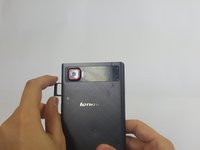
Remove the 4.9 mm torx head screws located on the camera plate on the back of the phone
 Ask FixBot
-
-
-
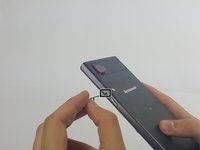
Remove the SIM card tray by pushing a pin into the hole on the side of the phone.
-
-
-
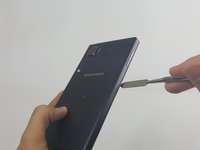
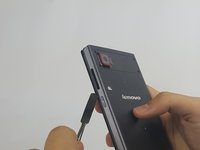
Push the Spudger along the gap between the phone and the backplate to separate them.
-
-
-
-
-
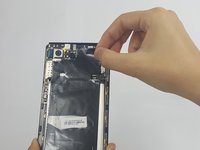
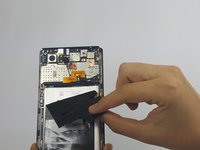
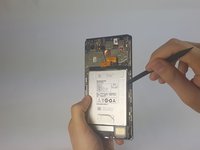
Remove any adhesive strips holding the battery in place gently using a fingernail or spudger.
-
-
-
-
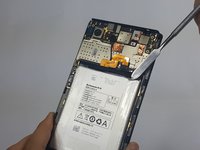
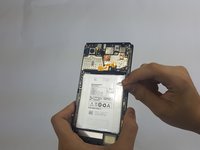
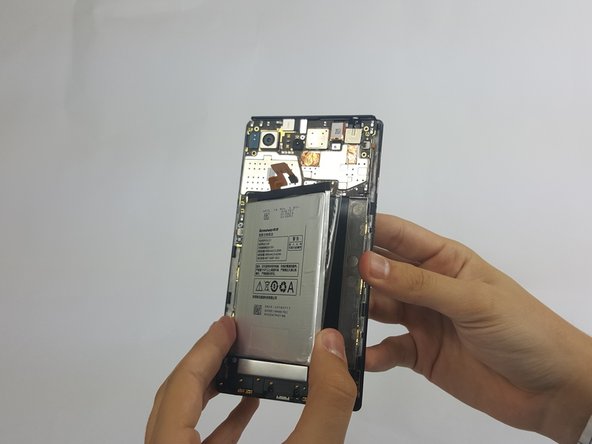
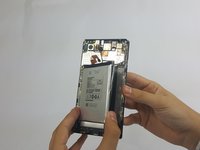
Insert a fingernail or spudger into either side of the battery and lift upward.
-
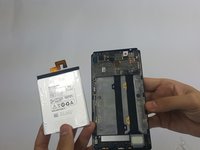
Remove the battery from phone.
-
-
-
Tool used on this step:Tweezers$4.99
-
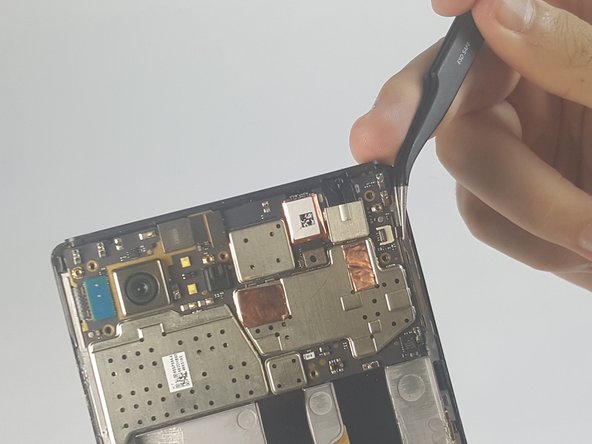
Disconnect the two ribbon cables by gently lifting on the black hinges and pulling away with tweezers
-
-
-
Gently remove the front-facing camera by gently lifting on the connector tab.
-
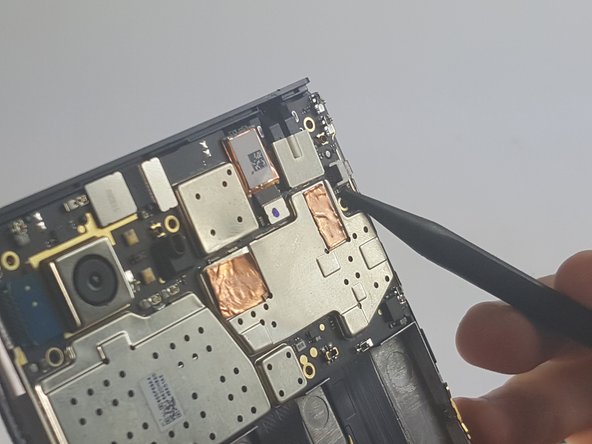
Remove the other connector by gently lifting with a spudger.
-
-
-
Gently lift the motherboard off the frame
-
Pull the camera out from behind the motherboard
-
-
-
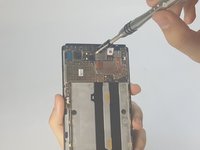
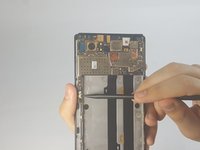
Using a spudger, disconnect the charging port assembly cable and the screen connection cable.
-
Remove the motherboard completely.
-
-
-
Tool used on this step:Tweezers$4.99
-
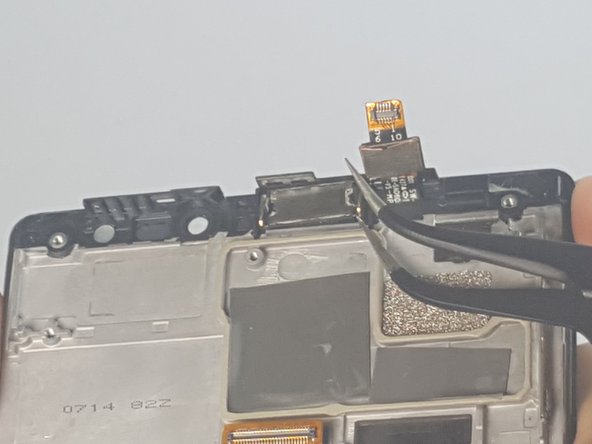
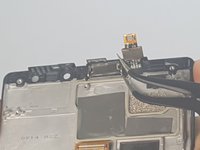
Gently lift the speaker out of its housing by inserting the tweezers under the speaker.
-
-
-
-
-
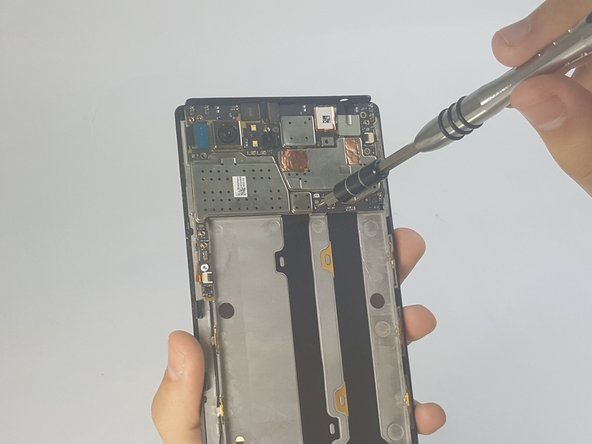
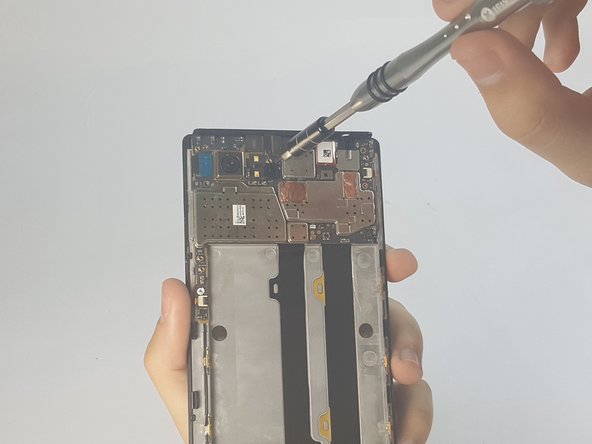
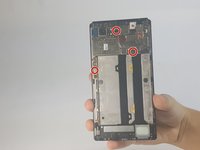
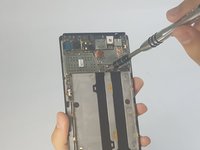
Remove the 3.6 mm Phillips head screws from the charging assembly
-
-
-
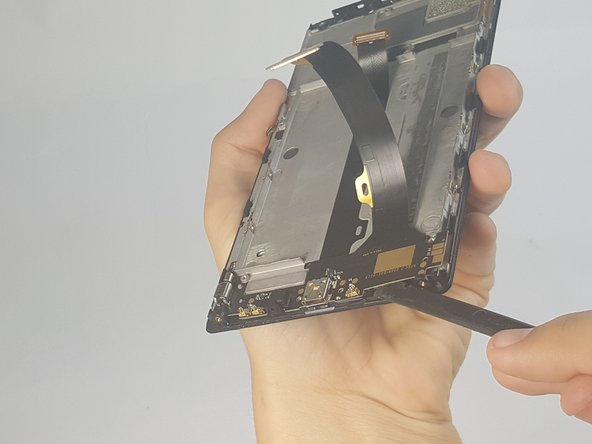
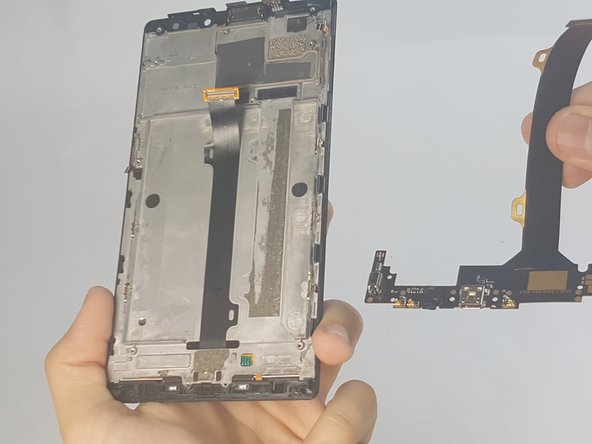
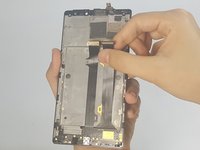
Gently peel the flat cable away from the screen
-
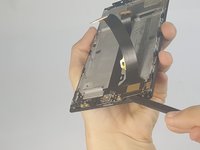
Gently lift the charging assembly using a spudger
-
-
-













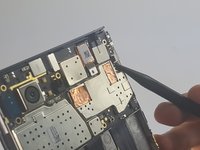
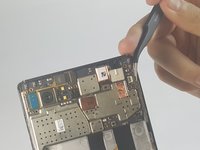

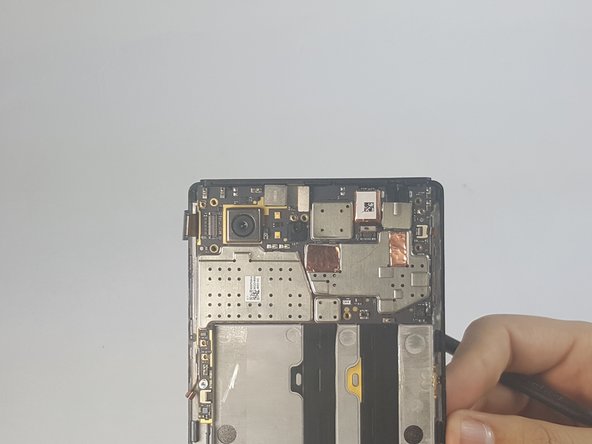
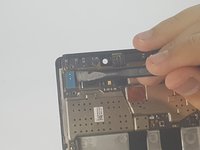
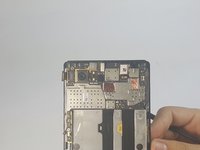


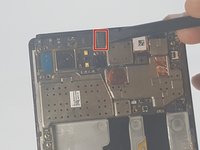
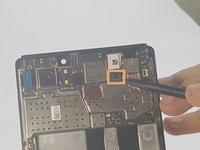

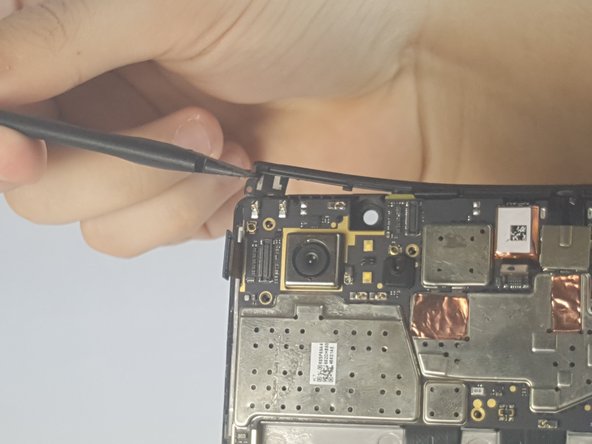
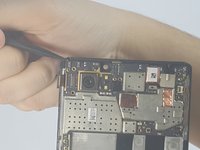
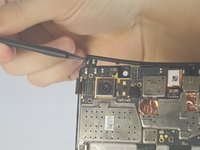

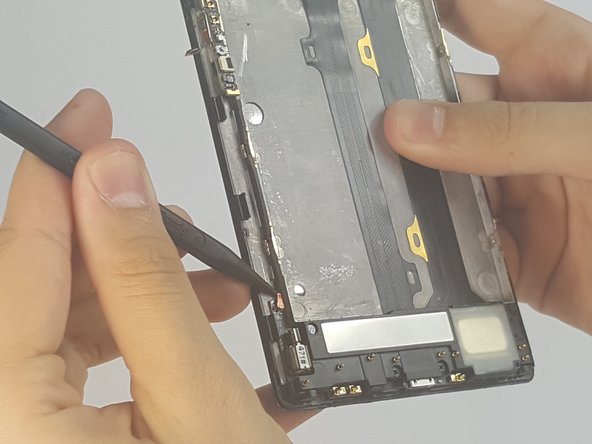
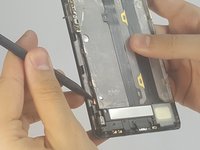


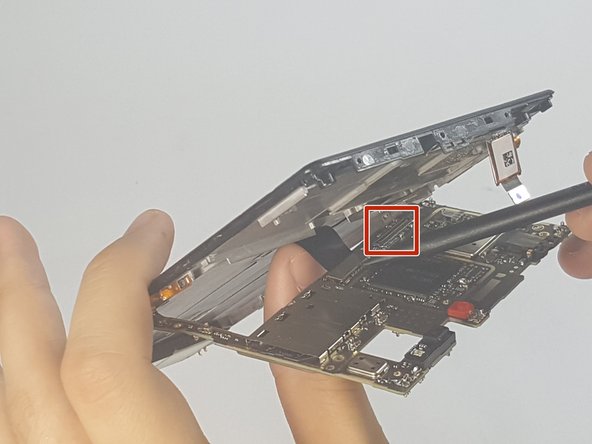

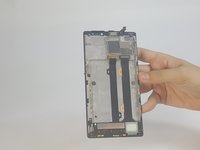

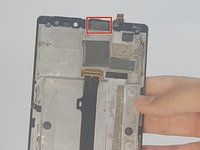


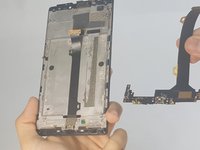

To reassemble your device, follow these instructions in reverse order.
Cancel: I did not complete this guide.
2 other people completed this guide.

Team

USF Tampa, Team 18-3, Blackwell Fall 2016 Member of USF Tampa, Team 18-3, Blackwell Fall 2016
USFT-BLACKWELL-F16S18G3
4 Members
72 Guides authored
3 Guide Comments
can the glass and LCD be separated after step 21?
No, it can’t. It strips te polarizing layer off the LCD and ruins it, so dont buy just the digitizer to repair. Having said that, also dont buy the LCD either as its not worth the cost as a new phone will be cheaper or similar price.
