Introduction
Your computer screen is your gateway to the digital world, but accidents and wear can turn that clear view into a frustrating blur. Whether it's a cracked display, flickering issues, or a complete blackout, replacing a faulty screen can seem daunting at first. The good news? With the right tools, a clear guide, and a bit of patience, you can restore your computer's functionality without breaking the bank.
This guide will walk you through the process of replacing the screen on your Lenovo Thinkpad T430 laptop.
What you need
-
-
-
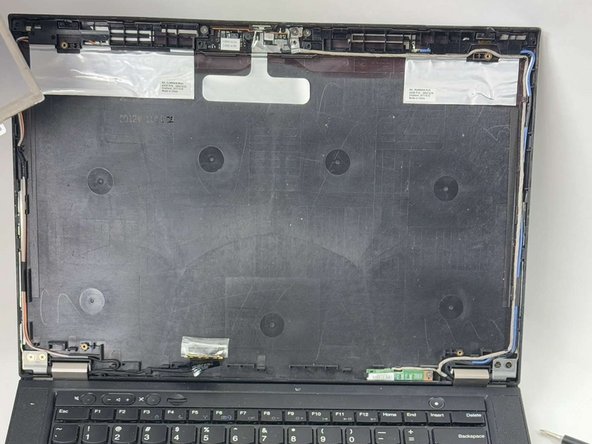
Open the computer and remove the screen bezel using a Jimmy to separate the cover clips.
 Ask FixBot
-
-
-
-
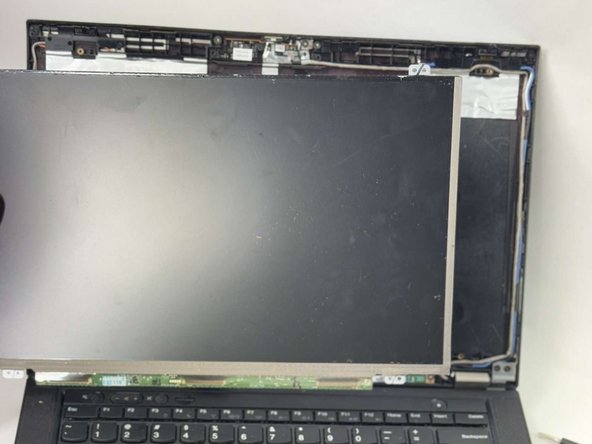
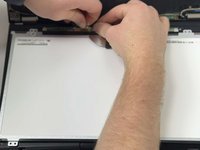
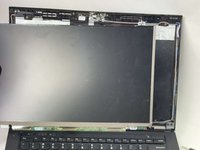
Carefully pull the ribbon cable off the back of the screen and remove the screen.
-
-


To reassemble your device, follow these instructions in reverse order.
Cancel: I did not complete this guide.
2 other people completed this guide.

Team

UMass Dartmouth, Team 1-5, Konn Fall 2024 Member of UMass Dartmouth, Team 1-5, Konn Fall 2024
UMASSD-KONN-F24S1G5
4 Members
47 Guides authored
