Free Shipping on Domestic Orders $75+

Lenovo ThinkPad Ultra Dock broken lock replacement

What you need

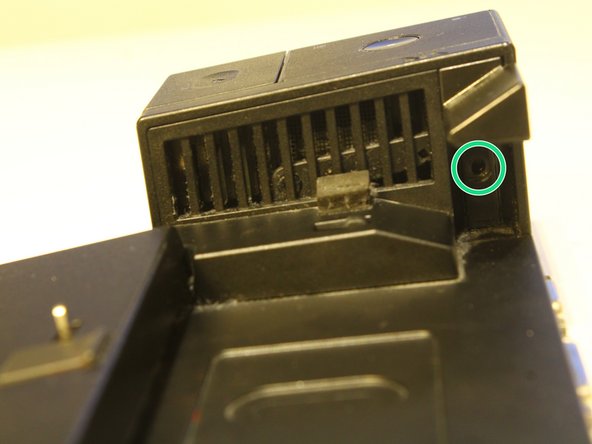
    1. Lenovo ThinkPad Ultra Dock broken lock replacement, Broken key lock: step 1, image 1 of 1
      • Remove all marked screws and keep them save

      • The colors of the screws might be exchanged

      • For best results please remind yourself which screws you removed from where

      Ask FixBot

      Add Comment

    2. Lenovo ThinkPad Ultra Dock broken lock replacement: step 2, image 1 of 3 Lenovo ThinkPad Ultra Dock broken lock replacement: step 2, image 2 of 3 Lenovo ThinkPad Ultra Dock broken lock replacement: step 2, image 3 of 3
      • Remove also those screws

      Ask FixBot

      Add Comment

    3. Lenovo ThinkPad Ultra Dock broken lock replacement: step 3, image 1 of 1
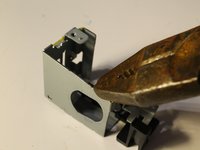
      • lift the cover carefully till the clips snap out

      • remove the cover completely by trying to pull it downwards

      • The right clip on top might be a little hard to pop out: So be careful! It might help if you remove all the other clips first

      Ask FixBot
      Add Comment

    4. Lenovo ThinkPad Ultra Dock broken lock replacement: step 4, image 1 of 1
      • next lose this screw as well

      Ask FixBot

      Add Comment

    5. Lenovo ThinkPad Ultra Dock broken lock replacement: step 5, image 1 of 1
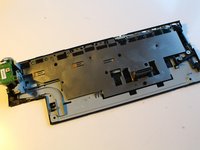
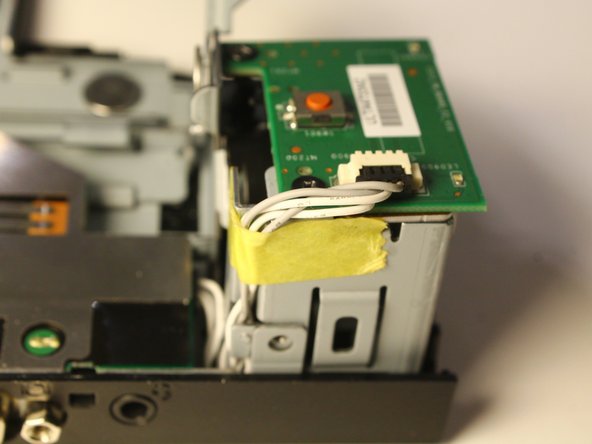
      • You can use a plektrum to open up your device. You might will have to repeat the step multiple times. Make sure that you take care of every slit

      • If you don't have a plektrum just use your fingernails or something similar. But be careful it might will hurt you

      Ask FixBot
      Add Comment

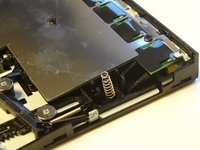
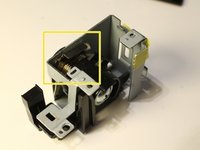
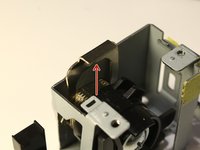
    6. Lenovo ThinkPad Ultra Dock broken lock replacement: step 6, image 1 of 2 Lenovo ThinkPad Ultra Dock broken lock replacement: step 6, image 2 of 2
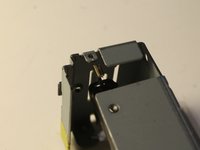
      • I suggest you to glue the spring on the second picture on the bottom. It will be easier for to reassemble the device later

      Ask FixBot
      Add Comment

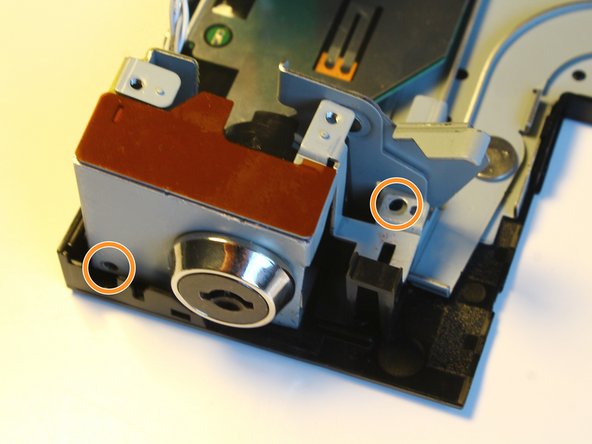
    7. Lenovo ThinkPad Ultra Dock broken lock replacement: step 7, image 1 of 3 Lenovo ThinkPad Ultra Dock broken lock replacement: step 7, image 2 of 3 Lenovo ThinkPad Ultra Dock broken lock replacement: step 7, image 3 of 3
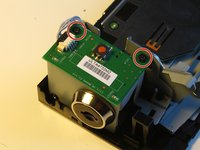
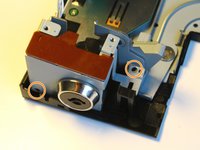
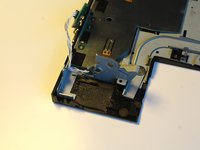
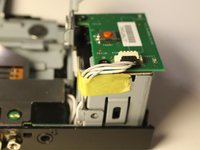
      • Remove all the marked screws in order to remove the lock mecanism

      Ask FixBot
      Add Comment

    8. Lenovo ThinkPad Ultra Dock broken lock replacement: step 8, image 1 of 2 Lenovo ThinkPad Ultra Dock broken lock replacement: step 8, image 2 of 2
      • Pull out the placeholder

      Ask FixBot

      Add Comment

    9. Lenovo ThinkPad Ultra Dock broken lock replacement: step 9, image 1 of 1
      • Remove also this screw and the plastic part which is held by it

      Ask FixBot

      Add Comment

    10. Lenovo ThinkPad Ultra Dock broken lock replacement: step 10, image 1 of 2 Lenovo ThinkPad Ultra Dock broken lock replacement: step 10, image 2 of 2
      • remove the lock

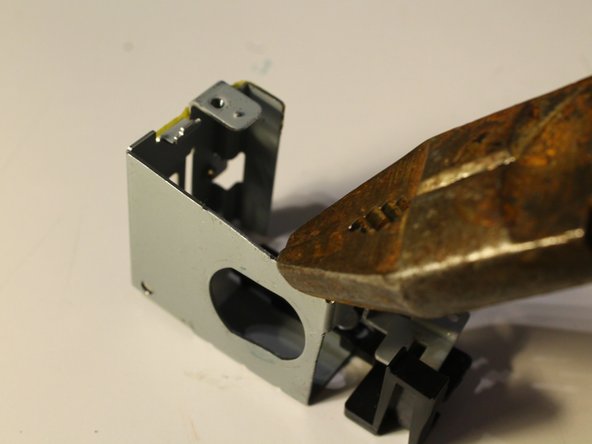
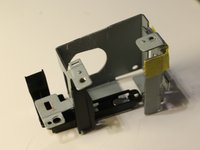
      • Try to bend all the metall structures back into their right shape

      • But pay attention that the metall doesn't break!

      Ask FixBot

      Add Comment

    11. Lenovo ThinkPad Ultra Dock broken lock replacement: step 11, image 1 of 2 Lenovo ThinkPad Ultra Dock broken lock replacement: step 11, image 2 of 2
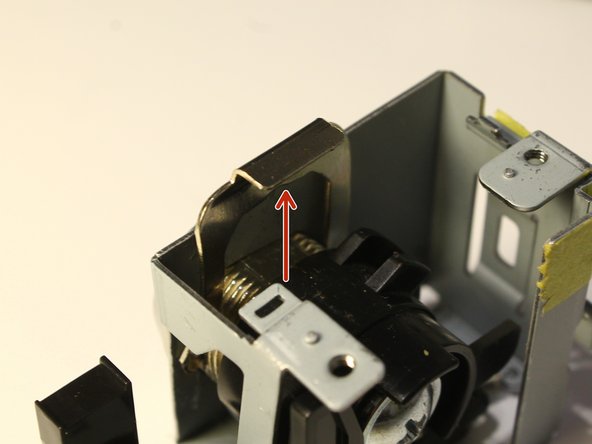
      • This spring snaps out very easy so pay attention that it is still inplace before you assemble every thing again

      • Watch out for the tape! Make sure that it is covering the cables and make also sure that the cables are on the right place

      Ask FixBot

      Add Comment

Conclusion

Reverse those steps to reassemble the device

Cancel: I did not complete this guide.

2 other people completed this guide.

Special thanks to these translators:

de en

100%

These translators are helping us fix the world! Want to contribute?
Start translating ›

Jonas Braun

Member since: 02/03/21

384 Reputation

1 Guide authored

0 Guide Comments

Add Comment

View Statistics:

Past 24 Hours: 1

Past 7 Days: 9

Past 30 Days: 51

All Time: 5,339