Introduction
This guide shows the steps to replace the touchpad on the Lenovo ThinkPad 570. If you have been experiencing issues with your touchpad, then this is the guide for you!
What you need
-
-
Switch the left latch to the left to unlock the battery.
-
While holding the right latch to the right, slide the battery away from the device.
 Ask FixBot
-
-
-
Loosen the captive screws on the back cover of the laptop using a Phillips #0 screwdriver.
-
Use a prying tool to remove the back casing of the computer.
-
-
-
-
Remove the five 3 mm screws that are holding the internal battery in place.
-
Disconnect the ribbon cable connecting the battery to the motherboard.
-
Remove the battery.
-
-
-
Remove the two 3 mm screws that are holding the touchpad in place using a Phillips #0 screwdriver.
-


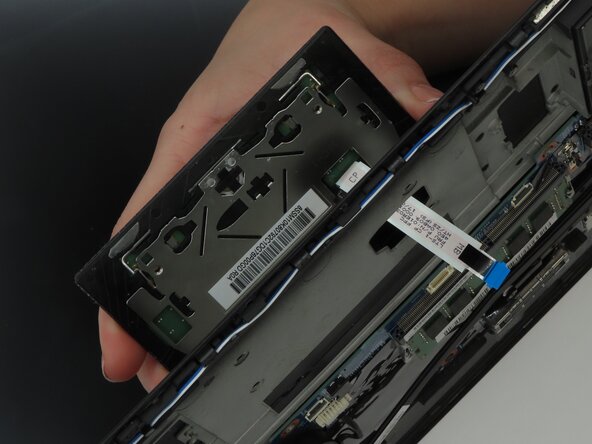
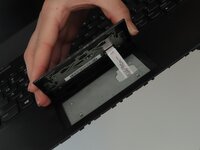
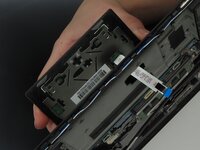
To reassemble your device, follow these instructions in reverse order.

Team

University of Kentucky, Team 1-4, Frey Spring 2025 Member of University of Kentucky, Team 1-4, Frey Spring 2025
UKY-FREY-S25S1G4
4 Members
4 Guides authored
