Free Shipping on Domestic Orders $75+

Lenovo ThinkPad T520 Ram Replacement

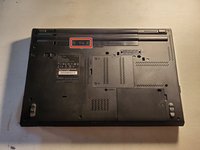
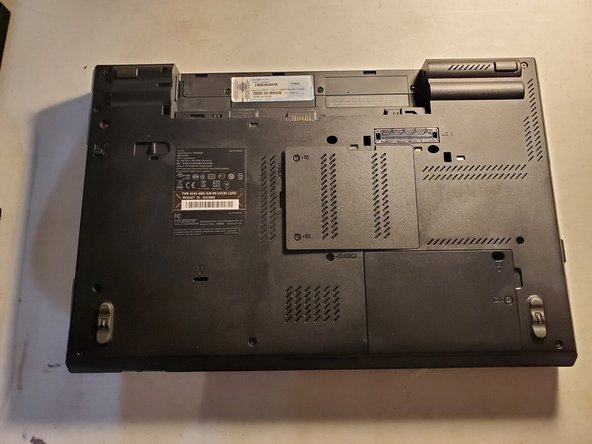
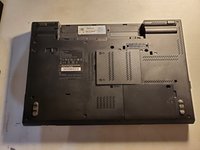
  1. Lenovo ThinkPad T520 Ram Replacement, Flip over laptop: step 1, image 1 of 2 Lenovo ThinkPad T520 Ram Replacement, Flip over laptop: step 1, image 2 of 2
    • Power down the laptop and unplug all cables.

    • Flip over the laptop.

    Ask FixBot

    Add Comment

  2. Lenovo ThinkPad T520 Ram Replacement, Remove battery: step 2, image 1 of 2 Lenovo ThinkPad T520 Ram Replacement, Remove battery: step 2, image 2 of 2
    • Using your fingers, slide the lock to the unlocked position.

    • Then remove the battery from the slot.

    Ask FixBot

    Add Comment

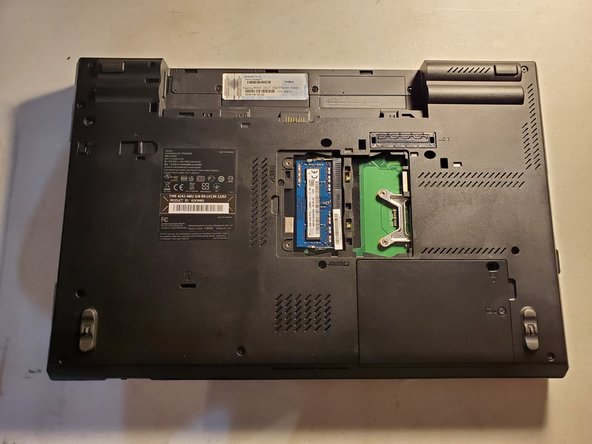
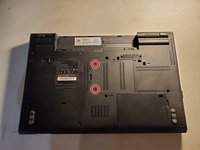
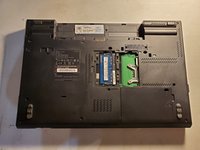
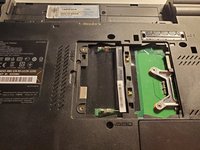
  3. Lenovo ThinkPad T520 Ram Replacement, Remove RAM plastic cover: step 3, image 1 of 3 Lenovo ThinkPad T520 Ram Replacement, Remove RAM plastic cover: step 3, image 2 of 3 Lenovo ThinkPad T520 Ram Replacement, Remove RAM plastic cover: step 3, image 3 of 3
    • Remove the two screws holding the plastic cover into place.

    • Remove the plastic cover from the laptop.

    Ask FixBot

    Add Comment

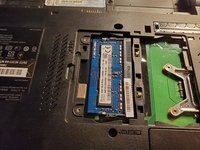
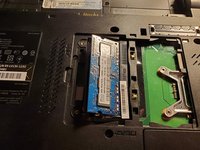
  4. Lenovo ThinkPad T520 Ram Replacement, Remove RAM: step 4, image 1 of 3 Lenovo ThinkPad T520 Ram Replacement, Remove RAM: step 4, image 2 of 3 Lenovo ThinkPad T520 Ram Replacement, Remove RAM: step 4, image 3 of 3
    • Using your fingers, pull the metals arms on the sides of the RAM slightly away from it.

    • The RAM will then face upwards.

    • Remove the RAM from its slot by pulling it out.

    Ask FixBot

    Add Comment

Conclusion

To reassemble your device, follow these instructions in reverse order.

Cancel: I did not complete this guide.

One other person completed this guide.

Jeremiah C.

Member since: 03/28/22

817 Reputation

6 Guides authored

0 Guide Comments

Add Comment

View Statistics:

Past 24 Hours: 1

Past 7 Days: 6

Past 30 Days: 33

All Time: 480