
Lenovo ThinkPad T495s Trackpad Replacement

Jessica Costa and 4 other contributors
Last updated on Sep 22, 2022
Views: 2.5K
View statistics:
- Past 24 Hours:
- 3
- Past 7 Days:
- 21
- Past 30 Days:
- 101
- All Time:
- 2,480
Comments: 0
No one has left comments on this guide. Will you be first?
Go to guide commentsCompleted: 1 2
1 person has marked this guide "completed." Will you be next?
2 people have marked this guide "completed." Including you — great job!
Favorites: 0 1
No one has favorited (and subscribed to) this guide. Will you be the first?
1 person has favorited (and subscribed to) this guide — and that's you!
Introduction
Go to step 1 ↓If you need to replace the trackpad of your Lenovo ThinkPad T495s, follow the steps in the guide below. Be aware that you will need to remove the battery before the trackpad. The trackpad does the same job as a mouse on a desktop computer does. You use the trackpad to control the mouse pointer that is displayed on the laptop screen.
What you need
Parts

Tools


-
-
-
Tool used on this step:Tweezers$4.99
-
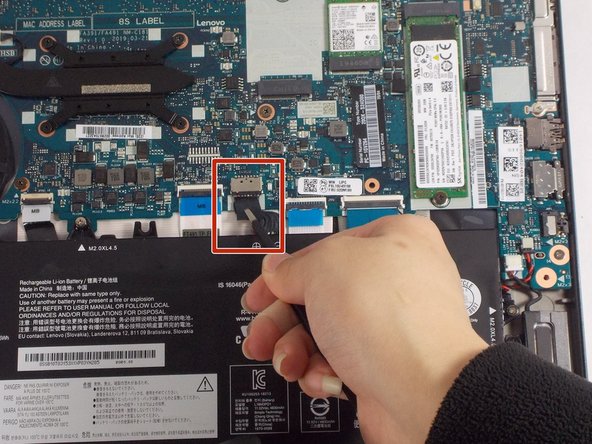
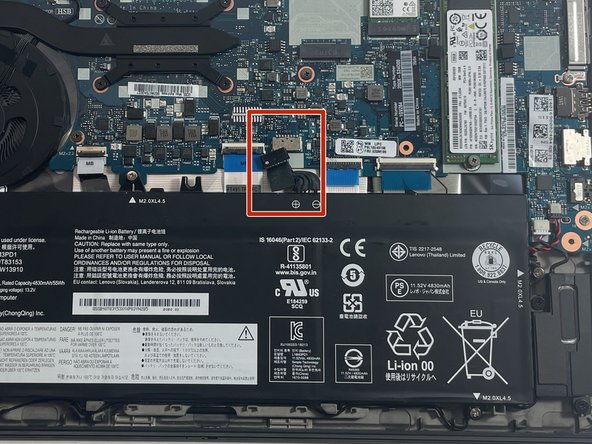
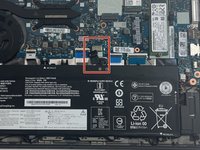
Use tweezers to unplug the battery connection from the motherboard.
-
-
-
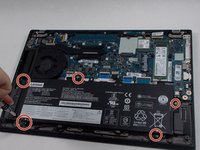
Remove the five 4.5 mm screws with a Phillips #1 screwdriver.
-
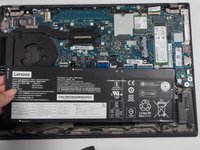
There are plastic tabs at the bottom of the battery, so pull it slightly forward with your hands, toward the motherboard, before lifting straight up.
-
-
-
-
-
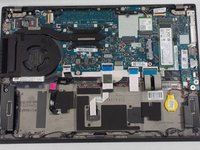
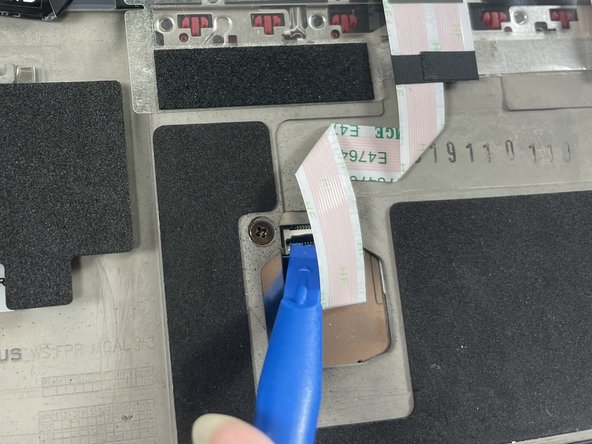
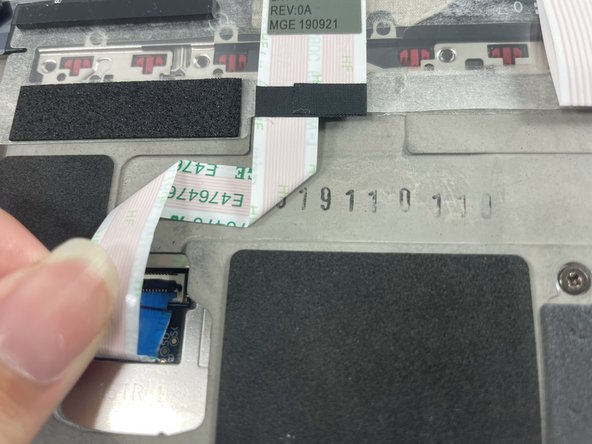
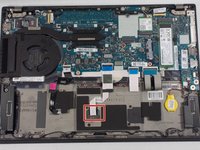
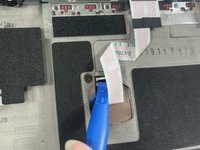
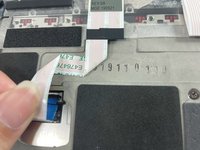
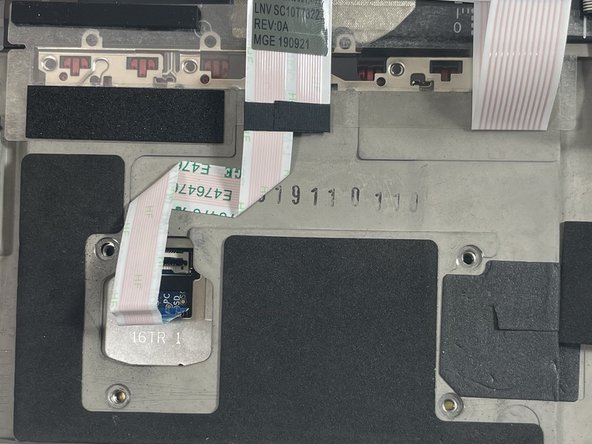
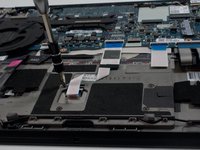
Use the iFixit Opening Tool to flip up the small locking flap on the trackpad's one ZIF ribbon cable connection. The ribbon cable should easily release from its socket.
-
-
-
-
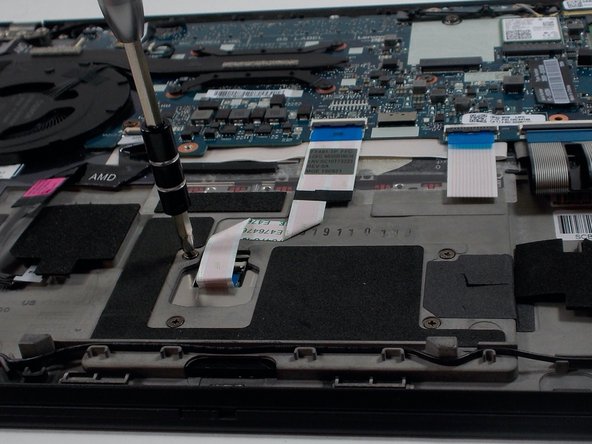
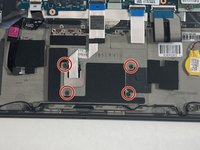
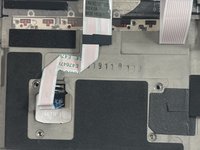
Use a Phillips #1 screwdriver to remove the four 2.2 mm screws from the trackpad.
-
-
-
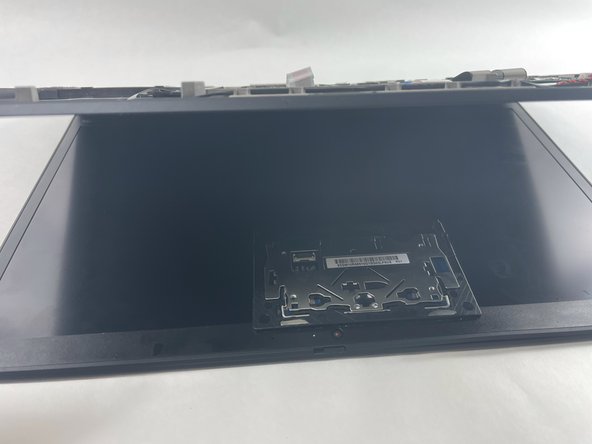
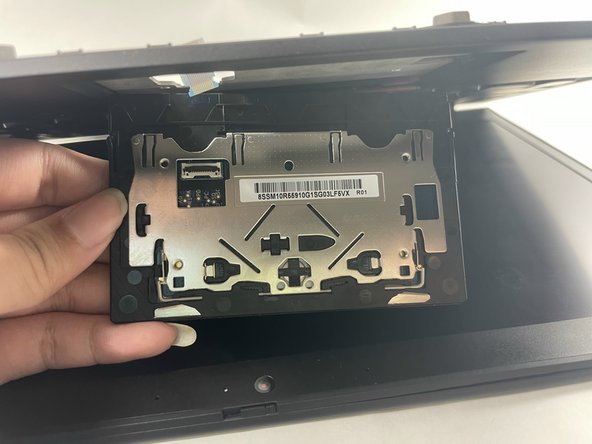
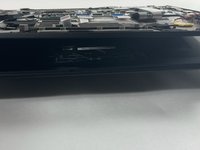
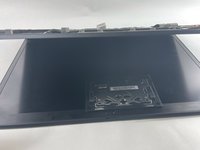
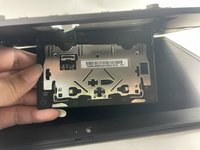
With the bottom of the laptop facing you, gently lift the laptop open until the trackpad drops out.
-
-

 Ask FixBot







To reassemble your device, follow these instructions in reverse order.
Cancel: I did not complete this guide.
One other person completed this guide.

Team

UMass Dartmouth, Team 1-7, Petersen Spring 2022 Member of UMass Dartmouth, Team 1-7, Petersen Spring 2022
UMASSD-PETERSEN-S22S1G7
3 Members
60 Guides authored
