Free Shipping on Domestic Orders $75+

Lenovo ThinkPad T480s USB Card Replacement

What you need

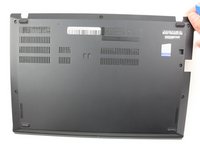
  1. Lenovo ThinkPad T480s USB Card Replacement, Bottom Cover: step 1, image 1 of 2 Lenovo ThinkPad T480s USB Card Replacement, Bottom Cover: step 1, image 2 of 2
    • Disable the battery, power down the device, and unplug the power adapter from your device before proceeding/beginning the guide.

    • Loosen the six captive screws with a Phillips #1 screwdriver.

    Ask FixBot
    Add Comment

  2. Lenovo ThinkPad T480s USB Card Replacement: step 2, image 1 of 3 Lenovo ThinkPad T480s USB Card Replacement: step 2, image 2 of 3 Lenovo ThinkPad T480s USB Card Replacement: step 2, image 3 of 3
    • Remove the bottom cover with an opening tool.

    • Start from the top edge near the hinge and work your way along the edge until all of the clips are unsnapped.

    Ask FixBot
    Add Comment

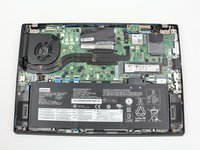
  3. Lenovo ThinkPad T480s USB Card Replacement: step 3, image 1 of 2 Lenovo ThinkPad T480s USB Card Replacement: step 3, image 2 of 2
    • Lift the bottom cover off.

    Ask FixBot

    Add Comment

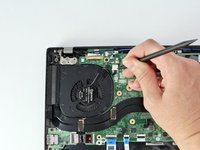
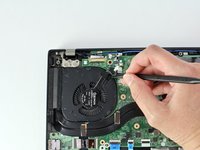
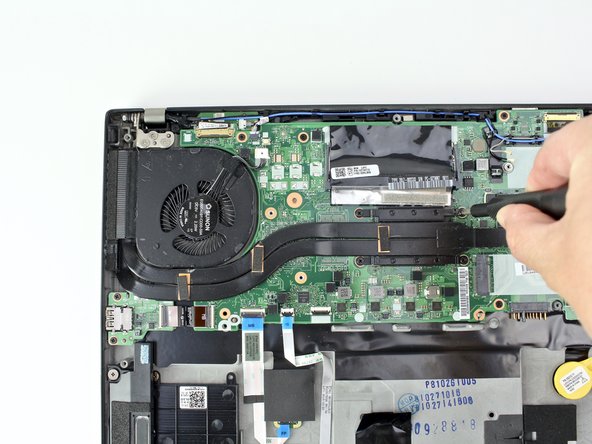
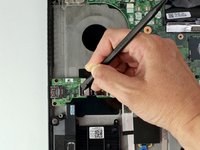
  4. Lenovo ThinkPad T480s USB Card Replacement, Fan Assembly: step 4, image 1 of 2 Lenovo ThinkPad T480s USB Card Replacement, Fan Assembly: step 4, image 2 of 2
    • Use the spudger to disconnect the fan cable from the motherboard.

    Ask FixBot
    Add Comment

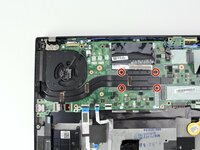
  5. Lenovo ThinkPad T480s USB Card Replacement: step 5, image 1 of 2 Lenovo ThinkPad T480s USB Card Replacement: step 5, image 2 of 2
    • Loosen the four captive screws attaching the fan assembly to the motherboard.

    • Do not attempt to remove the captive screws, as forcing them out may strip or damage them.

    Ask FixBot
    Add Comment

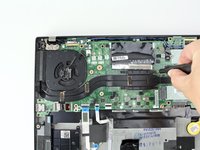
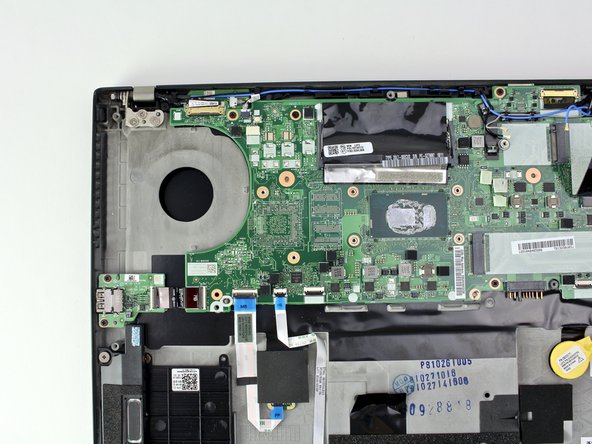
  6. Lenovo ThinkPad T480s USB Card Replacement: step 6, image 1 of 3 Lenovo ThinkPad T480s USB Card Replacement: step 6, image 2 of 3 Lenovo ThinkPad T480s USB Card Replacement: step 6, image 3 of 3
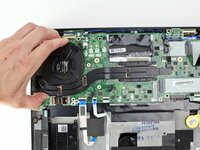
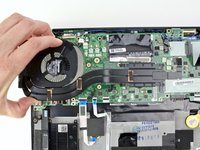
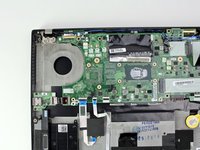
    • Lift the fan assembly from the system and remove it.

    • Follow our thermal paste application guide before you replace the fan assembly and are ready to reassemble your device.

    Ask FixBot
    Add Comment

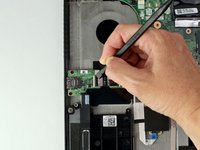
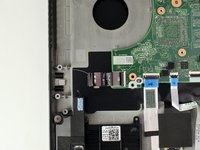
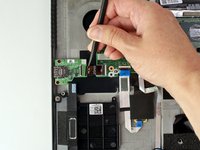
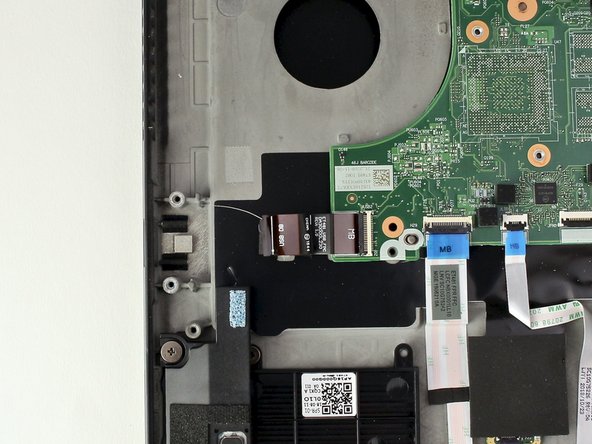
  7. Lenovo ThinkPad T480s USB Card Replacement, USB Card: step 7, image 1 of 3 Lenovo ThinkPad T480s USB Card Replacement, USB Card: step 7, image 2 of 3 Lenovo ThinkPad T480s USB Card Replacement, USB Card: step 7, image 3 of 3
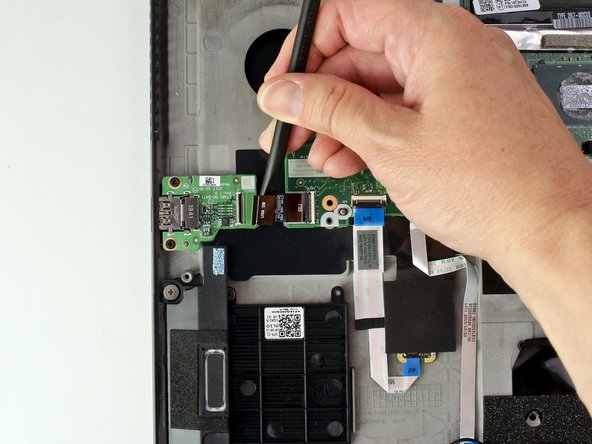
    • Use a spudger to disconnect the cable from the USB card.

    Ask FixBot

    Add Comment

  8. Lenovo ThinkPad T480s USB Card Replacement: step 8, image 1 of 2 Lenovo ThinkPad T480s USB Card Replacement: step 8, image 2 of 2
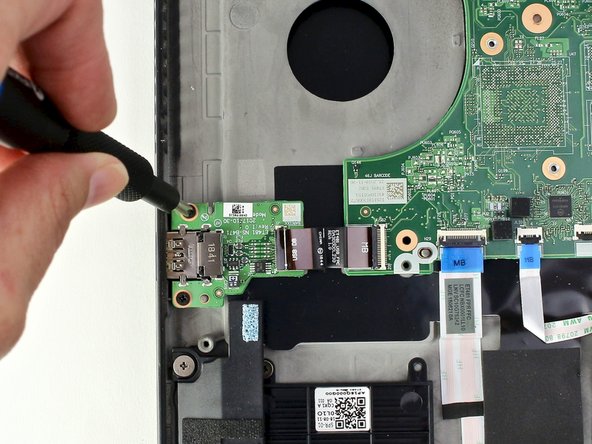
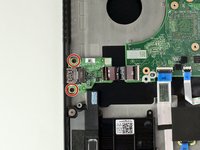
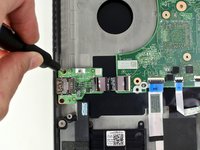
    • Use the Phillips #1 screwdriver to remove two 3 mm screws from the USB card.

    Ask FixBot
    Add Comment

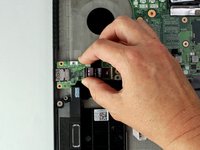
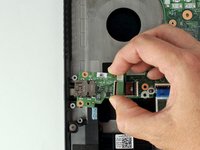
  9. Lenovo ThinkPad T480s USB Card Replacement: step 9, image 1 of 3 Lenovo ThinkPad T480s USB Card Replacement: step 9, image 2 of 3 Lenovo ThinkPad T480s USB Card Replacement: step 9, image 3 of 3
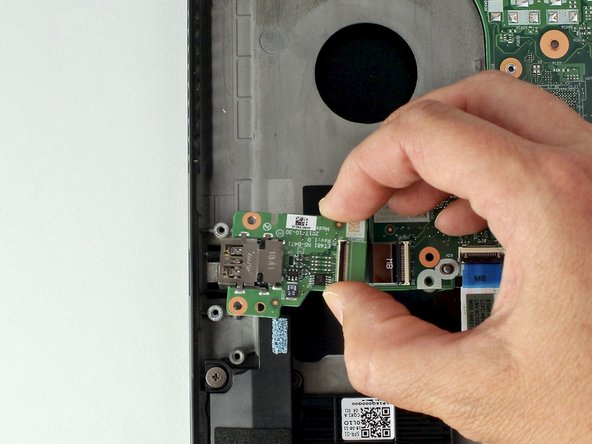
    • With your fingers, lift the USB card from the system.

    Ask FixBot
    Add Comment

Conclusion

To reassemble your device, follow these instructions in reverse order.

Take your e-waste to an R2 or e-Stewards certified recycler.

Repair didn’t go as planned? Try some basic troubleshooting, or ask our Answers community for help.

Cancel: I did not complete this guide.
Sarah Westberg

Member since: 03/11/19

40,488 Reputation

72 Guides authored

Team

iFixit Member of iFixit
Staff

122 Members

26,591 Guides authored

0 Guide Comments

Add Comment

View Statistics:

Past 24 Hours: 3

Past 7 Days: 15

Past 30 Days: 54

All Time: 1,484